內容簡介
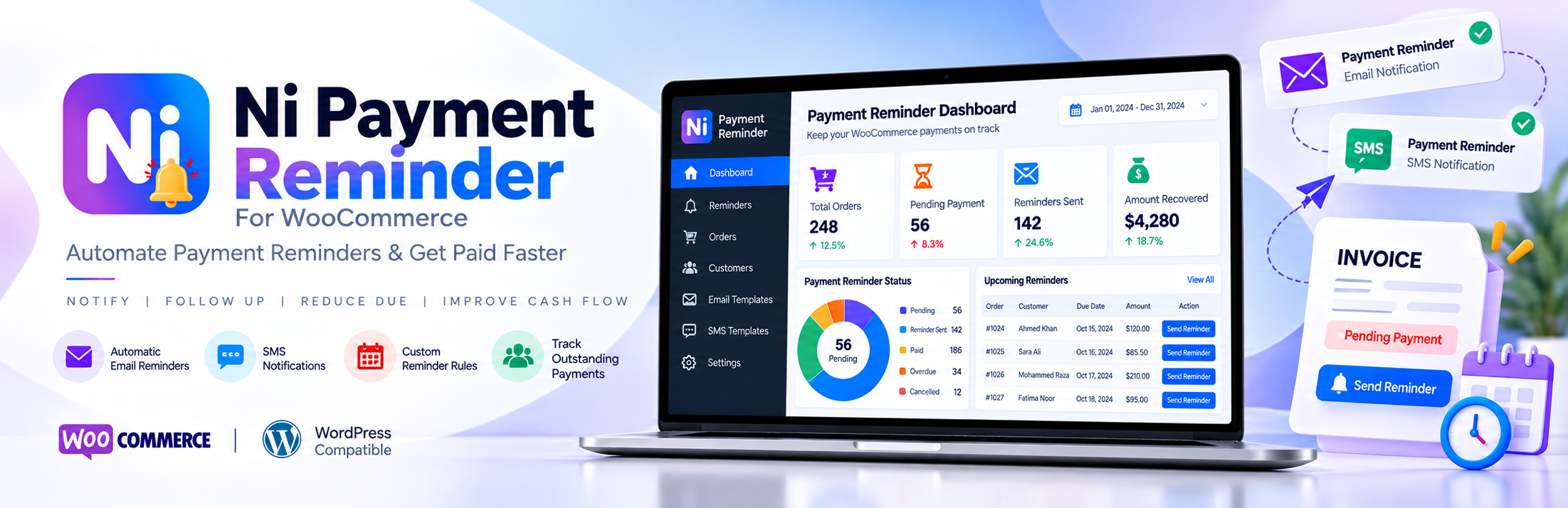
Ni Payment Reminder For WooCommerce 是一款幫助商店收取未付款和待處理訂單的外掛。透過 WooCommerce 訂單列表中的一鍵發送付款提醒郵件,商店可輕鬆跟進客戶的付款狀態,並自訂提醒郵件內容。
【主要功能】
• 一鍵發送付款提醒郵件
• 顯示最後提醒時間的「已提醒」欄位
• 自訂提醒郵件範本
• 使用佔位符個性化郵件內容
• 選擇顯示提醒按鈕的訂單狀態
• 銷售儀表板顯示銷售數據
外掛標籤
開發者團隊
② 後台搜尋「Ni Payment Reminder For WooCommerce」→ 直接安裝(推薦)
原文外掛簡介
Ni Payment Reminder For WooCommerce helps you collect payment on unpaid and pending WooCommerce orders. Send a payment reminder email to the customer with one click from the WooCommerce order list, and see when each order was last reminded.
Write your own reminder email in the WordPress editor and personalize it with placeholders such as the customer’s first name, order number, order date and order total. Choose which order statuses show the reminder button, for example Pending payment, On hold or Processing, and set the sender name, sender email and subject line.
The plugin also adds a simple sales dashboard with today’s, this week’s, this month’s and this year’s WooCommerce sales.
Who is it for?
Stores that take bank transfer (BACS), cheque or cash on delivery payments and need to follow up on orders that are still unpaid.
Stores with pending payment or on-hold orders from abandoned or failed checkouts.
B2B and wholesale stores that send invoices and need a quick payment reminder for overdue orders.
Key features
One-click payment reminder email – an “Email” button in the WooCommerce order list sends the reminder to the order’s billing email.
“Reminded” column – shows when the last reminder was sent for each order (for example “2 days ago”).
Custom reminder email template – write the email in the WordPress visual editor, with links, formatting and images.
Placeholders – personalize the email body and subject line with order details.
Choose order statuses – show the reminder button only for the statuses you pick, such as Pending payment, On hold or Processing.
Sender settings – set the From name, From email address and subject line. If they are left empty, your WooCommerce email sender settings are used.
Clear error messages – if an email cannot be sent, the order list shows the reason (for example an SMTP error).
Sales dashboard – total sales plus this year’s, this month’s, this week’s, yesterday’s and today’s sales, and today’s totals by order status.
HPOS compatible – works with WooCommerce High-Performance Order Storage (custom order tables) and with legacy post storage.
Secure – reminder and settings requests are protected with nonces and capability checks.
Available placeholders
Use these in the subject line or email text. They are replaced with the order’s details when the reminder is sent.
{{order_id}} – order number
{{date_created}} – order date
{{order_total}} – formatted order total
{{payment_method}} – payment method title
{{billing_first_name}} – customer’s billing first name
{{billing_last_name}} – customer’s billing last name
{{store_url}} – shop page URL
{{site_url}} – website URL
Developers can add their own placeholders with the niwoopr_repalce_content and niwoopr_placeholder_text filters.
Support, feedback and customization
We are open to suggestions and feedback. For help, new feature requests or custom development, email [email protected] or visit naziinfotech.com.
Disclaimer
This plugin is provided without warranty. Users are responsible for how they use it.