
內容簡介
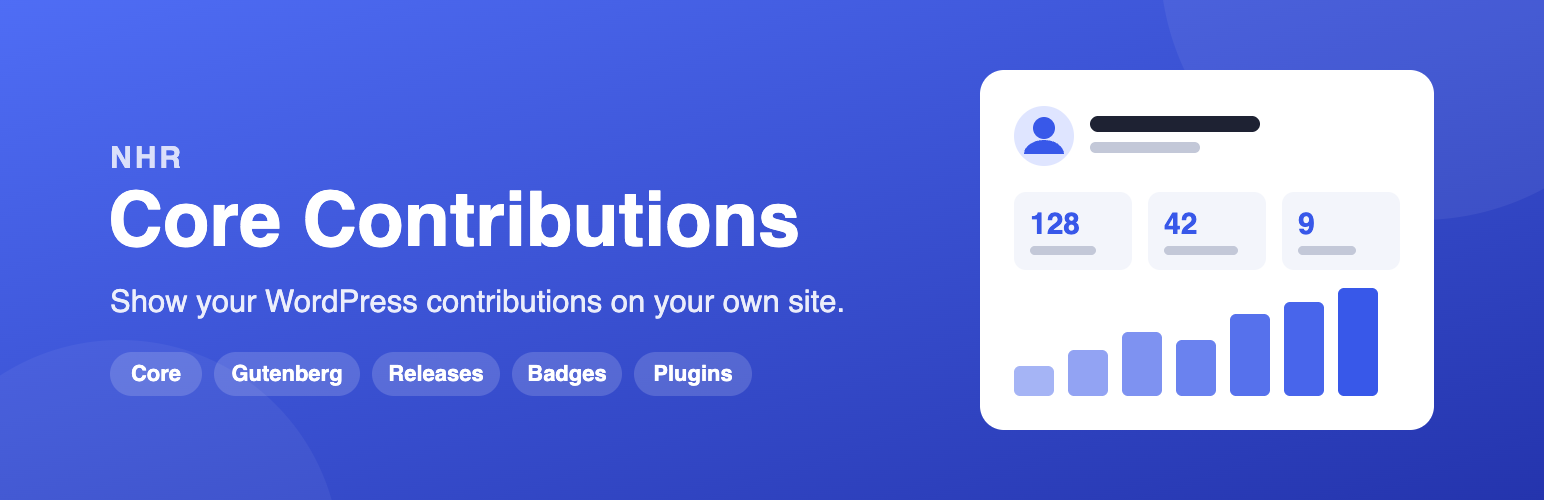
NHR Core Contributions 外掛能夠在您的網站上顯示您對 WordPress 核心的貢獻紀錄。只需輸入 WordPress.org 使用者名稱,即可自動獲取並更新相關數據,讓您的貢獻一目了然。
【主要功能】
• 顯示核心變更集列表,包括日期和組件
• 提供貢獻者卡片,顯示貢獻統計
• 支援多種區塊樣式,符合佈景主題設計
• 自動更新貢獻數據,無需手動操作
• 整合 GitHub 和 WordPress.org 公開數據
外掛標籤
開發者團隊
📦 歷史版本下載
原文外掛簡介
🚀 GitHub Repository: Found a bug or have a feature request? Let us know!
💬 Slack Community: Got questions or just want to chat? Come hang out with us on Slack!
You contribute to WordPress. NHR Core Contributions puts that record on your own website: enter a WordPress.org username and add the blocks you want. Everything is fetched for you and kept up to date.
✨ Blocks
NHR Core Contributions: a paginated list of every core changeset that gives you props, with component, ticket, changeset and date. Switch it to Gutenberg to list the Gutenberg commits that credit you. Three styles: Default, Minimal and Timeline.
Contributor Card: your name and avatar, headline numbers, first and latest contribution and your top core components.
Contribution Stats: the headline numbers on their own.
Contribution Activity: your core contributions per year as a bar chart.
Release Badges: every WordPress release whose credits include you.
WordPress.org Badges: your profile badges, such as Core, Documentation, Polyglots (translation), Meta, Accessibility and WordCamp speaker or organizer.
Plugins and Themes: the plugins or themes you have published on WordPress.org, with installs and rating.
🧩 Built to fit your site
Blocks follow your theme’s colors and typography and work in light and dark designs. Pick one accent color per block if you want.
No JavaScript and one small stylesheet on the front end.
A default username in Tools → Core Contributions, or a different username per block.
Data is cached. Per-year totals, top components and release credits are gathered in the background, never while a visitor waits.
AI Agent & MCP Ready: on WordPress 6.9 and later, AI agents and MCP clients (through the WordPress MCP Adapter) can read the same data through five read-only abilities.
📦 Block Usage
Open a post or page in the block editor.
Add any of the blocks above. They are grouped under “NHR Core Contributions” in the block inserter, and searching for “nhr” or “contributor” finds all of them.
Enter a WordPress.org username in the block settings, or leave it empty to use the default one.
Publish.
External Services
The plugin fetches public contribution data for the WordPress.org username you enter. That username is the only data sent. Requests are made from your server when a block (or an AI ability) needs data that is not cached yet, and by a background task that gathers contribution history.
GitHub API (https://api.github.com/): lists the commits in the official WordPress core mirror (WordPress/wordpress-develop) and in WordPress/gutenberg that credit the username. If you save a GitHub token in the settings, it is sent to GitHub with these requests and to no one else.
– Terms of Service
– Privacy Policy
WordPress.org (https://api.wordpress.org/ and https://profiles.wordpress.org/): release credits, the plugins and themes published by the username, and the public profile page (display name, member-since date and badges). Plugin icons and theme screenshots are shown from WordPress.org servers (ps.w.org, ts.w.org), so a visitor’s browser requests them.
– Privacy Policy
Gravatar (https://secure.gravatar.com/): the contributor’s profile picture is shown from Gravatar, so a visitor’s browser requests it.
– Terms of Service
– Privacy Policy














