
內容簡介
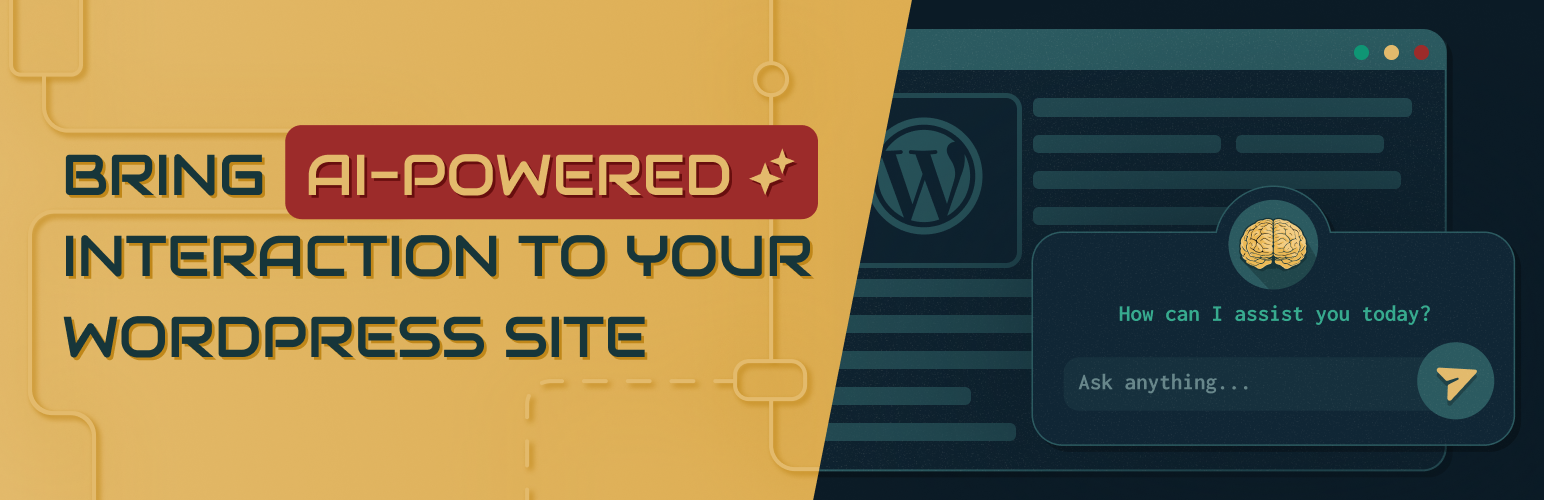
Nerdy Posts 外掛為您的 WordPress 網站帶來 AI 驅動的內容互動,讓訪客能夠獲得文章摘要並與內容進行對話,並依據文章類別進行組織,提升用戶體驗。
【主要功能】
• 生成文章的 AI 驅動摘要
• 訪客可透過滑出聊天面板互動
• 根據現有文章類別組織 AI 功能
• 快取摘要以降低成本並提升效能
• 支援多種主題的強大 CSS 範圍
• 可擴展架構,便於新增 AI 服務
外掛標籤
開發者團隊
原文外掛簡介
Nerdy Posts brings AI-powered content interaction to your WordPress site. It connects your posts to ChatGPT, giving visitors the ability to get AI-generated summaries and chat with your content — organized by post category.
What it does
Generates AI-powered summaries of your posts
Lets visitors interact with and ask questions about your content through a slide-in chat panel
Organizes AI features around your existing post categories
Caches summaries so the AI service is only called once per post, keeping costs down and performance up
Built for the real world
The chat interface loads as a modal or slide-in panel — not in the bottom-right corner where it would conflict with live chat widgets and other plugins
Strong CSS scoping designed to hold up across themes
Built on an extensible architecture so additional AI services can be added without rewriting the core plugin
Follows WordPress coding standards and best practices
Getting started
Install and activate the plugin
Enter your ChatGPT API key in the settings
Choose which post categories to enable
Your visitors can now get summaries and chat with your content
An OpenAI API key is required. API usage costs are determined by your OpenAI plan.
External Services
This plugin connects to the AI service you configure — OpenAI or Anthropic (Claude) — to generate AI-powered post summaries and to respond to visitor chat messages. Only the service you select and enter an API key for is contacted.
What is sent and when:
When a visitor clicks the “Summary” button, the post title and content are sent to the configured AI service to generate a summary. The result is cached in post meta so the API is only called once per post.
When a visitor sends a chat message, the post content, their message, and the recent conversation history (up to 6 messages) are sent to the configured AI service.
In the plugin settings, when an administrator enters an API key, the plugin calls the configured service’s list-models endpoint to populate the Model dropdown. Only the API key is sent; the result is cached for about 12 hours.
No data is transmitted on page load. All content API calls are initiated by explicit visitor action.
Service provider: OpenAI, L.L.C.
Terms of use
Privacy policy
Service provider: Anthropic, PBC.
Terms of service
Privacy policy
Third-Party Libraries
This plugin bundles MicroModal (v0.4.2), a lightweight accessible modal library.
License: MIT
Source: https://github.com/ghosh/Micromodal














