內容簡介
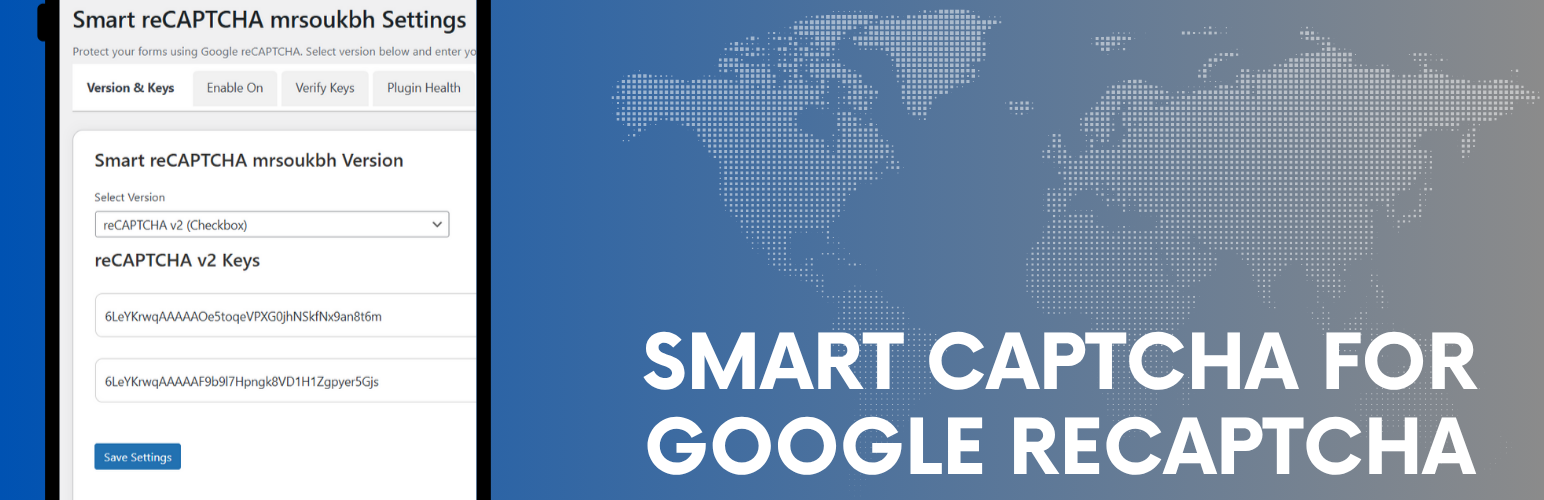
總結:Mrsoukbh Smart CAPTCHA 是一個輕量但功能強大的外掛,可使用 Google reCAPTCHA v2 或 v3 來保護您的 WordPress 網站免受垃圾郵件和濫用。
問題與答案:
1. Mrsoukbh Smart CAPTCHA 外掛用於保護 WordPress 網站免受什麼?
- 垃圾郵件和濫用。
2. 這個外掛支援哪些 reCAPTCHA 版本?
- reCAPTCHA v2(勾選框)和 v3(隱形)。
3. 除了登入表單和註冊表單,這個外掛還整合哪些應用?
- 評論表單、WooCommerce 結帳、Contact Form 7、WPForms、Gravity Forms(選擇性)。
4. Google reCAPTCHA 用於區分人類使用者和自動機器人,它分析什麼來決定表單提交是否合法?
- 使用者的行為模式和互動數據。
5. 哪些數據將傳送至 Google reCAPTCHA?
- 使用者的 IP 位址、瀏覽器指紋數據、使用者互動模式、reCAPTCHA 回應標誌生成的數據。
6. 如何確保所傳送至 Google 的數據處理?
- 根據 Google 的隱私政策進行處理,不包含敏感表單數據,僅包括 reCAPTCHA 回應標誌和標準驗證數據。
外掛標籤
開發者團隊
② 後台搜尋「Smart Captcha for Google reCAPTCHA」→ 直接安裝(推薦)
原文外掛簡介
Mrsoukbh Smart CAPTCHA for Google reCAPTCHA is a lightweight yet powerful plugin to protect your WordPress site from spam and abuse using Google reCAPTCHA v2 or v3.
Features:
– Supports both reCAPTCHA v2 (Checkbox) and v3 (Invisible).
– Integration with:
– Login form
– Registration form
– Comment form
– WooCommerce checkout
– Contact Form 7, WPForms, Gravity Forms (optional)
– Visual chart of failed attempts.
– Security dashboard to monitor plugin health.
– AJAX-based key verification.
– Optional reCAPTCHA v3 badge control.
Third-Party Service Integration
⚠️ IMPORTANT: External Service Usage
This plugin integrates with Google reCAPTCHA service to provide spam protection and bot detection. By using this plugin, you acknowledge that it will communicate with Google’s servers to verify CAPTCHA responses.
What data is sent to Google reCAPTCHA:
– User’s IP address
– Browser fingerprint data (collected by Google’s reCAPTCHA script)
– User interaction patterns (mouse movements, timing, etc.)
– The reCAPTCHA response token generated by user interaction
When data is sent:
– Every time a user submits a form protected by reCAPTCHA
– During key verification checks in the admin panel
– When loading reCAPTCHA scripts on protected pages
Google reCAPTCHA Service Links:
– Terms of Service: https://developers.google.com/terms/
– Privacy Policy: https://policies.google.com/privacy
– reCAPTCHA Terms: https://www.google.com/recaptcha/intro/terms.html
– reCAPTCHA Privacy: https://policies.google.com/privacy#infocollect
Purpose of External Service:
Google reCAPTCHA is essential for distinguishing between human users and automated bots. This service analyzes user behavior patterns and interaction data to determine if form submissions are legitimate. Without this integration, the plugin cannot provide spam protection functionality.
Data Processing:
All data sent to Google is processed according to Google’s privacy policy. No sensitive form data (passwords, personal information) is sent to Google – only the reCAPTCHA response tokens and standard verification data.
User Consent:
By enabling reCAPTCHA on your forms, you are responsible for informing your users about this third-party integration according to your local privacy laws (GDPR, CCPA, etc.).