內容簡介
### 總結:
Mori AI 搜索工具可升級您的網站搜索功能,從基本的關鍵字匹配升級至智能的上下文感知結果,並結合嵌入式與實用控制功能。它可以建立您內容的結構化索引並使用人工智能,以便來訪者更快地找到適合的頁面、文件或答案。您可控制索引內容、結果排名方式,以及最重要的文章類型。同時,專業用戶可以使用清潔的 REST API 進行自定義前端和集成。
### 問題與答案:
1. Mori AI Search 與 WordPress 原生搜索有何不同之處?
- Mori 可以提供智能、上下文感知的搜索結果,而不僅僅是重複關鍵字的文章。
2. 透過 Mori 可以設定哪些內容和功能?
- 您可以設定索引頁面、文章、自訂文章類型和附件,並生成 AI 輔助的元數據,還可以排名結果,建立權重以顯示重要內容。
3. Mori API 提供了什麼樣的功能?
- /ai-search/v1/search 支持查詢、上下文、標籤和文章類型過濾,返回標準化數據並內含合併標籤、關鍵字和評分等細節。
4. Mori AI Search 如何保證性能?
- 透過對輸入進行修剪限制和批量重新索引,以及將數據存儲在專用的 MySQL 表中進行快速查找。
5. 使用 Mori 來實現什麼樣的典型用例?
- 包括需要"價格是什麼"和"服務"能夠準確搜尋到正確頁面的營銷網站,受益於關鍵詞和標籤過濾功能的文檔門戶站等。
6. Mori AI Search 的未來發展計畫包括哪些方面?
- 自定義主題,可選的語音搜索和聊天功能,以及 WooCommerce 的過濾和行銷信號。
外掛標籤
開發者團隊
原文外掛簡介
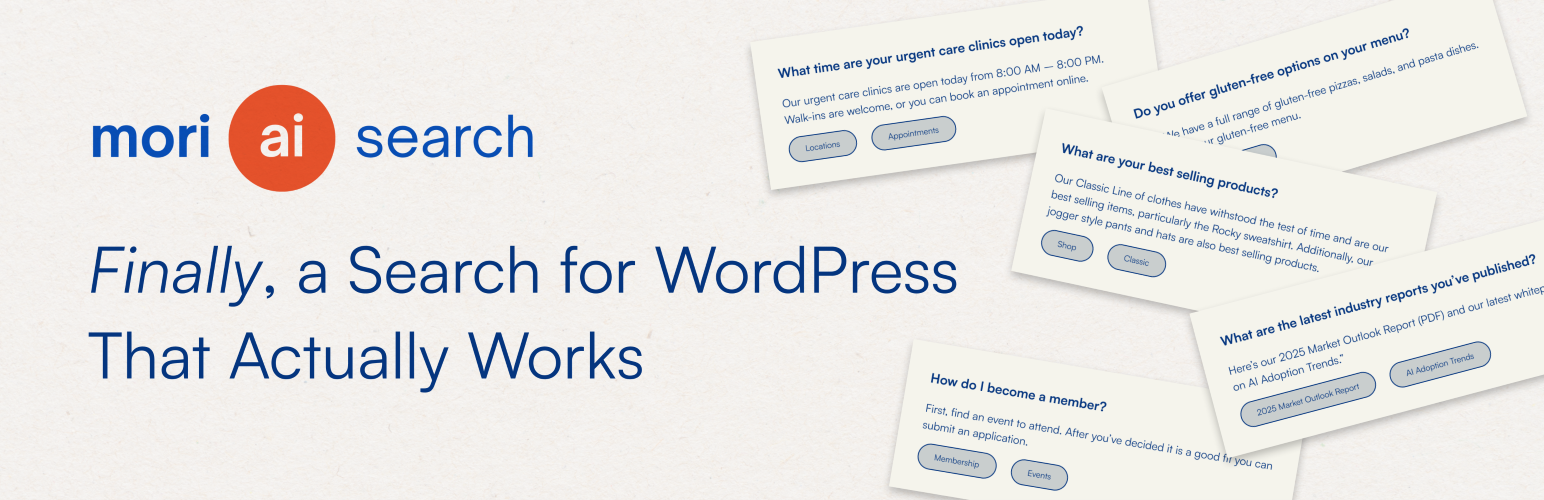
WordPress search is literal. Mori is semantic. When someone searches “pricing” or “services,” they get the pages that actually answer those needs, not just posts that happen to repeat the keyword. Mori blends embeddings (vector representations of meaning) with practical controls like post type weighting and tag filtering.
Mori AI Search upgrades your site’s search from basic keyword matching to smart, context-aware results. It builds a structured index of your content using AI, so visitors can find the right page, file, or answer faster. You control what gets indexed, how results are ranked, and which post types matter most. Power users get a clean REST API for custom front ends and integrations.
What it does
Creates a rich index of posts, pages, custom post types, and attachments
Generates AI-assisted metadata during indexing: keywords, auto-tags, and summaries you can refine with manual tags
Ranks results by semantic similarity, then applies weights by post type to surface what matters first
Exposes a simple REST API for search, prompts, and admin actions so you can build your own UI or integrate with other tools
Lets you exclude items from the index and override tags for precise control
Supports PDFs uploaded via the settings screen. Text is extracted and indexed alongside your content
Key features
Structured index
Pages, posts, custom post types, and attachments
AI-generated keywords and auto-tags, plus manual tags you define
Priority flags and per-post type weights for ranking control
Admin controls
Single settings screen for API key, prompts, extra context, and PDF uploads
One-click reindex that runs in batches via WP-Cron to avoid timeouts
Exclusion and tagging interface with incremental loading for large sites
Search API
/ai-search/v1/search with support for query, context, tag, and post_type filters
Returns normalized data with merged tags, keywords, and scoring details
Built-in heuristics to recognize “main pages” or “site map” queries and return primary navigation
Optional debug mode that includes similarity scores and SQL filters in the response
Performance-minded
Embedding inputs are trimmed to roughly 8k tokens (about 32k characters) per item
Batched reindexing with a default of 20 items per run, adjustable via constant
Data stored in a dedicated MySQL table for fast lookups
How it works
Add your OpenAI API key on the Mori settings page.
Start a reindex. Mori queues all eligible content and processes it in batches via WP-Cron.
For each item, Mori generates an embedding, proposes tags, extracts 3–5 keywords, and saves everything to the index table.
When a visitor searches, Mori computes similarity between the query and the stored embeddings, applies your weights, filters by tag or post type if requested, and returns the top results.
Data and privacy
Nothing is sent to OpenAI until you add an API key.
During indexing, only the content needed to build embeddings and metadata is transmitted. That typically includes title, excerpt, main content, and for attachments the extracted text of PDFs you choose to upload through Mori.
During a search, the query and optional context are sent to calculate similarity or generate an answer when your configuration calls for it.
Review your own privacy policy to disclose how search data is handled on your site. See OpenAI’s Terms of Use and Privacy Policy for provider details.
Typical use cases
Marketing sites that need “what is pricing” and “services” to land on the right pages
Documentation portals that benefit from keywords and tag filters
Media libraries where PDFs and attachments must be discoverable
Headless or decoupled setups that want a clean REST search layer
Roadmap
Custom theming
Optional voice search and chat
WooCommerce filters and merchandising signals