
內容簡介
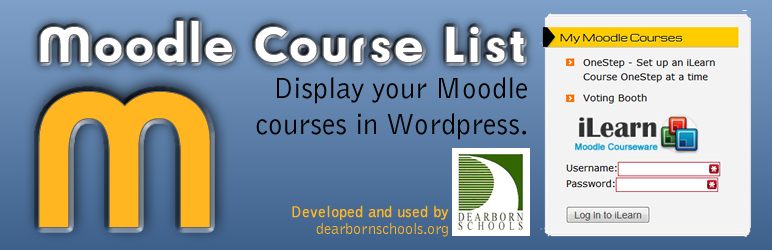
這個外掛可以讓您在 WordPress 網站上顯示特定 Moodle 使用者的課程列表。這對於使用 WordPress 進行公開溝通,而使用 Moodle 進行私密教室活動的教師來說非常理想。這個小工具可以讓教師顯示他們的課程列表,讓家長和學生可以快速在 WordPress 和 Moodle 之間切換。
這個外掛主要針對大型機構使用,必須由網站管理員進行配置。您需要在程式碼的三個地方進行更改才能使該外掛正常工作。每個位置都有相應的 //CHANGE 注釋和說明所需更改的內容。詳細的配置和安裝說明請參閱安裝說明。
如需查看外掛的實際效果,請訪問 http://iblog.dearbornschools.org/webmaster。
外掛標籤
開發者團隊
原文外掛簡介
This plugin will allow you to display a list of Moodle courses for a specific user of Moodle. This is ideal for teachers who use WordPress for public communication and Moodle for private classroom activities. This widget will allow the teacher to display a list of their courses so that parents and students can quickly navigate between WordPress and Moodle.
This plugin is designed for use in larger institutions and must be configured by a web administrator. There are 3 places in the code where you must make changes to get this plugin working properly. Each place is clearly commented with //CHANGE and an explanation of what needs to be changed. Please see Installation for additional information on how to configure and install.
To see the plugin in action please view http://iblog.dearbornschools.org/webmaster













