90+
安裝啟用
—
尚無評分
3253 天前
最後更新
—
問題解決
WordPress 3.0.1+ v1.0.0 上架:2017-05-15
內容簡介
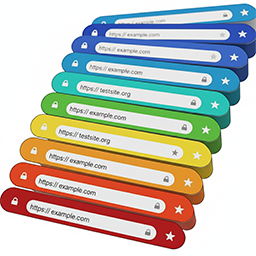
安裝外掛後,請點擊「設定」連結或前往「設定」->「行動條顏色更改器」,點選選擇顏色欄位,然後使用顏色選擇器或輸入所需顏色的十六進位碼,即可設定您的行動條顏色。
外掛標籤
開發者團隊
⬇ 下載最新版 (v1.0.0) 或搜尋安裝
① 下載 ZIP → 後台「外掛 › 安裝外掛 › 上傳外掛」
② 後台搜尋「Mobile address bar color changer」→ 直接安裝(推薦)
② 後台搜尋「Mobile address bar color changer」→ 直接安裝(推薦)
原文外掛簡介
After you install the plugin click the Settings link or go to Settings->Mobile bar color changer, click the select color field and either use the color picker or type the hex code for the color you want your bar to be.