內容簡介
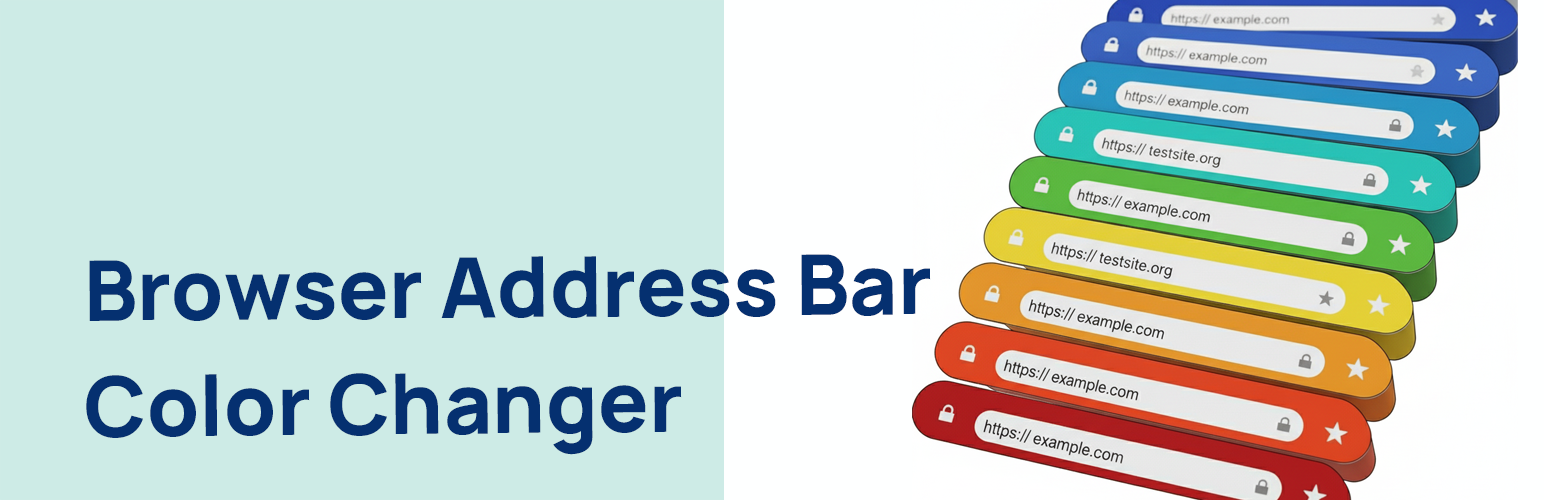
Browser Address Bar Color Changer 是一款輕量級、安全且易於使用的外掛,讓您能夠為支援的行動瀏覽器(如 Android 上的 Chrome)設定瀏覽器地址欄的顏色,提供更具沉浸感的品牌體驗。
【主要功能】
• 簡單易用的顏色選擇器
• 使用 WordPress 設定 API 確保安全性
• 輕量化設計,對前端性能無影響
• 遵循最佳實踐,避免外掛衝突
外掛標籤
開發者團隊
② 後台搜尋「Browser Address Bar Color Changer」→ 直接安裝(推薦)
原文外掛簡介
Browser Address Bar Color Changer is a lightweight, secure, and easy-to-use plugin that allows you to set the color of the browser’s address bar on supported mobile browsers (like Chrome on Android). This helps in providing a more immersive, branded experience for your mobile visitors.
The plugin adds a theme-color meta tag to the head section of your website. You can easily pick your desired color from a simple color picker in the WordPress admin settings, without touching a single line of code.
Key Features:
Easy to Use: A simple color picker in the settings page (Settings > Browser Address Bar Color) with a direct link from the plugins page.
Secure: Built using the WordPress Settings API, ensuring all data is saved and outputted securely with proper sanitization, escaping, and validation.
Lightweight: The browser address bar color changer plugin is minimal and only loads its scripts on its own settings page, having zero impact on your site’s frontend performance.
Follows Best Practices: Coded to the highest WordPress standards with unique naming conventions to prevent plugin conflicts.