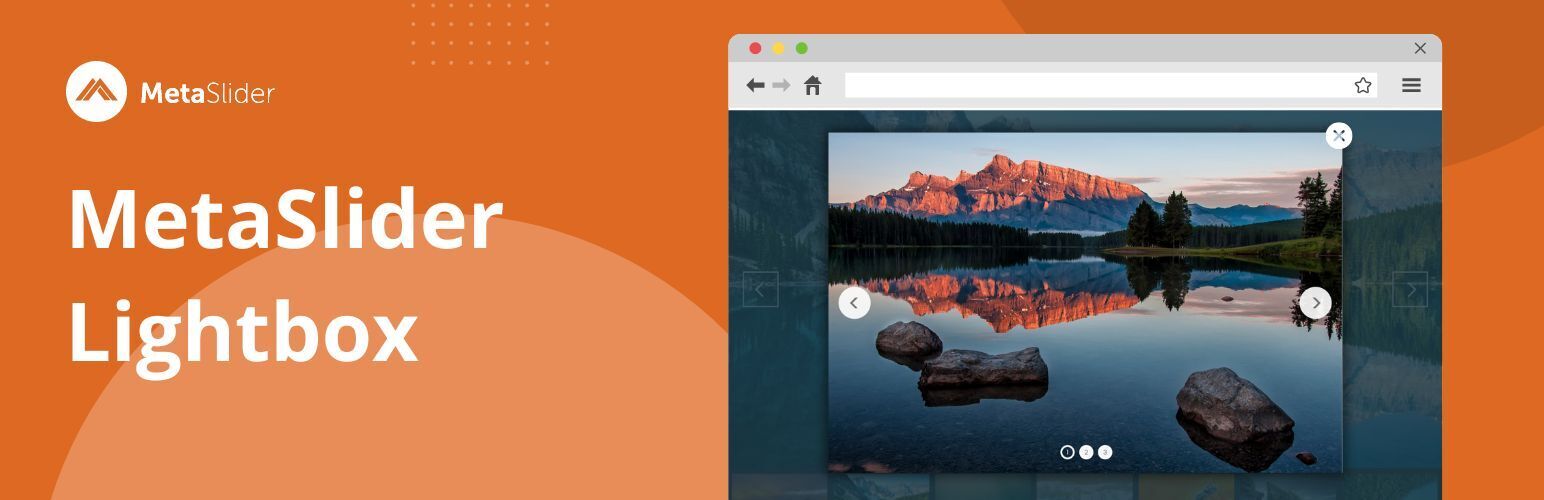
內容簡介
這是與流行的 WordPress 外掛MetaSlider一同使用的外掛,允許使用以下支援的光箱外掛打開幻燈片:
Easy FancyBox(300,000+ 活跃安装数)
Simple Lightbox(200,000+ 活跃安装数)
FooBox Image Lightbox(100,000+ 活跃安装数)
WP Colorbox Lightbox(10,000+ 活跃安装数)
ARI Fancy Lightbox(10,000+ 活跃安装数)
Gallery Manager(6,000+ 活跃安装数)
我們還支援以下 WordPress 外掛,雖然它們沒有最近的更新,或者有時作者在長時間內沒有修復問題:
Responsive Lightbox by dFactory(200,000+ 活跃安装数)注意:有些使用者報告使用 Responsive Lightbox by dFactory 時出現錯誤(請參閱此處)。
WP Lightbox 2(60,000+ 活跃安装数)
WP jQuery Lightbox(50,000+ 活跃安装数)
jQuery Colorbox(30,000+ 活跃安装数)
Fancy Lightbox(1,000+ 活跃安装数)
imageLightbox(800+ 活跃安装数)
WP Lightbox Ultimate
Lightbox Plus
如果您想使用不支援的光箱外掛,您可以通過 hook(鉤子)進入 metaslider_lightbox_supported_plugins 做出支援。如果您需要幫助,請提出問題。
外掛標籤
開發者團隊
② 後台搜尋「MetaSlider Lightbox – Modals & Lightboxes – Image, Gallery, Video, Slideshow Lightbox」→ 直接安裝(推薦)
📦 歷史版本下載
原文外掛簡介
MetaSlider Lightbox is the lightbox and modal plugin for WordPress. You can use MetaSlider Lightbox to add modal windows for images, galleries, videos, slideshows and more. You can use MetaSlider Lightbox to enhance your MetaSlider slideshows, plus also the media files inside your WordPress posts.
The MetaSlider Lightbox plugin allows you to show a wide variety of media inside a lightbox modal window, including these:
Images
Image galleries
Videos hosted on WordPress sites
Vimeo videos
YouTube Videos
Featured images
MetaSlider slideshows
You can really enhance your WordPress media with a lightbox. Visitors can view your images or videos and then open them inside a modal. This can make the image or video larger and also darken the background so it’s easier to focus on the media.
WordPress Image Lightbox
MetaSlider Lightbox allows you to add lightboxes to images in your WordPress post content. You can choose to automatically add the lightbox to all images, or you can do it manually via the “Enlarge on click” setting. This works with both the block editor and the Classic Editor. You can also use this lightbox with page-builders such as Elementor, Divi, and Beaver Builder, thanks to the CSS feature.
Click here to see more lightboxes with images.
WordPress Image Gallery Lightbox
MetaSlider Lightbox allows you to add lightboxes to image galleries in your WordPress post content. You can choose to automatically add the lightbox to all images, or you can do it manually via the “Enlarge on click” setting. Each image in your gallery can get it’s own lightbox setting.
Click here to see more lightboxes with image galleries.
Lightboxes with Local Videos
You can use the MetaSlider Lightbox plugin to show videos inside a lightbox modal window. The MetaSlider Lightbox plugin supports videos hosted inside your WordPress media library. You can use MetaSlider Lightbox to showcase your .MP4, .WebM, and .MOV videos.
Click here to see more lightboxes with local videos.
Lightboxes with YouTube Videos
MetaSlider Lightbox allows you to add lightboxes to YouTube videos in your WordPress post content. You can choose to automatically add the lightbox to all YouTube images. You can use many different YouTube URL formats. There’s a list of formats here.
Click here to see more lightboxes with YouTube videos.
Lightboxes with Vimeo Videos
MetaSlider Lightbox allows you to add lightboxes to Vimeo videos in your WordPress post content. You can choose to automatically add the lightbox to all Vimeo videos
Click here to see more lightboxes with Vimeo videos.
Lightboxes with MetaSlider Slideshows
The MetaSlider lightbox plugin connects deeply with the MetaSlider slideshow plugin.
A slideshow allows you to create a beautiful showcase of images or videos for your visitors. You can enhance your slideshow with a lightbox. Visitors can view your slideshow and then click on an image and see a larger, higher-resolution version of the image. Often the background is darkened so that the viewer’s eyes can focus on the image alone.
MetaSlider Lightbox supports every kind of slideshow created with MetaSlider except Layer Slides and Custom HTML.
Click here to see more lightboxes with MetaSlider slideshows.
Design Options for MetaSlider Lightbox
The MetaSlider Lightbox plugin has a wide range of design options to allow to customize the lightbox effect. You can customize the lightbox background and overlay appearance. You can choose the navigation icons (close, previous, next arrows) that appear in all lightboxes. You can modify the the “Open in Lightbox” option that can be added to media.
Click here to see lightbox design options.