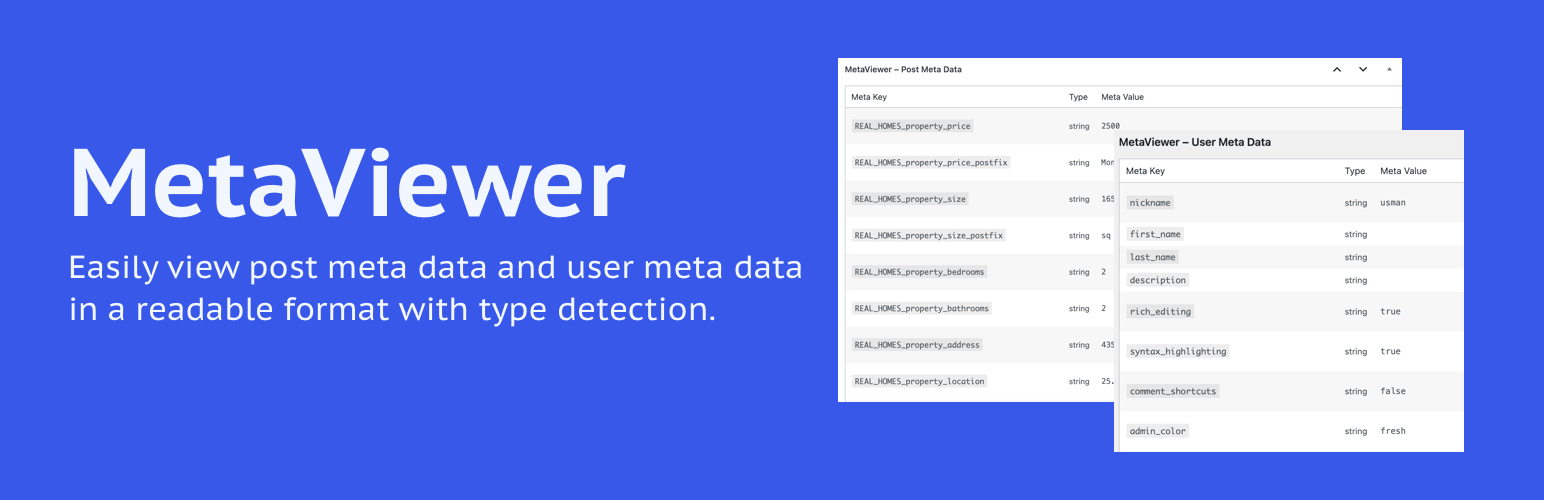
內容簡介
MetaViewer 是一款幫助開發者、網站建置者及進階使用者檢視文章元資料、使用者元資料及自訂欄位資料的外掛,提供清晰的管理介面,便於除錯和資料檢查。
【主要功能】
• 檢視所有文章類型的文章元資料
• 檢視使用者個人資料頁面的使用者元資料
• 乾淨的表格佈局,具條紋效果
• 自動偵測並顯示資料類型(字串、整數、陣列等)
• 支援翻譯且輕量化
• 相容於 PHP 7.4 及更新版本
外掛標籤
開發者團隊
② 後台搜尋「MetaViewer – Debug Meta Data」→ 直接安裝(推薦)
原文外掛簡介
MetaViewer helps developers, site builders, and advanced users inspect post meta, user meta, and custom field data in a clear admin table. It supports public custom post types and displays the detected data type for each value.
Use it while debugging custom fields, checking plugin data, reviewing user meta, or understanding what is stored behind a WordPress screen.
Key Features:
View post meta data on the edit screen of all post types.
View user meta data on user profile pages.
Clean tabular layout with zebra striping.
Auto-detects and displays data types (string, int, array, etc.).
Translation ready and lightweight.
Compatible with PHP 7.4 and newer.
License
This plugin is licensed under the GPLv2 or later.