20+
安裝啟用
★★★★★
5/5 分(1 則評價)
4858 天前
最後更新
—
問題解決
WordPress 3.4+ v1.0.3 上架:2012-08-30
內容簡介
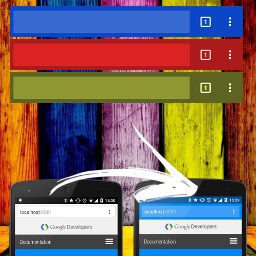
Menubar Color Changer 可以讓你更改 Twenty Eleven 主題中黑色選單列的顏色,同時也會在外觀選單中新增自訂器。
這個外掛使用起來非常簡單,而且安裝設置非常快速!
外掛標籤
開發者團隊
原文外掛簡介
Menubar Color Changer allows you to change the color of the black menubar in Twenty Eleven. It also adds the customizer to the appearance menu.
The plugin is easy to use and quick to setup!