內容簡介
這款外掛提供簡單且有效的解決方案,透過新增「theme-color」meta 標籤來提升網站在多平台上的使用者體驗,並支援多種瀏覽器與裝置。
【主要功能】
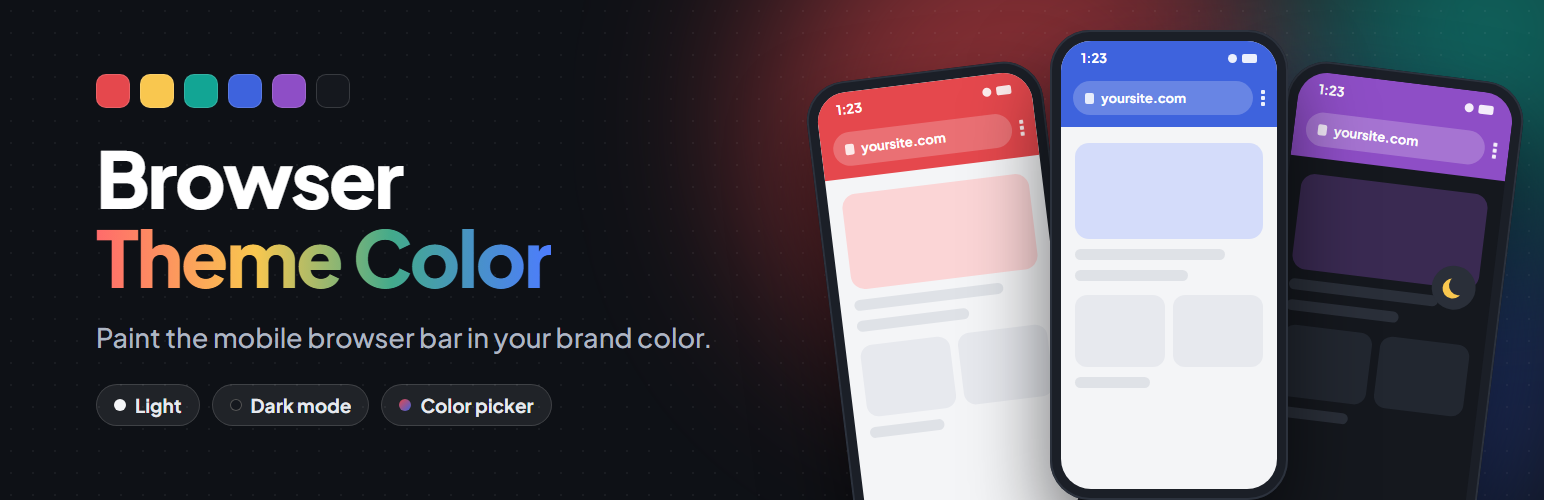
• 設定「theme-color」meta 標籤,支援多種瀏覽器
• 提供暗黑模式的選擇顏色
• 實時顏色選擇器,支援亮暗模式預覽
• 輕量化設計,無外部請求或前端腳本
• 完全可自訂,符合品牌識別
外掛標籤
開發者團隊
② 後台搜尋「Browser Theme Color – Address Bar Color & Dark Mode」→ 直接安裝(推薦)
原文外掛簡介
Discover a powerful solution for enhancing your website’s user experience across multiple platforms with our simple, lightweight, and effective plugin that adds the “theme-color” meta tag. Supported by Chrome, Edge and Samsung Internet on Android and by Safari up to iOS 18, our plugin follows the web standard to ensure a seamless user experience.
In addition to its seamless compatibility, our plugin is fully customizable, allowing you to style it to match your brand’s unique identity. With the option to choose from a variety of colors, you can easily tailor the “theme-color” meta tag to perfectly complement your website’s design and layout.
When you install the plugin for the first time, the color is automatically set to #23282D, which is the standard WordPress color. From there, you can easily customize the tag to match your brand, ensuring a fully immersive user experience that keeps visitors coming back for more.
Features
Sets the “theme-color” meta tag used by Chrome, Edge and Samsung Internet on Android, and Safari up to iOS 18
Optional separate color for visitors using dark mode (prefers-color-scheme)
Experimental support for Safari on iOS 26+, which ignores the “theme-color” tag
Color picker with live light/dark preview
Developer filters: browser_theme_color and browser_theme_color_dark
Lightweight: no external requests, no front-end scripts or styles
Development happens on GitHub: milesimarco/browser-theme-color.
Don’t settle for a subpar user experience on mobile devices. Elevate your website’s design and functionality with our “theme-color” meta tag plugin today, for free!