外掛標籤
開發者團隊
原文外掛簡介
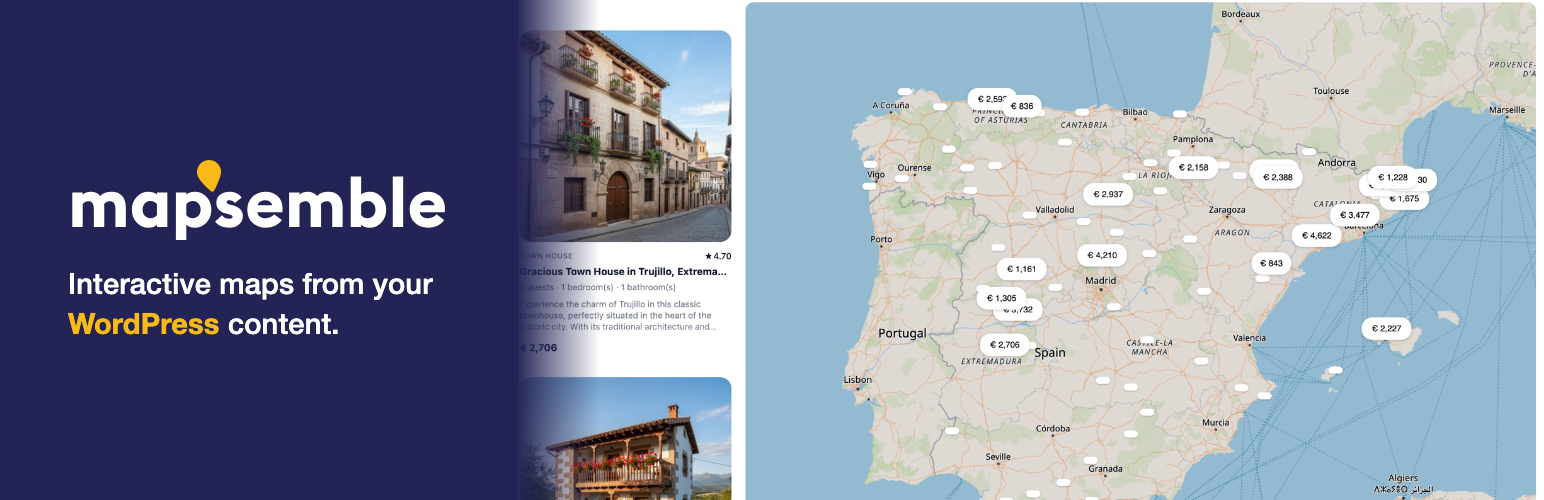
Mapsemble turns a list of places into a map people can search: a store locator, a holiday-home finder, a dealer or member directory. Visitors search and filter, and the results show as cards right beside the map, following along as they pan and zoom.
Free for up to 150 locations per map, with unlimited map views. There is no per-view pricing on any plan.
You design the map in the Mapsemble map builder, without code, and this plugin puts it on any page with one block.
Why Mapsemble
List and map together. Results appear as cards beside the map and stay in step with it as visitors pan, zoom and filter, with a layout of its own on phones.
Your design. Markers, clustering, card layouts, colours and custom CSS are all set in the builder.
Search and filters. Location search, plus filters on any field: categories, numbers, dates.
Fast with large datasets. The map loads only what is in view and the list pages through the rest, so thousands of locations stay quick.
Free to start. Up to 150 locations per map for free. A paid plan removes the cap and can feed the map straight from your WordPress posts.
Add a map in minutes
Add the Mapsemble Map block to a page. Before you connect anything it shows a fully working sample map, so you see what your visitors will get. Connect your free Mapsemble account under Mapsemble → Settings, and the block lists your own maps: pick one and publish.
Every map embeds by its Mapsemble map id, so the [mapsemble map="…"] shortcode and the mapsemble_embed() template function place the same maps outside the block editor, and a typed id works for any public map. Your account’s maps are listed under Mapsemble → Maps, where locations for maps hosted on Mapsemble are edited in the Mapsemble location editor, which opens from your admin in a new tab with the map beside it — this works on a local development site too.
Or map your WordPress posts
Add a map under Mapsemble → Built from this site to make a post type the map’s data: give posts a location and Mapsemble fetches them from a public endpoint on your site, with the cards rendered from your own templates. Always-on filters, visitor filter mappings, sort options and marker style properties shape the feed per map. This is the advanced option: it needs a publicly reachable site, and the Pro plan on the Mapsemble side — nothing is blocked before then; visitors see an upgrade notice over the map until the account is upgraded.
Editing follows the data: maps hosted on Mapsemble are edited in the Mapsemble editor (opened from Mapsemble → Maps in your admin); maps built from this site are edited by editing the posts themselves.
Shaping a site-fed map
A map built from this site does not have to serve the whole post type:
Always-on filters restrict which posts appear — by taxonomy term or custom field — so two maps on the same post type can show different posts.
Visitor filters bind the filter widgets you configured on Mapsemble to your taxonomies and custom fields, so choosing one actually narrows the results. Option pickers are fed from your content.
Sort options bind the map’s sort choices to publication date, title, a custom field, or entropy — an even geographic spread, so the first results cover the map instead of clustering.
Marker style properties put taxonomy terms or custom field values on every map feature, for Mapsemble’s marker-style rules to match.
All of this lives on the map’s own edit screen and applies to the feed immediately — no reindexing.
Placing a map
Block editor — add the Mapsemble Map block (under Embed) and pick any map right in the canvas: search your account’s maps and maps built from this site, or choose the sample or a typed id. The chosen map previews live, and “Change map” in the block toolbar picks another. New blocks insert as Wide. Height, scroll behaviour and initial filters are in the block sidebar. The same block works in Appearance → Widgets and in the Site Editor.
Classic editor, Text widgets, page builders — use the shortcode. map takes a Mapsemble map id (or sample); id takes a site-fed map’s WordPress id, shown ready to copy on the Built from this site list:
[mapsemble map=”0198…” height=”60vh” scroll_capture=”mobile”] or [mapsemble id="123"]
Theme templates — mapsemble_embed( '0198…' ) / the_mapsemble_embed( 'sample' ) for any map by id, or mapsemble_map( 123 ) / the_mapsemble_map( 123 ) for a map built from this site.
A map built from this site serves from this site however it is embedded, by its map id too — “fed by WordPress” is a property of the map, not of where you embed it.
height and the two offsets take a CSS length (`50vh`, `480px`, `2rem`). `scroll_capture` is `none` or `mobile`, and turns the map into a sticky section: scroll gestures over it move the card list instead of the page. While scroll capture is on, the map sticks at the top offset — that is how you clear a fixed site header. While the map fills the visible screen, both offsets are also taken off its height, leaving room above and below it — as long as the minimum `height` leaves that room. Leave any of them out and the map keeps its own default.
Two more attributes shape the embed:
fill_viewport="false" stops the map from growing to the visible viewport. Normally height is a minimum: the map is at least that tall and grows to fill the visible screen. With fill_viewport="false" it is the exact height — height="300px" makes a 300px map.
filters seeds the map’s filters on load, as a JSON object of filter slug to value. Quote it with single quotes so the editor does not mangle the JSON: [mapsemble id="123" filters='{"category":"parks"}']. An unreadable value is ignored. In the block, both live in the sidebar; in mapsemble_map(), pass filters as a native array.
A Mapsemble account is required. See the External Services section for details on what data is exchanged.
External Services
This plugin connects to the Mapsemble service (https://app.mapsemble.com):
It loads the Mapsemble map widget (widget.js) from app.mapsemble.com on pages where you embed a map, and in the block editor’s live preview of one. Visitors’ browsers request map tiles and configuration from the Mapsemble service; their IP address and the map id are visible to it, as with any embedded map service.
From the admin area it authenticates with your API credentials to list the maps in your account, to read a map’s filters and sort options (for a map’s edit screen and the block’s Filters panel), to create maps, and to tell Mapsemble where each map’s data comes from.
When you connect from the settings screen, the link your browser opens carries a one-time random code to Mapsemble; you approve there, and the plugin then collects the API credentials over a server-to-server request, so they never pass through your browser.
For a map whose locations live in Mapsemble, “Open the location editor” under Mapsemble → Maps sends a new browser tab to app.mapsemble.com, signed in with a single-use token minted from your API credentials at the moment you click. The token is scoped to that one map, and the session it opens reaches that map’s editor and preview and no other part of your Mapsemble account. WordPress users never see the credentials.
When an editor searches for an address in a post’s Map location box (“Find an address”), the text they typed is sent from this site’s server to the Mapsemble API (/api/v1/geocode), authenticated with your API credentials, and Mapsemble forwards it to Google’s Geocoding API to look up its coordinates. It is sent only when an editor searches; visitors never trigger it. The “check it on OpenStreetMap” link next to a found address opens openstreetmap.org only when clicked. Google Maps Platform terms: https://cloud.google.com/maps-platform/terms — Google privacy policy: https://policies.google.com/privacy
For a map built from this site, the Mapsemble service fetches your published, geo-tagged content from public endpoints this plugin provides on your site.
Terms of service: https://www.mapsemble.com/terms — Privacy policy: https://www.mapsemble.com/privacy