
內容簡介
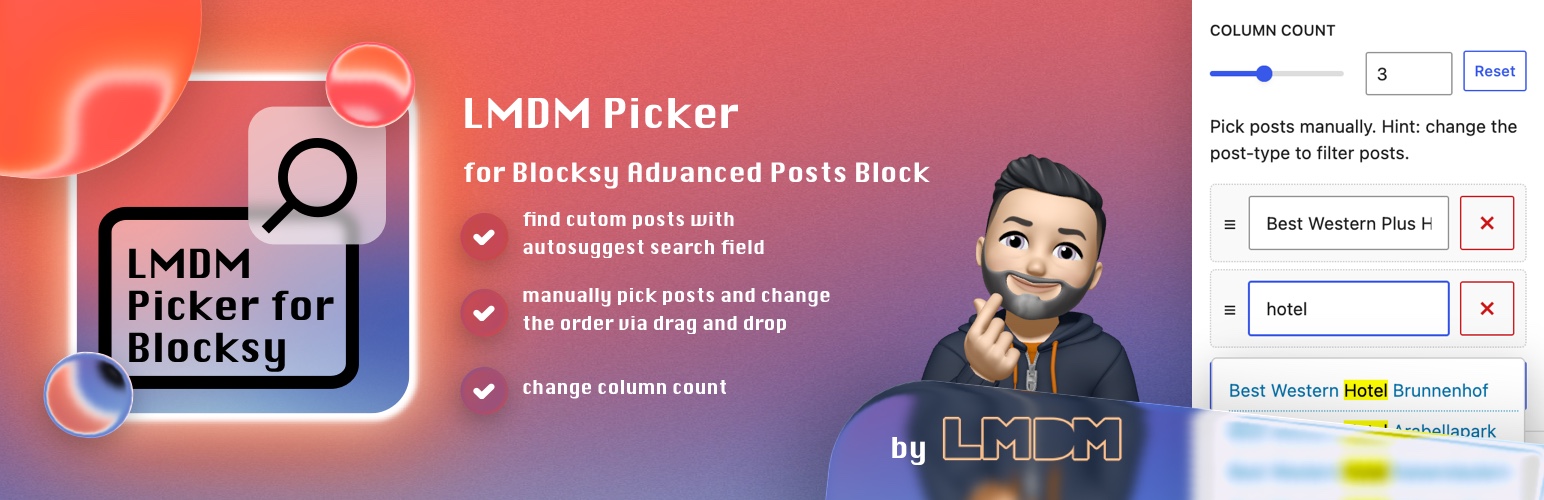
LMDM-Picker for Blocksy Advanced Posts Block 外掛讓使用者能夠手動選擇和排列 Blocksy 主題的進階文章區塊中的特定文章,提升文章顯示的靈活性與自訂性。
【主要功能】
• 手動選擇和排列特定文章
• 新增「區塊設定」面板
• 支援自訂欄位數量(最多 6 欄)
• 隱藏個別 Blocksy 卡片層
• 支援拖放排序文章
• 自動映射按鈕顏色
外掛標籤
開發者團隊
② 後台搜尋「LMDM-Picker for Blocksy Advanced Posts Block」→ 直接安裝(推薦)
原文外掛簡介
By default the Advanced Posts Block from Blocksy theme returns couple of posts in a given order provided by the query loop logic (i.e. “date”). This plugin allows you to select and arrange specific posts manually.
It also adds a LMDM Teaser inserter entry. When selected, it inserts the original Blocksy Advanced Posts block with Inherit From Customizer already chosen.
Attention
You need to install the Blocksy Theme first. Without it, you can not use this plugin.
Plugin Features
✔ adds a new block panel “Block Settings” in Advanced Posts Block of Blocksy Theme
✔ lets you edit block settings in both the inspector sidebar and a modal opened from the block toolbar
✔ arranges the modal in two columns, with block options on the left and manual post selection on the right
✔ provides a full-width “Reset block settings” button below both modal columns
✔ the panel contains a range field for custom column count of the block (maximum are 6 columns)
✔ the column field inherits the default column count setting from customizer of the given post type
✔ the panel can filter out posts without a featured image
✔ the “height 100%” toggle adds its class to Additional CSS Classes and applies 100% height to the block, wrapper and entries
✔ the panel can hide individual Blocksy card layers like title, excerpt, featured image, post meta or read more
✔ the panel can override the visible text of the Blocksy “read more” layer per block
✔ the panel can override the initial and hover background/text colors of the Blocksy “read more” button when the read more layer uses the background button type
✔ the panel automatically maps the selected initial read more button colors to their matching hover colors until the hover colors are customized
✔ the panel opens automatically when custom block settings are active
✔ the panel contains a reset button for custom column count, image filtering, hidden card layers, read more text and read more button colors
✔ the panel contains a repeater field where each text field has the ability to search for desired posts
✔ the search field offers a results lists with highlighted search terms
✔ the search result items have a tooltip info containing the post-id and excerpt
✔ the repeater field supports manual order of the posts by drag and drop mechanism
✔ sets a limit of the repeater field by using the LIMIT value of the block. Want to search for more posts? Increase the LIMIT value
✔ adds a LMDM Teaser inserter entry that creates an Advanced Posts block with Inherit From Customizer selected automatically














