內容簡介
LinkTender 是一款本地斷鏈檢查外掛,能夠在不需要帳號或 API 金鑰的情況下,自動檢查網站內容中的連結和圖片,並列出斷鏈、重定向或無法驗證的項目,確保網站內容的完整性。
【主要功能】
• 自動檢查連結和圖片的有效性
• 無需外部服務,保護內容隱私
• 支援多次重試以確認斷鏈狀態
• 友善於伺服器和資料庫性能
• 可暫停檢查功能以便管理
外掛標籤
開發者團隊
② 後台搜尋「LinkTender – Broken Link Checker, Local & Lightweight」→ 直接安裝(推薦)
原文外掛簡介
LinkTender is a free, lightweight broken link checker for WordPress. It finds dead links, 404 errors, redirects and broken images in your posts, pages, menus, widgets, comments and custom fields, and lets you fix them in one click.
Unlike link checkers that send your URLs to a cloud service or cap free scans, LinkTender checks every link from your own server, in small, throttled background batches built to stay light on shared and managed hosting. No account, no API key, no monthly quota.
Each link is listed as broken, redirected or unverified (when a site blocks automated requests), with a clear reason. Your content is not sent to any outside service.
How link results are decided
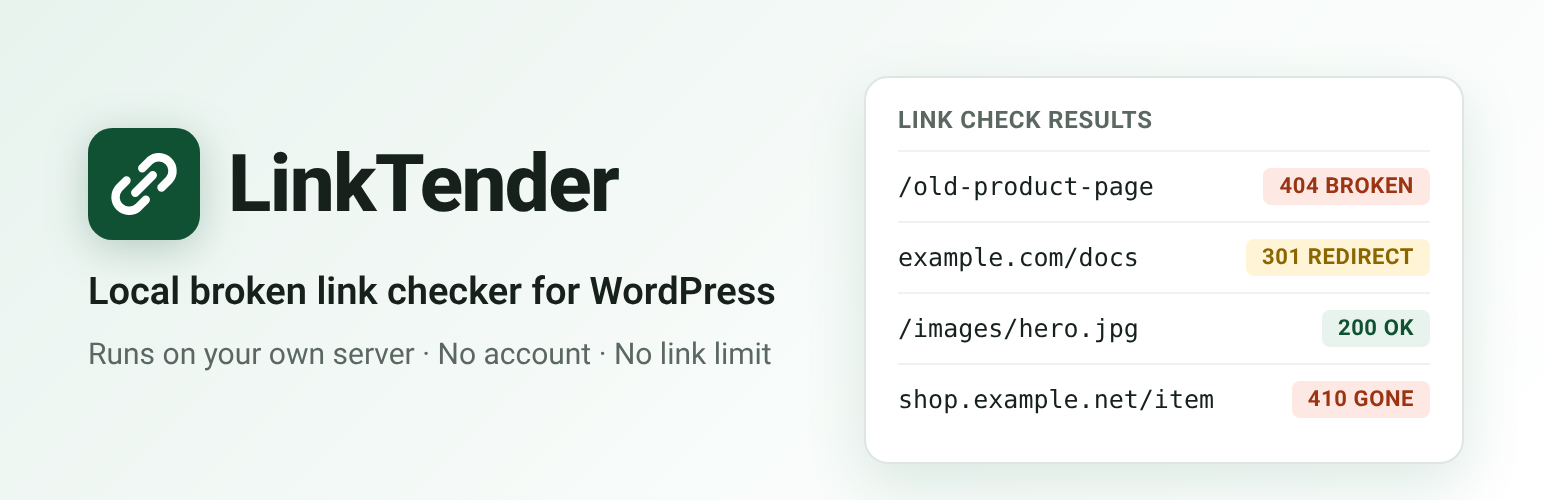
A link is marked Broken when the server answers 404 (Not Found) or 410 (Gone). The result is re-checked over the next 24 hours.
Temporary problems (timeouts, 5xx server errors, DNS or connection failures) are retried three times over 24 hours (after 2, 10 and 24 hours). The link is marked Broken only if it still fails after the last retry.
When a site blocks automated requests, the link is marked Unverified instead of Broken. This covers bot challenge pages (for example Cloudflare or Amazon’s captcha page), 401, 403 and 429 answers, and the 400 and 999 codes that Facebook and LinkedIn return to automated requests. You can open these links in your browser and click Ignore if they work.
If your own server cannot reach the internet, or cannot reach its own site, the affected links are marked Unverified (or keep their earlier status) and are checked again later.
Links to your dashboard (wp-admin) and login page are not checked.
Gentle on your server and database.
Checks run in time-boxed background batches (WP-Cron, or Action Scheduler when another plugin provides it) with a lock, so two batches never overlap.
A few links are checked at the same time, always on different domains. Requests to the same domain are spaced out, and each request has a timeout.
Tested on a site with 20,000 posts and over 90,000 unique links: each batch stays under about 1,300 database queries and 65 MB of memory.
HEAD requests are tried first, with a GET fallback for servers that answer HEAD badly. Up to 5 redirects are followed.
Data lives in two small tables of its own. WordPress core tables are never altered.
A “Pause checking” switch and a Health screen showing table sizes, the last batch and the queue.
What gets scanned
Posts, pages and every public custom post type, plus synced patterns and navigation blocks
Gutenberg blocks (links, buttons, images, embeds, navigation links)
Elementor page data (text, buttons, images)
Shortcode-based page builders such as Divi, WPBakery and Avada: URLs in shortcode settings (buttons, images, video, link="url:...") are read as text. No shortcode is run to do this.
Approved comments (links in the comment text) and, optionally, commenters’ website links
Custom fields, including ACF text and URL fields
Navigation menus (custom links) and widgets, both classic and block widgets
Excerpts, images, iframes, video, audio and embeds
Fix links in one click
One row per URL, listing every place it appears.
Edit URL replaces it everywhere: post content (including shortcode settings), custom fields, Elementor data, comments, menus and widgets.
Unlink removes the link and keeps the text.
Use final URL updates redirected links to their destination. It is not offered when a redirect ends on a login, consent or captcha page.
Recheck, Ignore or Ignore domain.
Filter by status (broken, redirected, unverified), location, link type or domain, and search by URL.
Import settings from another link checker
If the Broken Link Checker plugin was used on the site before, LinkTender → Health & Tools can import its exclusion list, check interval, timeout, front-end options and dismissed links. That plugin’s data is only read, never changed.
Broken links are not changed on your public site unless you turn on the optional strike-through or rel=”nofollow”.
Privacy and outgoing requests: LinkTender sends no data to us or anyone else, and it has no update checks, licence calls or tracking. Activating the plugin only creates its two tables; it prints nothing, schedules nothing and makes no outgoing requests, and front-end page views are not changed. Link checking starts only after an administrator clicks Start checking links on the LinkTender screen. Deactivating the plugin stops checking; after re-activation it waits for the button again. From then on, the only outgoing requests are the link checks themselves, which go to the URLs found in your content. An optional “Connectivity check” setting (off by default) lets LinkTender send one HEAD request to wordpress.org, at most every 10 minutes, when checks fail at the network level, to find out whether your server is online. No data is sent with it.
External services
LinkTender does not rely on any external service, and it sends no data about your site or its visitors to us or to anyone else.
Link checks. After an administrator clicks Start checking links, LinkTender sends a HEAD request (or a GET request when a server answers HEAD badly) to each URL found in your own content, to see whether it still works. Each request goes only to the address of that link, and carries only standard browser-style request headers (no cookies, and no information about your site or its visitors). Nothing is requested before the button is clicked, and checking stops when you pause or deactivate the plugin.
Optional connectivity check (wordpress.org), off by default. Only if you turn on the connectivity check under LinkTender → Settings (“ask wordpress.org whether this server is online”), and only when a link check fails at the network level (DNS error, refused connection or timeout), LinkTender sends one HEAD request to https://wordpress.org/ (at most once every 10 minutes) to find out whether your server is online. No data is sent with it. WordPress.org terms of service and privacy policy.