外掛標籤
開發者團隊
原文外掛簡介
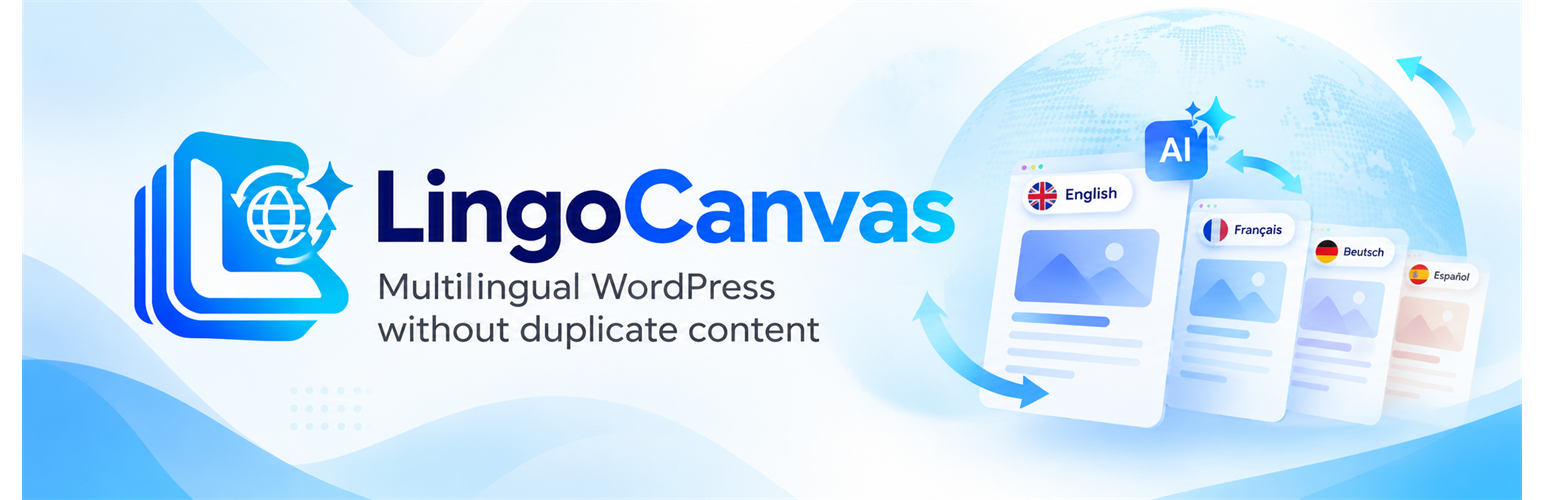
LingoCanvas makes a WordPress site multilingual without duplicating content. You write a post once, and the plugin serves it at several language URLs:
/about/ – the default language
/en/about/ – English
/bg/about/ – Bulgarian
There is still one post in the admin, and you edit only that one. Translations are stored in separate database tables and are substituted when the page is shown. Fix a typo in the original text and it is fixed in every language.
The plugin takes the HTML that the theme has already rendered, parses it and replaces the texts with your translations. This is why everything the theme actually prints is translated: post content, menus, header, footer, widgets, forms and image captions, not only the post body.
Key features
Any number of site languages: code, URL slug, flag, status (published or draft), default language. A draft language is visible only in the admin and returns 404 to visitors.
The language is determined by the URL only. No cookies, no redirects based on the browser language.
Visual translation editor: a page preview next to the translation panel. Click a text on the page, type the translation, save without a reload.
String translation screen with three tabs (Content, SEO/GEO, Interface), language and status filters, search and manual entry.
Translation of whole paragraphs that contain inline tags (bold, links), so word order can differ between languages.
Interface strings (comment form, cart buttons and similar) are served from the official WordPress.org language packs: the plugin switches the WordPress locale on additional languages, and the pack can be downloaded from the languages screen.
“Languages” column in the post and page lists showing how completely each post is translated.
Per-language visibility: show on a language only the posts you have enabled by hand (switch in the posts list, bulk action, filter, edit screen box, visual editor). A hidden post redirects to the default language.
Language switcher: a navigation menu item (dropdown or inline), the [lingocanvas_language_switcher] shortcode and a widget. Show the language name, code, flag or flag with code. Flags are uploaded as SVG files and sanitized.
Internal links in hard-coded theme blocks (for example the footer) get the language prefix.
Optional AI translation with OpenAI, an OpenAI-compatible service or the paid LingoCanvas Cloud service. It runs only when an administrator clicks a button (see “External services” below). Nothing is saved automatically: you review the suggestion and save it yourself. A daily character limit caps the usage.
Flushes the page cache of common caching plugins when a translation changes. A hook (lingocanvas_purge_page_cache) is available for other caches.
SEO
Self-canonical and mutual hreflang links, including x-default, and the html lang attribute.
A multilingual sitemap at /lingocanvas-sitemap.xml with hreflang alternates. Untranslated or hidden posts are not listed. Service pages (password-protected, noindex, WooCommerce cart and checkout, and slugs you exclude) are left out. The sitemap address is added to robots.txt.
Translation of SEO markup: meta description, Open Graph, Twitter Card, article tags and JSON-LD titles and descriptions. Identifiers, image URLs and brand names are protected from translation. Works with the output of Yoast SEO, Rank Math and SEOPress.
A post title is translated once and used for the page title, H1, og:title, twitter:title and JSON-LD headline.
How it works with AI
The plugin never translates anything in the background and never translates your site by itself. The “Translate with AI” and “Translate the whole content with AI” buttons appear only after an OpenAI key and a model are configured. The result is a draft until you save it.
Not included in this version
Automatic background translation queue, one-click translation of the whole site, glossary and translation memory, edit history, language-specific images, slug translation, WooCommerce support, dynamic content added by JavaScript.
The admin interface is in English and ships with a Russian translation.
Developer hooks
Filters: lingocanvas_nav_menu_trigger_title, lingocanvas_nav_menu_dropdown_classes, lingocanvas_visibility_bypass, lingocanvas_sitemap_post_ids, lingocanvas_translation_provider.
Action: lingocanvas_purge_page_cache.
External services
This plugin can connect to external AI translation services. The features are optional and are off until an administrator provides an API key or connects the paid LingoCanvas Cloud service.
OpenAI API (or an OpenAI-compatible endpoint set by the site administrator)
What it is used for: producing machine-translation suggestions and listing the models available for the configured API key.
When data is sent:
When an administrator clicks “Translate with AI” next to a translation field, or “Translate the whole content with AI” for a post or page, in the plugin’s admin screens. For a bulk translation the request is repeated for each chunk of text. A failed request is retried once.
When an administrator opens the plugin’s “Languages” settings page and a key is already saved, or clicks “Refresh list”, the plugin asks the service for its list of models (a GET request to the /models endpoint of the configured API address). The result is cached for 12 hours.
No request is made without an API key and an action by a logged-in administrator. Visitors and search engine crawlers cannot trigger requests. The plugin does not translate anything in the background.
What data is sent:
For translation: the text segments being translated (title, excerpt, post content, strings from the page), which may include content of drafts and private posts; the source and target language; and the model id. The API key is sent as a Bearer token in the Authorization header.
For the model list: only the API key as a Bearer token.
No visitor data is sent.
Service links (OpenAI):
Terms of use: https://openai.com/policies/terms-of-use/
Privacy policy: https://openai.com/policies/privacy-policy/
API data usage policies: https://openai.com/policies/api-data-usage-policies/
If the administrator sets a custom API address (a proxy, OpenRouter or a self-hosted gateway), the data is sent to that service instead of OpenAI, and the terms and privacy policy of that service apply.
LingoCanvas Cloud (cloud.centerai.eu, operated by CenterAI)
What it is used for: an optional paid AI translation service. The administrator can choose it instead of their own OpenAI key in “Multilingual → Languages → AI translation provider”. The translation itself is performed by DeepSeek (its servers are in China) through the LingoCanvas Cloud service. Payments are handled by Stripe.
When data is sent (only after the administrator ticks the consent box “I agree to send texts for translation to LingoCanvas Cloud”, subscribes or connects the site, and selects LingoCanvas Cloud as the provider):
When an administrator clicks “Translate with AI” next to a translation field, or “Translate the whole content with AI” for a post or page. For a bulk translation the request is repeated for each chunk of text.
When an administrator subscribes (sign-up), checks the payment, buys an extra pack of characters or opens “Manage subscription” on the plugin’s settings page.
When an administrator opens the settings page of a connected site (or clicks “Refresh”) and the consent box is ticked, the plugin asks the service for the account status (plan, remaining characters, renewal date). The result is cached for 60 seconds. While the payment is waiting for confirmation, the settings page checks it every 5 seconds (also only with the consent box ticked).
No request is made without the administrator’s consent and action: without the ticked consent box the plugin makes no requests to LingoCanvas Cloud at all (no status, no payment check, no billing buttons). Visitors and search engine crawlers cannot trigger requests. The plugin does not translate anything in the background. The free features (manual translation, your own API key) work without registering with LingoCanvas Cloud.
What data is sent:
For translation: the text segments being translated (title, excerpt, post content, strings from the page), which may include content of drafts and private posts; the source and target language; the language name; the translation glossary terms. The site token is sent as a Bearer token in the Authorization header.
At sign-up: the site name (the host name of your site), the optional e-mail address you enter, and a hash of a random one-time secret that the plugin keeps on your server. The site token itself is issued by the service after payment and stored in the site database; it is never shown on any page.
For the account status: only the site token.
No visitor data is sent.
Payments are handled by Stripe: the administrator is redirected to checkout.stripe.com (payment) and billing.stripe.com (manage the subscription). The plugin does not see or store card data.
Service links:
LingoCanvas Cloud Terms: https://centerai.eu/lingocanvas/terms/
LingoCanvas Cloud Privacy Policy: https://centerai.eu/lingocanvas/privacy/
Stripe Terms: https://stripe.com/legal/ssa
Stripe Privacy Policy: https://stripe.com/privacy
WordPress.org language packs
When an administrator adds a language or clicks “Download language pack”, the plugin uses WordPress core functions (wp_get_available_translations() and wp_download_language_pack()) to get the list of available languages and the translation files from api.wordpress.org. These are standard WordPress core requests; no site content is sent by the plugin. See https://wordpress.org/about/privacy/ for the WordPress.org privacy policy.