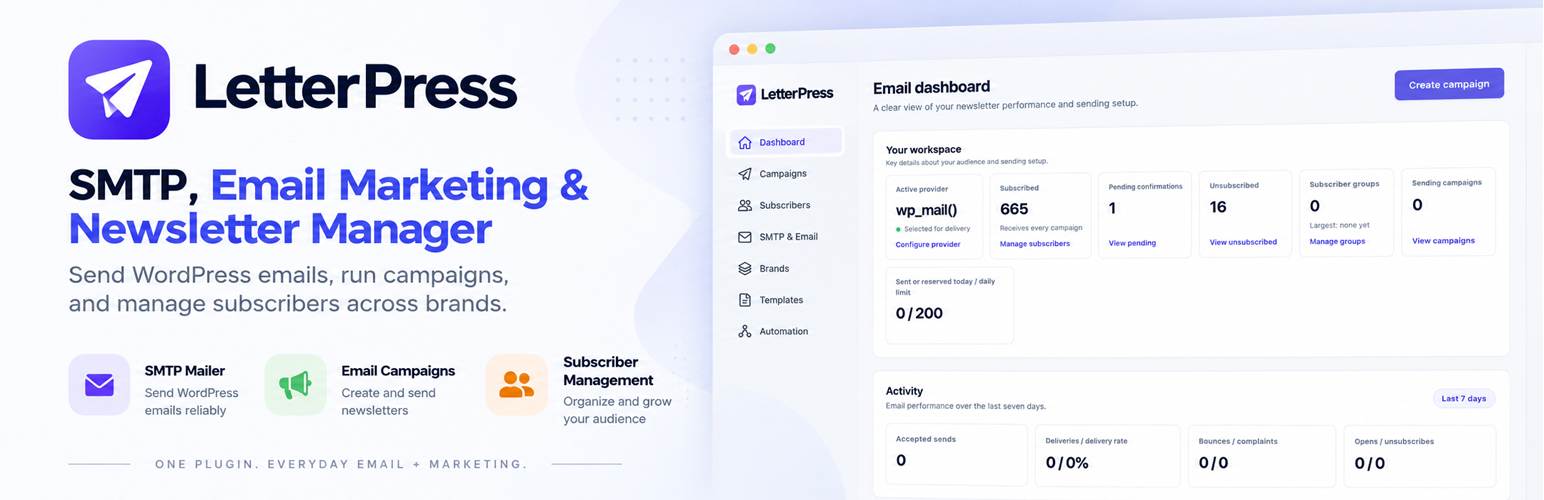
內容簡介
LetterPress 是一個很棒的 WordPress 外掛,透過其內建的強大佇列系統,您可以發送任意數量的電子郵件給已註冊用戶。使用 LetterPress 電子郵件通訊外掛,您可以建立無限制的活動,並在無干擾的情況下發送它們。您可以根據您的伺服器效能及限制,每小時發送任意數量的活動。您還可以設定間隔時間及每間隔時間發送的電子郵件數量,以緩慢或快速地進行活動發送。
LetterPress 有能力同步 WordPress 用戶的訂閱者清單。您可以建立無限制的活動,發送測試活動,並在準備好時開始活動。
LetterPress 遵從 GDPR 條例,因此任何人都可以透過按一下退訂連結,從電子郵件頁尾中退訂。
輕鬆同步、管理訂閱者,並無限制地發送電子郵件活動。簡單而強大的電子郵件活動、行銷和通訊外掛。
聯繫我們
https://www.themeqx.com/contact-us/
外掛標籤
開發者團隊
② 後台搜尋「LetterPress – Email Marketing, SMTP, Newsletter & Multi-Brand Subscriber Manager」→ 直接安裝(推薦)
原文外掛簡介
Stop renting your email marketing. Own it, and save up to 90%.
LetterPress helps you manage your newsletter and email campaigns directly from WordPress. Build campaigns, grow a consent-based subscriber list, organize contacts into groups and sources, and control how your emails are delivered, all from one admin area.
Whether you send product updates, announcements, or regular newsletters, LetterPress gives you the tools to manage the process without needing a separate email marketing dashboard.
Create campaigns that fit your message
Build emails with a title, message, button, supporting content, and footer. Preview your campaign in a browser, send a test email before launch, or schedule it for a future date. Personalize messages with the {{name}} merge tag, and let subscribers view the email in their browser when needed.
Create, edit, duplicate, schedule, pause, and resume campaigns.
Target all subscribers, a group, or a specific source.
Set a sender name and email address for each campaign when needed.
Preview campaign emails and send a test before sending to your audience.
See campaign progress and review per-campaign sending reports.
Replay a sent campaign’s preview any time.
Use sanitized, email-friendly rich text instead of arbitrary HTML or scripts.
Manage subscribers and grow your list
Collect signups with a consent-based form, confirm addresses with double opt-in, and keep your audience organized as your list grows.
Add a signup form to any page with the [letterpress_signup] shortcode.
Add a configurable subscription box with [letterpress_subscribe_box].
Enable double opt-in with signed confirmation links.
Import subscribers from CSV or export your subscriber list.
Import existing WordPress users as subscribers with a count preview.
Organize subscribers into groups and filter by source or status.
Search, paginate, block, unsubscribe, or delete subscribers in bulk.
Protect signup forms with a built-in math challenge and IP-based rate limiting.
Send with the provider you choose
Choose the delivery method that works for your site. LetterPress sends through the selected provider, while keeping other provider settings available if you switch later.
Amazon SES: Connect with AWS IAM credentials, choose a region, test the connection, and view the available sending quota.
SMTP: Configure your mail host, port, encryption, and credentials, then test the connection and authentication.
WordPress mail: Send through the standard wp_mail() mail path.
Site-wide email delivery: Optionally route WordPress emails through Amazon SES or SMTP.
Protected credentials: Provider credentials are encrypted before storage.
Keep sending organized and reliable
LetterPress uses a resumable queue to process campaigns in manageable batches. If a worker stops, queued work can continue later instead of requiring you to restart the campaign manually.
Configure the maximum number of recipients allowed within a rolling time window.
Set worker batch size independently from the sending rate.
Set a daily sending limit to help manage provider quotas.
Retry eligible failures automatically with backoff.
Protect against duplicate sends when a worker stops during delivery.
Schedule queue processing with WordPress cron or configure a server scheduler.
Follow the Cron Setup instructions for cPanel, Plesk, VPS/SSH, Cloudways, RunCloud, Windows Server, and managed hosting.
Actual sending speed depends on your provider’s limits, daily quota, server scheduler, network latency, and retries. A batch size controls how many queued emails a worker handles at once; it does not increase the configured sending rate.
Support multiple signup sources
Use sources to keep subscribers from different websites, forms, or brands (Source) organized. Each source can have its own display name, website, sender details, and double opt-in message.
Create as many sources as you need and view audience counts for each.
Set a default From name, From email, and Reply-To address per source.
Customize the confirmation email subject and body for each source.
Use stable source keys for forms and API integrations.
Safely reassign subscribers before deleting a source.
LetterPress also registers legacy sources for existing subscriber records. The default Website form source cannot be deleted, so at least one source remains available.
Help protect deliverability and subscriber preferences
Give subscribers a clear way to manage their email preferences and help prevent future sends to addresses that should not receive campaigns.
Include a personalized unsubscribe link in each campaign footer.
Add List-Unsubscribe headers for supported email clients.
Maintain a suppression list for manually blocked addresses, hard bounces, and complaints.
Automatically suppress addresses reported as bounced or complained about through Amazon SES/SNS events.
Optionally track opens with a signed tracking pixel.
Add your organization’s postal address to campaign footers.
Email and privacy requirements vary by location and use case. LetterPress provides tools to support responsible email practices, but using the plugin does not by itself guarantee legal compliance.
Connect your own systems with the REST API
Use API keys to connect forms, websites, or other applications to LetterPress.
Create labeled API keys and revoke them when needed.
Add subscribers through the REST API with Bearer authentication.
Retrieve a paginated list of subscribed addresses and filter by source.
Endpoints: POST /wp-json/letterpress/v1/add-subscriber and GET /wp-json/letterpress/v1/subscribers.
Validate source keys and reject requests for inactive sources.
Store API keys as hashes rather than plain-text secrets.
API keys are shown in full only when created, so save the key securely before leaving the page. Use HTTPS for API requests and never put a key in a URL.
Manage everything from one WordPress dashboard
Use the LetterPress admin area to review your audience and manage your email workflow.
Dashboard totals for subscribers, WordPress users, campaigns, and emails sent.
Campaign, subscriber, group, and source management.
Provider, sender identity, sending limit, deliverability, frontend, and event tracking settings.
API key management, subscription box settings, and cron setup instructions.
Responsive admin screens with a custom, app-style interface.
Capability checks on admin pages and actions.
Versioned, non-destructive database upgrades.
Delivery and tracking notes
Amazon SES event tracking uses an HTTPS endpoint for SNS notifications such as delivery, bounce, complaint, and rejection. SNS subscriptions are confirmed and event signatures are verified before processing. Duplicate events are ignored, and bounced or complained-about addresses can be added to the suppression list automatically.
For campaign delivery, make sure your chosen provider is configured correctly and that the sender address is authorized by that provider. For Amazon SES, you are responsible for completing the required AWS and DNS setup, including sender verification and appropriate email authentication records.
Reliable Email Delivery for Your WordPress Site
Not running email campaigns? LetterPress still has you covered.
LetterPress can handle your website’s everyday WordPress emails through your configured SMTP server. From password reset links and new user notifications to admin alerts and form notifications, your essential emails can be delivered reliably without needing a separate SMTP plugin.
Connect your preferred SMTP provider, configure your sender details, and let LetterPress handle your site’s outgoing email. You can use it purely as an SMTP mailer, even if you never send a newsletter or marketing campaign.
What You Can Do
Replace Your SMTP Plugin: Configure SMTP directly in LetterPress instead of installing a separate plugin just for email delivery.
Deliver WordPress Emails: Send password reset emails, user registration notifications, admin alerts, and other default WordPress emails through your configured mail server.
Connect Your Preferred Provider: Use a supported SMTP server or email delivery service to send your site’s outgoing emails.
Keep Everything in One Place: Manage SMTP settings alongside your newsletters, email campaigns, and subscriber lists from a single plugin.
One plugin for everyday WordPress emails and email marketing. Use the SMTP features independently, then explore newsletters and campaigns whenever you’re ready.
More Powerful Tools Are on the Way
We’re working on new features to make LetterPress even more useful. Visual email template building and marketing automation are currently under development and will be available in future updates.
Coming Soon
Email Template Builder: Create beautiful, professional emails with an easier visual editing experience, without needing to write code.
Marketing Automation: Set up automated email sequences, welcome emails, and follow-ups to engage your subscribers at the right time.
We’re building these features to help you manage more of your email marketing from one place. Stay tuned for upcoming updates.
Report a Bug
Found a bug or something not working as expected? Please contact our team with a description of the issue and steps to reproduce it. Your feedback helps us improve LetterPress for everyone.