
內容簡介
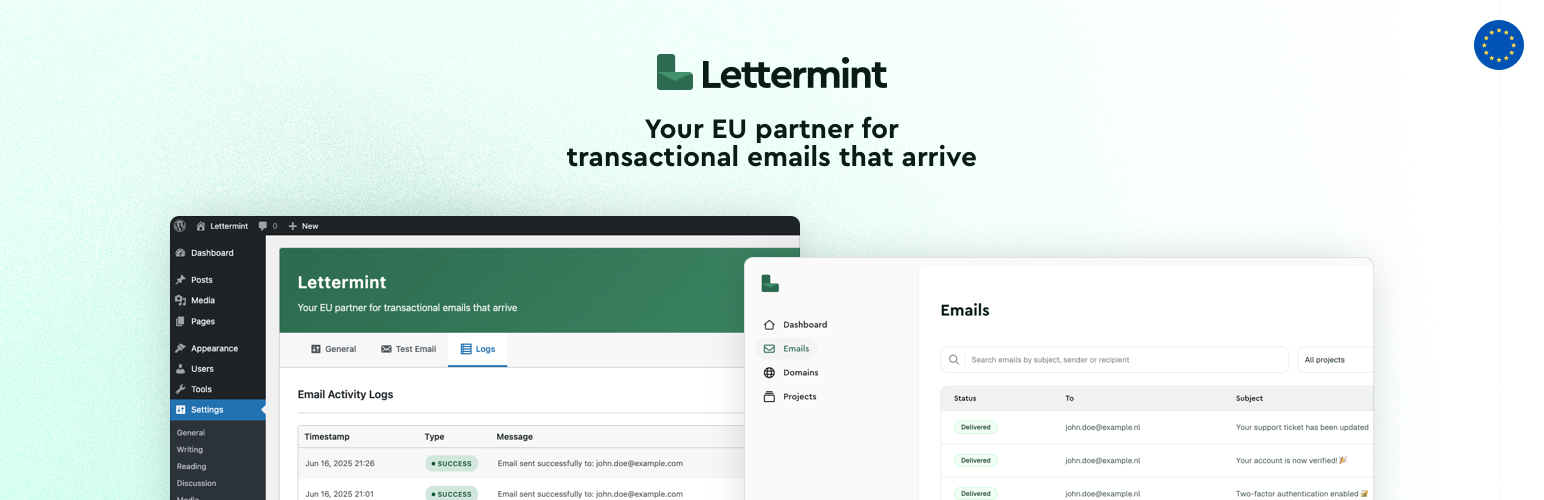
Lettermint 是一款專業的電子郵件傳送外掛,無縫整合 WordPress 的內建 wp_mail() 功能,透過 Lettermint 電子郵件服務發送交易性電子郵件,提供可靠的電子郵件傳送與優異的送達率。
【主要功能】
• 無縫整合:與 wp_mail() 完美配合,無需修改程式碼
• 歐洲服務:符合 GDPR 的電子郵件服務
• 簡易設定:只需 API 令牌和寄件者電子郵件即可設置
• 完整日誌:可選擇記錄電子郵件活動及詳細資訊
• 衝突檢測:自動檢測並警告衝突的電子郵件外掛
• 測試電子郵件:內建測試功能以驗證設置
外掛標籤
開發者團隊
原文外掛簡介
Lettermint is a professional email delivery plugin that seamlessly integrates with WordPress’s built-in wp_mail() function to send transactional emails through the Lettermint email service. Based in Europe, Lettermint provides reliable email delivery with excellent deliverability rates.
Features
Seamless Integration: Works with wp_mail() – no code changes required
Europe-based Service: GDPR compliant email service based in Europe
Easy Configuration: Simple setup with just your API token and sender email
Comprehensive Logging: Optional email activity logging with detailed information
Conflict Detection: Automatically detects and warns about conflicting email plugins
Test Email: Built-in test email functionality to verify your setup
Configure via wp-config: Set any option with a constant in wp-config or an environment variable, not just the dashboard
WP-CLI Support: Check your API token and send test emails from the command line with wp lettermint
How It Works
Install and activate the Lettermint plugin
Get your API token from Lettermint Dashboard
Configure your settings in WordPress admin under Settings > Lettermint
All WordPress emails will automatically be sent through Lettermint
Requirements
WordPress 6.4 or higher
PHP 7.4 or higher
Lettermint account and API token
Configuration
Required Settings
API Token: Your Lettermint API token from your project
Optional Settings
From Email Address: Custom sender email address (uses WordPress default if empty)
Force Email Address: Override sender addresses set by plugins with your configured email
Logging level: Choose how much to log — Disabled, Errors only, Metadata only (no message content), or Full (with content)
Log retention: Set your own data retention period — logs are deleted automatically after the number of days you choose, or kept forever
External Services
This plugin uses an external service to deliver transactional emails via the Lettermint API.
Service Name: Lettermint API (https://lettermint.co)
Purpose: This service is used to send transactional emails generated by WordPress (e.g. password resets, contact form notifications, WooCommerce emails, etc.) through the Lettermint email infrastructure.
What Data Is Sent: Each time an email is sent via WordPress, the following data is sent to the Lettermint API:
Email recipient(s)
Subject
Email content (HTML and plain text)
Sender email address
Headers (optional)
When Is Data Sent: Data is only sent when an email is triggered by WordPress and the plugin is active and properly configured.
Where: All data is sent to Lettermint’s API endpoint: https://api.lettermint.co
Terms and Policies:
Lettermint Terms and Conditions
Lettermint Privacy Policy
The plugin only communicates with Lettermint’s servers when sending an email and does not transmit or collect any other data beyond what is needed to send the email.