內容簡介
```html
<ul>
<li>Leadpages 是一個完整的潛在客戶生成平台,讓您建立高轉換的登陸頁面。簡單地在 Leadpages 帳戶中使用無代碼構建工具來創建您的頁面,然後使用 Leadpages 外掛程式將您的資產無縫地發佈到您的 WordPress 網站上。</li>
<li>Leadpages 除了提供潛在客戶管理和分析外,還為您提供將您的網站轉變為轉換機器所需的所有工具。</li>
<li>立即註冊 Leadpages 免費試用以開始。</li>
</ul>
```
### 問題與答案:
**問題 1:Leadpages 提供了什麼樣的功能?**
答案:Leadpages 是一個完整的潛在客戶生成平台,讓您建立高轉換的登陸頁面,並提供潛在客戶管理、分析和轉換工具。
**問題 2:使用 Leadpages 可以如何幫助建立登陸頁面?**
答案:使用 Leadpages,您可以從 250+ 準備好的模板中選擇,然後使用拖放構建工具自定外觀。不需要編碼或網頁設計經驗,只需幾次滑鼠點擊即可更改顏色、添加文本並上傳圖片。
**問題 3:Leadpages 提供了哪些轉換工具?**
答案:Leadpages 提供了各種轉換工具,包括彈出視窗、警報條和高轉換表單,以幫助將網站訪客轉化為客戶。您可以使用定時或離開意圖彈出視窗來吸引注意力,並使用計時器為限時優惠創造一種緊迫感。
**問題 4:如何管理潛在客戶和追蹤進度?**
答案:Leadpages 讓您不僅可以獲取潛在客戶,還可以幫助您充分利用這些潛在客戶。您可以在 Leads Library 內直接搜索、篩選和管理潛在客戶,並與您最喜歡的 CRM 平台無縫集成。
**問題 5:如何追蹤頁面表現並優化結果?**
答案:保持對頁面表現的了解,追蹤訪問者數量和轉換率,根據結果進行調整。使用 Leadpages 的A/B測試工具創建多個版本的登陸頁面,測試不同的文本、圖片和CTA按鈕變化,找到最多轉換的版本並持續優化。
```
外掛標籤
開發者團隊
原文外掛簡介
Leadpages is a complete lead generation platform that allows you to build high-converting landing pages. Easily create your pages in your Leadpages account with the no-code builder, then use the Leadpages plugin to seamlessly publish your assets to your WordPress site.
Along with lead management and analytics, Leadpages gives you all the tools you need to turn your website into a conversion machine.
Sign up for a Leadpages free trial to get started.
Lead-generating landing pages
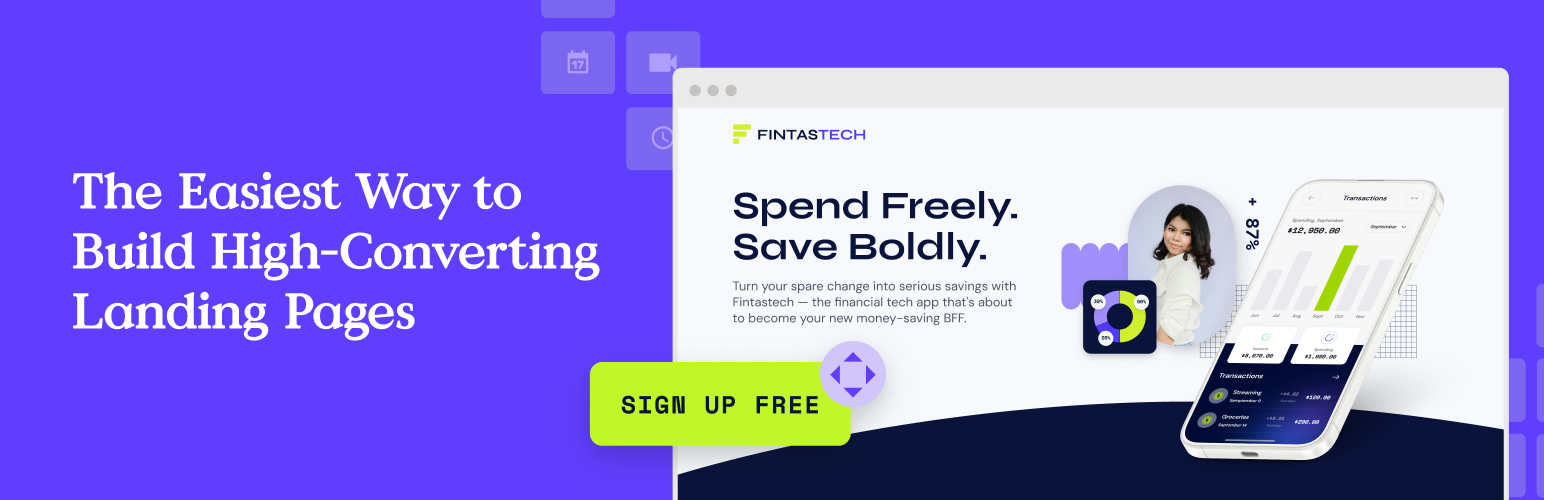
Choose from 250+ conversion-optimized templates, then customize your look with the drag-and-drop builder. No coding or web design experience is required—change colors, add text, and upload images with just a few clicks of your mouse.
These pages aren’t just easy to build… they work. In fact, Leadpages landing pages convert 5x better than the industry average.
Here are a few more reasons to build your pages with Leadpages:
* Get real-time conversion tips as you build.
* Enjoy blazingly fast page speeds.
* Use AI copywriting and image generation tools to quickly create content.
Conversion tools
Turning website visitors into customers just got a whole lot easier. Bring attention to your lead magnets, sales, and giveaways with pop-ups and alert bars, and then lock in the conversion with high-converting forms.
Have an offer you want to draw attention to? Create a timed or exit intent pop-up to capture users’ attention and ensure they don’t leave your site empty-handed. If you’re looking for something a little less intrusive than an alert bar (a small colored bar that appears at the top of the screen) is another option. You can also create a sense of urgency for your limited-time offers with countdown timers.
When visitors are ready to take action, capture their information with a lead gen form. Collect email addresses and automatically deliver lead magnets—or integrate your forms with your email marketing platform for even more options.
Finally, when visitors are ready to make a purchase they can do so right from your website. Add checkout forms to any page without having to send visitors to third-party sites.
Manage your leads
Leadpages doesn’t just help you acquire leads—it also helps you to make the most of your leads once you get them.
Do away with clunky spreadsheets. With the Leadpages, you can search, filter, and manage your leads right inside the Leads Library. Need even more lead management tools? Seamlessly integrate your Leadpages account with your favorite CRM platform.
Leadpages also notifies you as soon as you get a lead so you can reach out to them while your brand is still top of mind.
Track your progress
Stay in the know about how your pages are performing. See how many visitors are landing on your pages, track your conversion rates and leads, and make adjustments based on your findings.
To maximize your results, use Leadpages’ A/B testing tool. Create multiple versions of your landing page to test different text, image, and CTA button variations. See which version produces the most conversions and keep testing until your page is completely optimized.