
外掛標籤
開發者團隊
原文外掛簡介
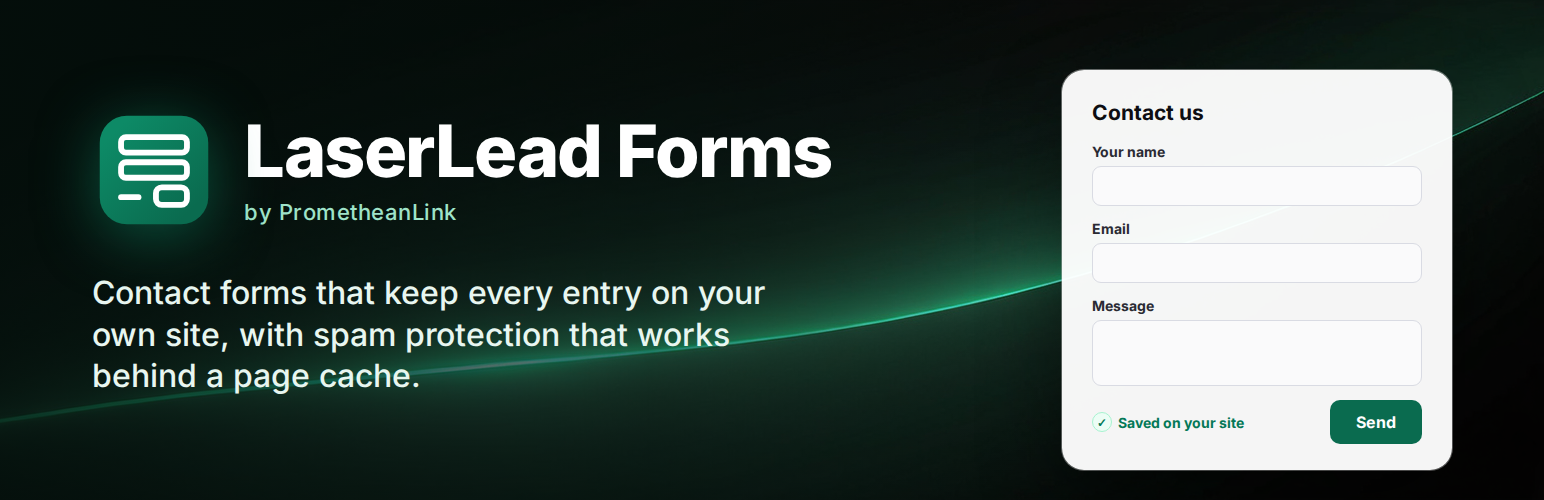
LaserLead Forms is a free form plugin for WordPress. Every message is saved on your own site before any email is sent, so a lead is never lost when an email goes astray. If the email fails, the entry says so, in red.
This is a preview (0.2.3).
Form builder: text, email, phone, website, number, date, paragraph, dropdown, choose-one, checkboxes, consent, hidden fields and the send button. Drag to reorder, or use the arrow buttons.
File uploads, kept safe: a file field with the types you allow (images, documents, archives) and a size limit. Files are stored under random names with no extension, in a folder you choose in Settings, and only signed-in administrators can download them. If your server would hand that folder to anyone who guesses the address, Settings warns you.
Bring your Contact Form 7 forms across: the Import tab reads your Contact Form 7 forms, shows field by field what imports, what is approximated and what isn’t supported, and creates the matching forms. An optional switch lets your existing
錯誤: 找不到符合條件的聯絡表單。
shortcodes show the imported form once Contact Form 7 is turned off, so no page needs editing. Import only reads Contact Form 7’s data, it never changes it.Place it anywhere: the “LaserLead Form” block, or the [llforms id="…"] shortcode.
Entries on your site: search, read, mark as spam, trash, delete, and download as CSV (safe to open in a spreadsheet).
Email: a notification to you and an optional automatic reply to the visitor, with tags such as [your-name], [_site_title] and [_entry_link]. Sent through WordPress, so any SMTP plugin carries it.
Spam protection that works on cached pages: a hidden field robots fill in, a signed token instead of a nonce (cached pages keep working for three days), a minimum time to fill the form, a per-visitor hourly limit, and blocklists for words, addresses and domains. Optional Cloudflare Turnstile or Google reCAPTCHA v3 with your own keys. Spam is kept under Entries → Spam, never thrown away.
Privacy: works with WordPress’s Export and Erase Personal Data tools, and can delete old entries after a number of days you choose.
No tracking. No “Powered by” link on your forms. Deleting the plugin keeps your forms and entries unless you choose otherwise in Settings.
Need leads routed by ZIP code to the right salesperson, with AI spam screening? That’s LaserLead Pro, from the same family.
External services
LaserLead Forms connects to no outside service by default. To check whether your upload folder can be opened from the web, it asks your own site for one test file (a request to itself, as Site Health does); nothing leaves your server. Only if you choose a captcha in Settings → Spam protection and enter your own keys:
Cloudflare Turnstile. Visitors’ browsers load the Turnstile widget from challenges.cloudflare.com, and your site sends the visitor’s answer, its IP address and your secret key to https://challenges.cloudflare.com/turnstile/v0/siteverify when a form is sent. Terms: https://www.cloudflare.com/website-terms/ · Privacy: https://www.cloudflare.com/privacypolicy/
Google reCAPTCHA v3. Visitors’ browsers load reCAPTCHA from www.google.com, and your site sends the visitor’s answer, its IP address and your secret key to https://www.google.com/recaptcha/api/siteverify when a form is sent. Terms: https://policies.google.com/terms · Privacy: https://policies.google.com/privacy
Privacy
What a visitor types into a form is stored in your site’s database with the date, the page it was sent from, the visitor’s IP address and a one-way hash of the browser’s user agent (not the user agent itself). Files sent through a form are stored in the folder chosen under Settings → Uploads and are listed (by name, not content) in WordPress’s personal-data export. Erasing a person’s data deletes their files from disk. The entry is emailed to the addresses you set. LaserLead Forms adds a suggested paragraph to Settings → Privacy, registers with WordPress’s personal-data export and erase tools, and can delete entries older than a number of days you set.













