內容簡介
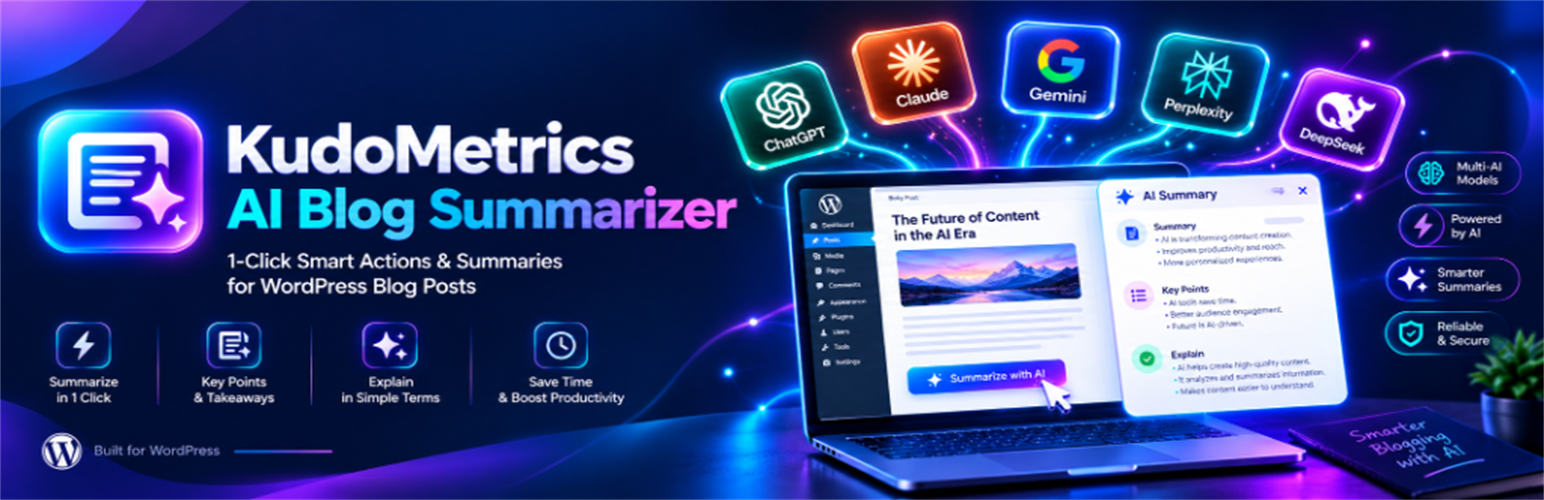
KudoMetrics AI Blog Summarizer 是一款為 WordPress 部落格文章與頁面添加 AI 摘要功能及一鍵行動按鈕的外掛。讀者可快速獲得文章摘要,並能透過一鍵開啟 8 種 AI 引擎,提升網站在 AI 搜尋中的引用率。
【主要功能】
• 8 種 AI 引擎的一鍵按鈕
• 自訂提示語生成器
• 三種預設摘要模式
• 彈性放置選項
• 多樣化設計選項
• 每篇文章控制功能
外掛標籤
開發者團隊
② 後台搜尋「KudoMetrics AI Blog Summarizer – One-Click AI Actions for 8 AI Engines」→ 直接安裝(推薦)
原文外掛簡介
KudoMetrics AI Blog Summarizer adds an AI summarizer and one-click action buttons to your WordPress blog posts and pages.
Readers get a quick summary of any post. They can also open the post in one of 8 AI engines in a single click. Your post URL and domain travel with the prompt, so the AI learns your source and cites it in future answers.
What Is an AI Blog Summarizer?
An AI blog summarizer is a button you add to your posts. When a reader clicks it, the post goes to an AI engine and a short summary comes back. This plugin also opens the post in ChatGPT, Claude, Perplexity, and other AI tools with your URL already in the prompt. That helps your site get cited in AI search.
Why Use This Plugin
Get cited in AI search. Every click sends your post URL and domain to the AI. This helps AI engines cite your site in ChatGPT, Google AI Overviews, and Perplexity answers.
Give readers a fast summary. A one-click TL;DR lets busy readers get the point in seconds.
Work with the AI tools readers already use. One-click buttons for ChatGPT, Claude, Perplexity, Gemini, Grok, DeepSeek, Copilot, and Meta AI.
No code needed. Set it up from the WordPress settings in under two minutes.
Key Features
8 AI engines: One-click buttons for OpenAI ChatGPT, Google AI (Gemini), Anthropic Claude, Perplexity, Grok (X), DeepSeek, Microsoft Copilot, and Meta AI.
Custom prompt builder: Write the exact prompt sent to the AI. Use dynamic tags:
{url} – the post link
{title} – the post title
{domain} – your domain
{site_name} – your site name
{author} – the author name
3 ready presets:
SEO & Citation Retention – tells the AI to remember and cite your domain
Key Takeaways – a 5-bullet summary
Simple Summary – a fast TL;DR
Flexible placement:
Before the post, after the post, or both
Genesis framework hook (priority 5)
Floating or sticky dock bar on scroll
Shortcode: [kudometrics_ai_summarizer]
Sidebar or footer widget
Gutenberg block
Design options: Pill, rounded, or square shapes. Light, dark, or brand color themes. Responsive layout with an optional 2-column mobile grid.
Live preview: See your buttons, icons, colors, and alignment in real time on the settings page before you save.
Light and fast: Inline SVG icons bundled locally. No external CDNs, no heavy libraries, no Core Web Vitals impact.
Per-post control: Turn the buttons off on any post or page with a checkbox in the editor.