內容簡介
如何使用
安裝後,前往外掛編輯器 > Js Contact Form.php,搜尋「[email protected]」,並把它替換為您的電子郵件地址。
現在前往新增頁面 > 創建新頁面 > 粘貼此代碼 [contact_form]
如果顯示錯誤
如果顯示錯誤(發送郵件失敗):請檢查您的聯繫表單目標電子郵件地址,登入儀表板 > 前往外掛編輯器 > Js Contact Form.php,搜尋「[email protected]」,並把它替換為您的電子郵件地址。
特色
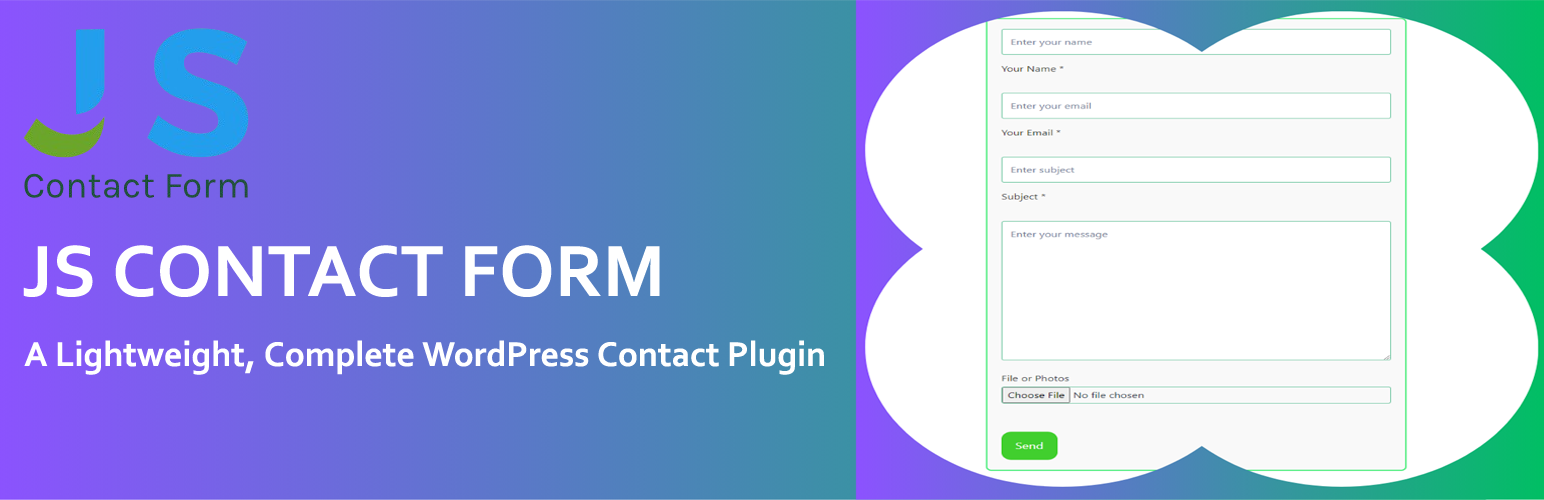
WordPress網站的簡易聯繫頁面
Java Scripts表單驗證
空表單驗證
檔案/圖片附件
某些活躍的用戶:倫敦 King Solomon Hotel
授權
此文件是Js Contact Form的一部分。
Js Contact Form是免費外掛:不要修改它,遵守GNU通用公共許可證的條款,該許可證的版本為3或(按您的選擇)任何更高版本。
Js Contact Form是在希望它有用的情況下分發的,但不作任何保證,甚至不保証適合特定用途。有關更多詳細信息,請參閱GNU通用公共許可證。
您應該已收到附帶WP Wall的GNU通用公共許可證的副本。如果沒有,請參閱http://www.gnu.org/licenses/。
外掛標籤
開發者團隊
② 後台搜尋「Simple Contact Form and Multi Step Contact Form」→ 直接安裝(推薦)
原文外掛簡介
Just Simple Contact Form Offers Multi-Step Forms, Regular Forms, File Attachment Support, and WP Mail SMTP for Improved Fast Email Delivery.
Just Simple Contact Form Demo
Features:
Introducing Just Simple Contact Form 1.2 – The Ultimate Contact Form Plugin for WordPress!
Multi-Step Contact Form For Better User Experience.
Green Tick For Valid Inputs: Shows a green tick when form fields are correctly filled out, providing real-time feedback to users.
Email Validation: Ensures users enter a valid email address before proceeding to the next step.
WP Mail SMTP Support for enhanced email delivery reliability.
Contact Form with attachment support.
Customizable Email Destination via the settings page.
Customizable Form labels for name, email, subject, and message fields.
Email Header and Footer Configuration for styling emails.
Ability to add Custom CSS directly from the settings page.
Option to Enable or Disable Field Placeholders.
Improved Form Styling including margin, padding, hover effects, transitions, and colors.
How to use:
Install and activate the plugin.
Go to the settings page in the WordPress dashboard and configure your email address, form labels, and other options.
Use the Shortcode [contact_form] to display the regular form on any page or post. for multi-step form use [js_contact_form_multistep]
Style the form using the custom CSS box in the settings, or modify the default styles.
License
This plugin is free software; you can redistribute it and/or modify it under the terms of the GNU General Public License as published by the Free Software Foundation; either version 2 of the License, or any later version.
Plugin Homepage
For Custom CSS, visit the plugin’s homepage