內容簡介
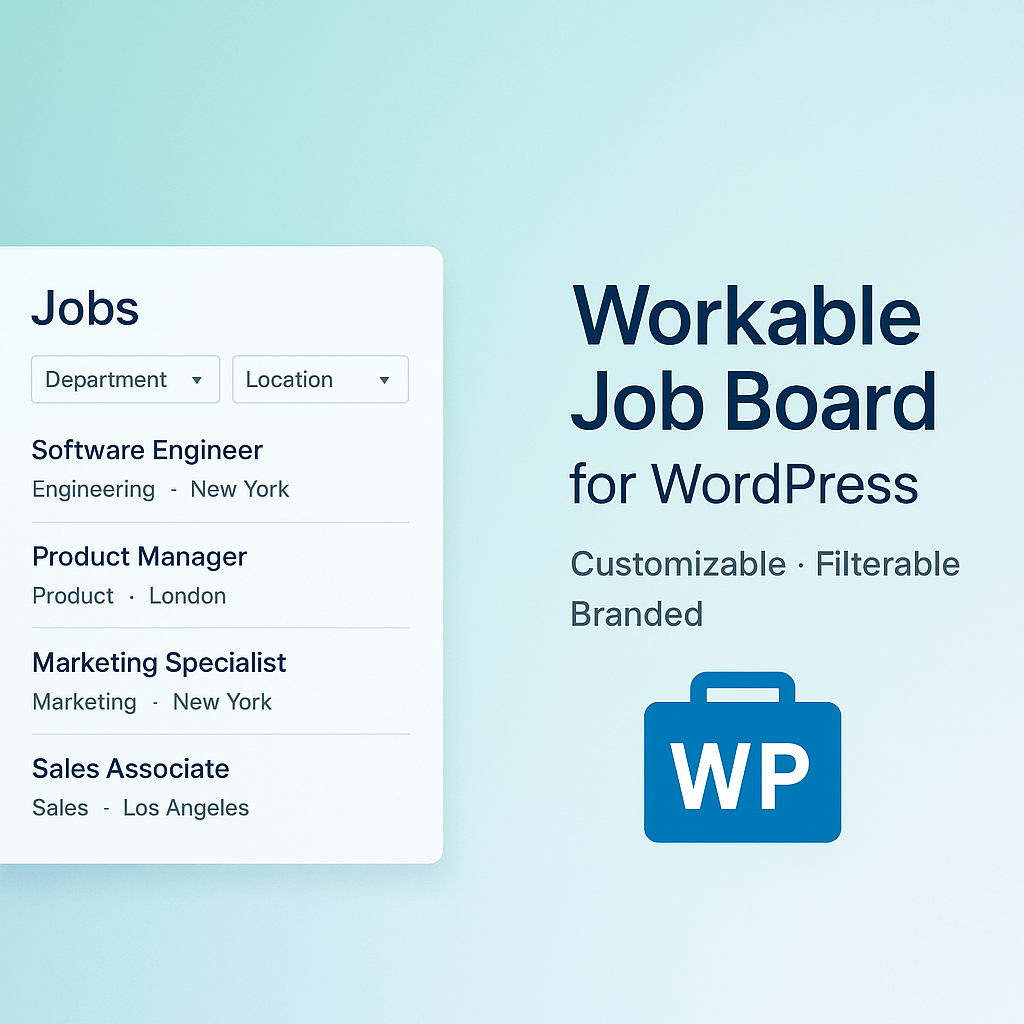
現在您可以輕鬆地在 WordPress 網站上展示您的公開 Recruitee 工作。只需簡單的短碼即可在編者、小工具甚至範本檔案中使用,將工作機會嵌入到任何地方。
範例:
[recruitee-jobs company="yourcompany"]
特點
顯示模式:有兩種模式可用於顯示工作。 "tiles" 以磁磚的形式顯示工作,特別適合顯示工作描述的摘要。 "list" 以清晰的列表顯示工作,尤其適合快速概觀所有開放工作。默認值: "tiles"
mode="list"
部門過濾:僅顯示特定部門的工作。默認值: ""(空)
department="UX"
標籤篩選:僅顯示具有特定標籤的工作。默認值: ""(空)
tags="Master,Thesis"
自定義連結:設置工作鏈接的 URL。默認值: "https://yourcompany.recruitee.com"
url="https://example.com/jobs"
語言選擇:選擇顯示文本的語言。默認值: ""(空)
language="de"
文本預覽單字數:選擇工作描述應該顯示的單字數,如果需要。默認值: "55"
preview_size="35"
自定義後綴文字:確定在簡短的描述之後應顯示什麼文本,如果它比預覽長度還要長。默認值: "..."
more="[...]"
原始或 HTML:您可以選擇使用工作廣告的 HTML 文本或沒有 HTML 的簡單文本摘錄。默認值: "0"(停用)
raw="1"
來源跟踪:您可以簡單地添加來源以跟踪應聘者的來源。默認值: ""(空)
source="yourcompany.tld"
顯示位置:在描述之前顯示工作位置。默認值: "1"(啟用)
show_location="0"
顯示標籤:在描述之前顯示工作標籤。默認值: "1"(啟用)
show_tags="0"
外掛標籤
開發者團隊
原文外掛簡介
It’s never been easier to display your public Recruitee jobs on your WordPress site. With a simple shortcode that you can use in the editor, in widgets or even in your template files, you can embed your job offers anywhere.
Example:
[recruitee-jobs company="yourcompany"]
Features
Display mode: There are two modes available for displaying the jobs. “tiles” displays the jobs as tiles, which is particularly suitable for displaying an excerpt of the job description. “list” displays the jobs in a clear list, which is particularly suitable for ensuring a quick overview of all open jobs. Default: “tiles”
mode="list"
Department filtering: Show only jobs from a specific department. Default: “” (empty)
department="UX"
Tag filtering: show only jobs with a specific tag. Default: “” (empty)
tags="Master,Thesis"
Custom Links: Set the URL to which the jobs link to. Default: “https://yourcompany.recruitee.com”
url="https://example.com/jobs"
Language selection: Choose the language of the displayed texts. Default: “” (empty)
language="de"
Text Preview Word Length: Choose if and how many words the job description should display. Default: “55”
preview_size="35"
Custom Suffix Text: Determine what text should be displayed after the shortened description, if it was longer than the preview length. Default: “…”
more="[...]"
Raw or HTML: You can choose whether to use the HTML text of the job ad or a simple text excerpt without HTML. Default: “0” (disabled)
raw="1"
Origin Tracking: You can simply add a source to track where the candidates applying come from. Default: “” (empty)
source="yourcompany.tld"
Display location: Display the job location before the description. Default: “1” (enabled)
show_location="0"
Display tags: Display the job tags before the description. Default: “1” (enabled)
show_tags="0"