內容簡介
<!DOCTYPE html>
<html>
<head>
<title>WordPress 外掛介紹:Inline Tooltips</title>
</head>
<body>
<h2>概要:</h2>
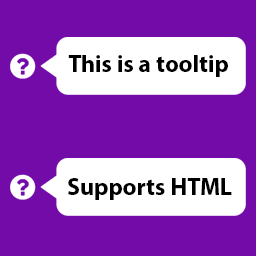
<p>Inline Tooltips 是一個輕量級的 WordPress 外掛,可將內嵌工具提示添加到 WordPress 區塊編輯器 (Gutenberg) 中。您可以在不干擾閱讀者流程的情況下,為內容的任何部分添加額外的上下文、定義或註釋。</p>
<h2>功能特點:</h2>
<ul>
<li>在 Gutenberg 文本編輯器內聯工具列中添加一個工具提示按鈕。</li>
<li>允許用戶定義自定義的工具提示文本。</li>
<li>當用戶停留時顯示工具提示,為用戶提供流暢、無縫的閱讀體驗。</li>
<li>包含最少量的樣式,易於與大多數主題融合。</li>
</ul>
</body>
</html>
外掛標籤
開發者團隊
原文外掛簡介
Inline Tooltips is a lightweight WordPress plugin to add inline tooltips to the WordPress block editor (Gutenberg). You can add additional context, definitions, or notes to any part of your content without disrupting the reader’s flow.
Features:
– Adds a tooltip button to the Gutenberg text editor inline toolbar.
– Allows users to define custom tooltip text.
– Displays tooltips on hover, providing users with a smooth, seamless reading experience.
– Includes minimal styling that integrates easily with most themes.