內容簡介
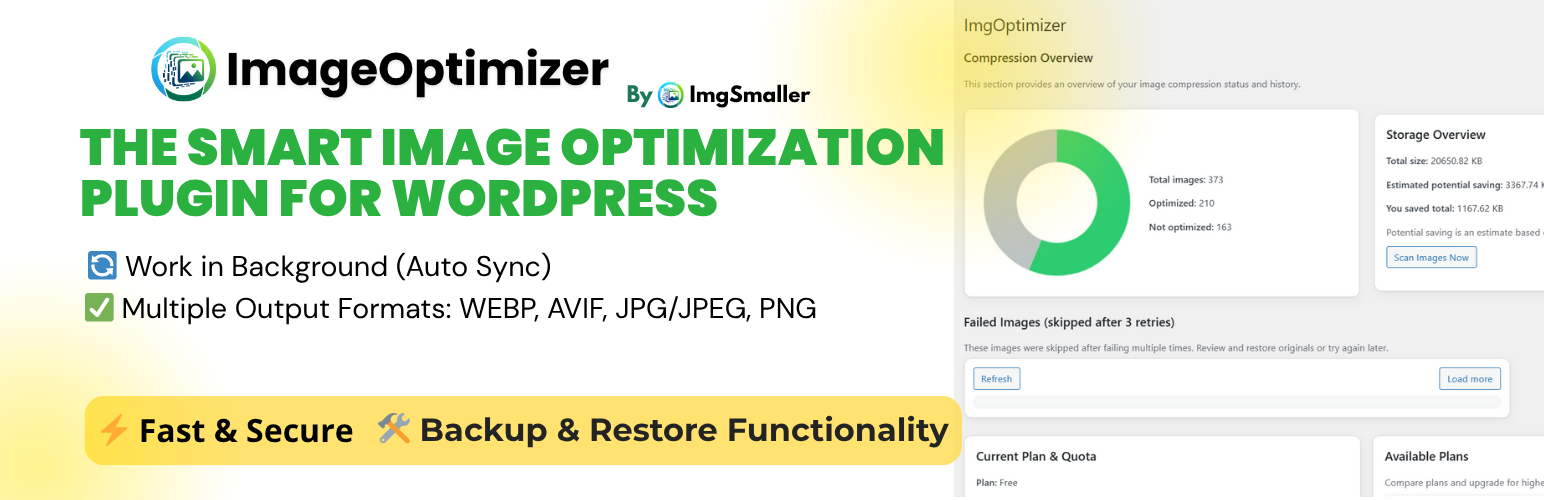
總結:ImgSmaller通過整合ImgSmaller API來壓縮您的媒體庫中的圖像。它支持WEBP和AVIF輸出,可以通過WP-Cron或外部cron後台運行,並包括堅固的備份和一鍵還原功能。此外,它還提供了排除瀏覽器、導出/導入備份和替換、計劃/配額意識等功能。
問題與答案:
1. 這個外掛是與什麼API整合?它被用於什麼目的?
- ImgSmaller API (https://imgsmaller.com)為圖像壓縮和帳戶信息,被這個外掛用於優化您的媒體庫並顯示計劃/配額細節。
2. 什麼數據被發送以及何時被發送?
- 當您開始壓縮時,外掛會發送每個選定附件的公共URL(如果文件無法公開訪問,則發送安全的、tokenized代理URL),以及您的API密鑰來請求壓縮。完成輪詢後,外掛會下載優化的圖像位元組。
- 查看計劃信息時,外掛會使用您的API密鑰請求您當前計劃的使用情況和限制。
3. 在哪裡可以找到服務政策?
- 服務條款:https://imgsmaller.com/terms
- 隱私政策:https://imgsmaller.com/privacy
4. 注意事項:
- 您可以隨時從儀表板中停用後台處理。如果您不想發送任何文件或元數據,請勿啟動壓縮,也不要輸入API密鑰。
外掛標籤
開發者團隊
② 後台搜尋「ImgSmaller – Optimize Images | Compress Images | Convert WebP & AVIF」→ 直接安裝(推薦)
原文外掛簡介
ImgSmaller integrates with the ImgSmaller API to compress images in your Media Library. It supports WEBP and AVIF output, runs in the background via WP-Cron or external cron, and includes robust backups and one-click restore. It also provides an exclusions browser, export/import of backups and replacements, and plan/quota awareness.
Key features:
Background image optimization with batching
WEBP and AVIF output formats
Automated backup of originals and one-click restore (all or selected)
Export/import backups ZIP; import optimized replacements ZIP
Exclusions browser with search, filters, and infinite scroll
Quota-aware processing with countdown and auto-resume
Secure tokenized public endpoints and file proxy for private media
Dashboard metrics, logs, and plan/allowed domains management
External cron support with copyable URL and token regeneration
External services
This plugin connects to the ImgSmaller API to compress images and retrieve plan/quota information.
What is the service and what is it used for?
– The ImgSmaller API (https://imgsmaller.com) provides image compression and account information used by this plugin to optimize your Media Library and display plan/quota details.
What data is sent and when?
– When you start compression, the plugin sends the public URL of each selected attachment (or a secure, tokenized proxy URL if the file is not publicly accessible) along with your API key to request compression. After polling completes, the plugin downloads the optimized image bytes.
– When viewing plan info, the plugin requests your current plan usage and limits using your API key.
Where can I find the service policies?
– Terms of Service: https://imgsmaller.com/terms
– Privacy Policy: https://imgsmaller.com/privacy
Notes:
– You can disable background processing at any time from the dashboard. If you prefer not to send any files or metadata, do not start compression and do not enter an API key.