
內容簡介
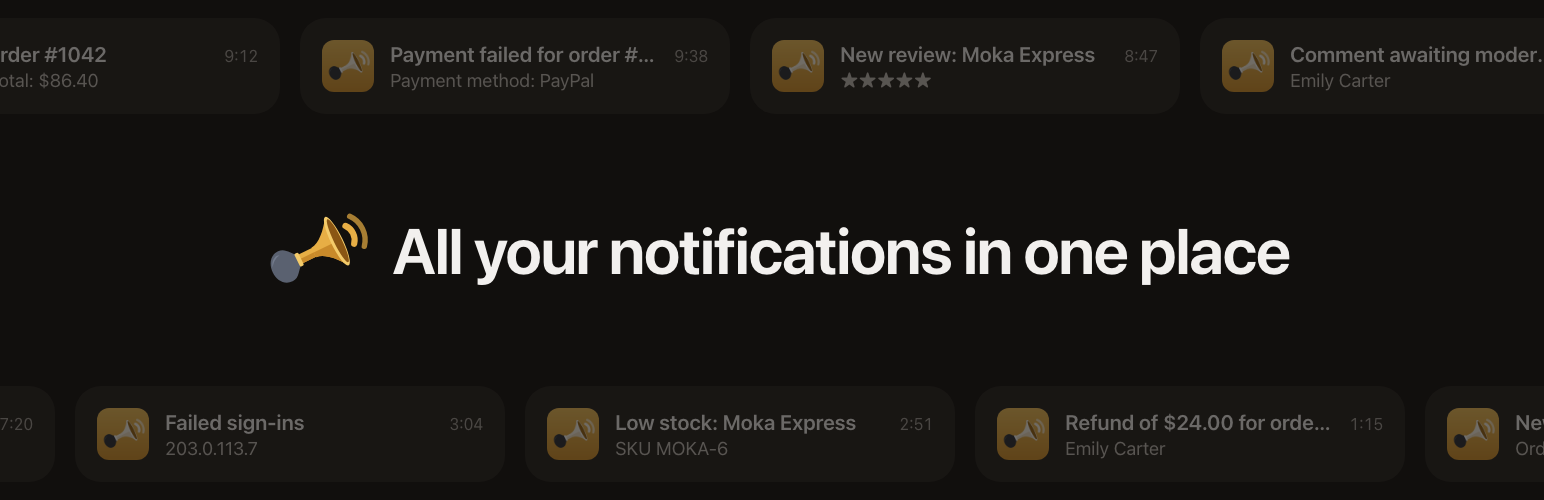
Honk Me 是一款專為 WordPress 和 WooCommerce 設計的通知外掛,能夠將網站或商店的重要事件即時通知使用者,並提供靈活的通知設定選項,讓使用者可以自訂接收的內容與方式。
【主要功能】
• 實時通知網站或商店事件
• 自訂每個通知的內容與優先級
• 支援 WooCommerce 訂單狀態變更通知
• 統計失敗付款與退款情況
• 提供低庫存與缺貨警示
• 可透過按鈕直接回應通知
外掛標籤
開發者團隊
② 後台搜尋「Honk Me – Notifications for Sites, Shops and Forms」→ 直接安裝(推薦)
原文外掛簡介
Honk Me (honk-me.app) is a calm notification inbox, Honk for short, and this is its official WordPress plugin. It tells Honk what happens on your WordPress site or WooCommerce store, so you hear about it on your iPhone, your Apple Watch and in the web app.
Honk groups repeats instead of sending each one: the first failed payment is a push, the tenth in a row just adds to a counter.
You decide what you hear about. Every event has its own on/off switch, a priority, and a level on the Honk scale: Light honk, Beep-beep, Loud honk, Long honk or Blast.
You also decide what each notification says, without code. Open Details under an event to see what it can include, from the order total, the payment method and the products to the customer’s name, phone and billing city, and tick what you want. A preview next to the choices shows how the notification will read in Honk.
Notifications can also carry buttons, so you can act on them right away: Email customer and Call customer on orders, Approve and Reply by email on comments and reviews awaiting moderation, Reply by email and Call back on form entries. Pick them in the same Details.
WooCommerce
New orders, once they’re paid or on hold (classic and block checkout, plus orders created in the admin or through the REST API)
Order status changes (Completed, Cancelled, On hold…)
Failed payments
Refunds, full or partial
Low stock and out of stock, with an all-clear when the product is back in stock
New customer accounts
New product reviews
Failed subscription renewals (WooCommerce Subscriptions)
A daily sales summary (optional)
Works with High-Performance Order Storage (HPOS) and the block checkout.
Security
An administrator signs in from a new device or network
Many failed sign-ins in a short time, with an all-clear when they stop
A new administrator, or a changed user role
The administration email address or the site address changed
Plugins and themes installed, activated, deactivated, deleted or updated
Theme or plugin files edited in the dashboard
Site health
Critical errors that crash a page or put WordPress into recovery mode (WordPress’s own email is still sent)
Site Health critical issues, checked daily
Failed automatic updates
Available updates, in one daily message
Scheduled tasks (WP-Cron) running late
Disk almost full, if your host lets WordPress check
Content and users
New user registrations
Comments awaiting moderation
Posts pending review
Published posts (off by default)
Forms
Contact Form 7, WPForms, Gravity Forms, Elementor Pro Forms, Fluent Forms and Ninja Forms are found automatically. Each notification is titled with the form’s name, and what people entered is included only if you allow personal data. With Contact Form 7, WPForms and Gravity Forms, you can also leave out single fields of each form.
Private by default
Out of the box, notifications contain no personal data: a new order reads “Order #1234 · €84.00 · 2 items”. Turn on “Include customer names and emails” to also see names, email addresses, comments and form entries, and use each event’s Details to leave out what you don’t need. Phone numbers, billing cities and customers’ notes are only sent if you tick them. While the switch is off, nothing personal is sent, whatever is ticked.
Never slows your site down
Notifications go out in the background (through Action Scheduler when WooCommerce is installed, otherwise WP-Cron) and are retried automatically. A slow or unreachable Honk server never holds up a page or a checkout, and a retry never notifies you twice.
Languages
Honk Me is translated on translate.wordpress.org, and WordPress installs the translations for your site’s languages by itself. Notifications use your site’s language, or another installed language you pick for them.
External services
This plugin connects to the Honk API to deliver your notifications. Honk Me is a notification service at honk-me.app, run by the plugin’s authors; you can also use your own Honk server. Nothing is sent until you add an API key in Settings → Honk.
What is sent, and when:
When an event you turned on happens (for example a new order, a failed payment, many failed sign-ins or a form entry), one message is sent to POST /v1/messages on the Honk server. It contains a title and a text, the Honk-scale level and the priority, a group key, the event type, your site’s address as the source, the environment (production, staging or development), a link to the related screen in your dashboard, and a few technical details (for example the order number, total and status, or the file name of a plugin that changed). If you choose buttons in an event’s Details, it also contains them: a title and a link, such as a link to approve a comment in your dashboard, or an email address or phone number to write to or call, which is sent only when the notification already includes it.
Personal data is not sent by default. If you turn on “Include customer names and emails,” messages can also contain the name and email address of a customer, user or commenter, the text of a comment or review, the fields of a submitted form, the usernames tried during failed sign-ins, and the full IP address of a new administrator sign-in (otherwise only its network, such as 203.0.113.0/24). A customer’s phone number, billing city and country and order note are sent only if you also tick them in an event’s Details, and Details let you leave out any of the others.
When you click “Send test notification”, one test message is sent.
The settings screen reads the server’s public configuration (GET /v1/config) at most every 12 hours, and again when you save the settings or send a test, to know which features the server supports. This request contains no data about your site.
The heartbeat (once Honk supports it, and only if you turn it on) checks in every 5 minutes with your site’s address and environment.
Honk’s privacy policy: https://honk-me.app/privacy. Terms and support: https://honk-me.app/support.
The plugin doesn’t track you or your visitors, and it loads no external scripts, styles or fonts.














