內容簡介
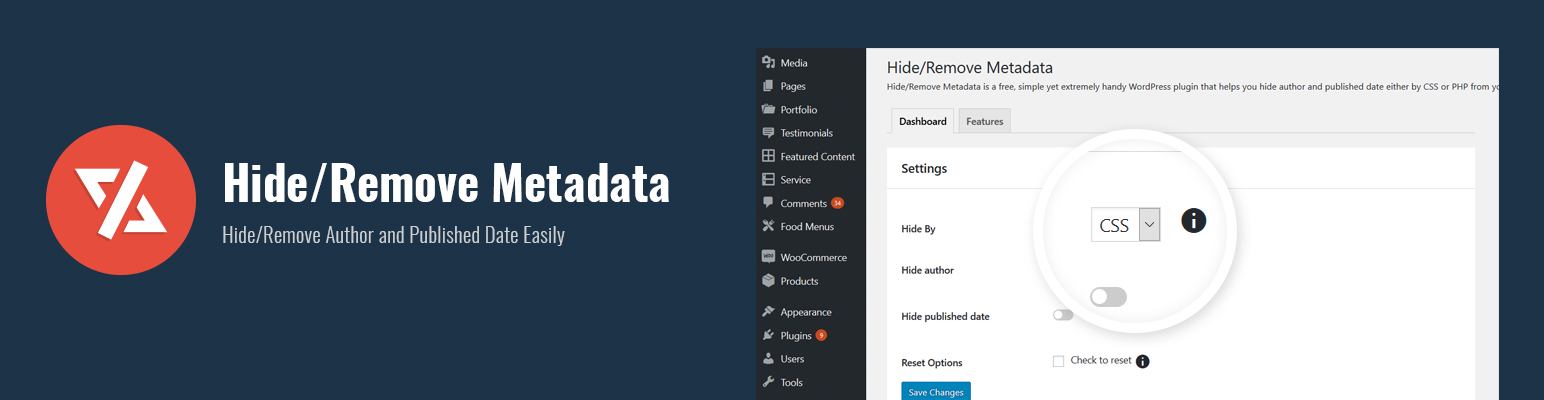
Hide/Remove Metadata是一款免費、簡單而非常實用的WordPress外掛,能夠幫助您輕鬆地隱藏或刪除網站上的作者和發布日期。該外掛非常容易使用,僅提供隱藏或移除作者和日期所必需的基本功能。操作簡單直接。當您不想公開文章的作者名稱或發布日期時,這款外掛是非常完美的。您也可以選擇只隱藏其中一個,即作者或日期。如果您想要兩者都隱藏,可以將兩者的隱藏選項都打開。Hide/Remove Metadata非常實用,設置不到一分鐘。您可以選擇完全或部分隱藏作者資訊和發布日期。選擇CSS部分隱藏,或選擇PHP完全刪除該信息。此隱藏作者和日期的外掛具有響應式設計,這意味著您的網站不會受到任何影響,外觀和以前一樣美觀。立即下載Hide/Remove Metadata!
外掛標籤
開發者團隊
原文外掛簡介
Hide/Remove Metadata is a free, simple yet extremely handy WordPress plugin that helps you hide or remove author and published date from your website effortlessly. The plugin is super easy to use and comes with only the essential features to hide or remove author and date. Simple and straight. There are times when you might not want to publicize the author’s name or the date when the article was published; Hide/Remove Metadata is perfect for situations like these. You can also choose to hide only one of them, either author or date. And if you want both of them to stay hidden, you can turn on the Hide option for both. Hide/Remove Metadata is extremely useful and takes less than a minute to set up. You can either completely or partially hide the author’s information and published date. Select CSS to partially hide them or select PHP to completely remove the information. The hide author and date plugin comes with a responsive design, which means your website will not be affected in any way; it will look as beautiful as it was. Download Hide/Remove Metadata today!