
內容簡介
Author Avatars List/Block 外掛讓您輕鬆在多用戶網站上顯示用戶頭像列表,並可根據用戶角色分組。它還支援在文章或頁面中插入單一用戶頭像,適合展示您所提及的對象。
【主要功能】
• 顯示用戶頭像列表,按角色分組
• 支援 Gutenberg 編輯器與短碼插入
• 可自訂顯示的用戶群組與排序方式
• 調整頭像大小與顯示用戶姓名或簡介
• 支援多個外掛,如 BuddyPress 和 BBPress
外掛標籤
開發者團隊
📦 歷史版本下載
原文外掛簡介
This plugin makes it easy to display lists of user avatars, grouped by user roles, on your (multiuser) site. It also allows you to insert single avatars for blog users or any email address into a post or page – great for displaying an image of someone you’re talking about.
It makes use of built-in WordPress (core) functions to retrieve user information and get avatars.
Integrates with: Gutenberg, BuddyPress, xprofile, Multisite, Wpmu, BBPress, co-authors.
Avatar lists can be inserted into your sidebar by adding a widget or into posts/pages by using a shortcode. The plugin comes with a tinymce editor plugin which makes inserting shortcodes very easy.
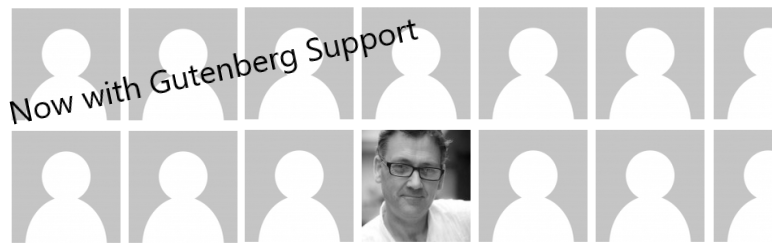
This also provides Gutenberg Block for use with the Gutenberg editor.
Please help with the plugin Translations at https://translate.wordpress.org/projects/wp-plugins/author-avatars.
Both the shortcode and widget and Gutenberg Block can be configured to:
Show a custom title (widget only)
Only show specific user groups and/or hide certain users
Limit the number of users shown
Change the sort order of users or show in random order
Adjust the size of user avatars
Optionally show a user’s name or biography
Show users from the current blog, all blogs or a selection of blogs (on WPMU/Multisite)
Group users by their blog (when showing from multiple blogs), and show the blog name above each grouping.
Support users from Co-Author Plus, Ultimate Member, BBpress and BuddyPress (xprofile)
Limit the number of avatars per page for large sets by adding a page_size to the shortcode e.g. “page_size=30” (shortcode only)
Additionally, single user avatars can be inserted using the show_avatar shortcode and configured to:
Adjust the size of the user avatar.
Align the avatar left, centered or right.
The Gutenberg Block support both single user avatars and role based selections of avatars
Please report bugs and provide feedback in the wordpress support forum.
Plugin support: In 2011, Ben stepped down as maintainer of the Plugin, handing over ownership to co-author Paul Bearne, who continues to provide support and drive the development of new features.













