內容簡介
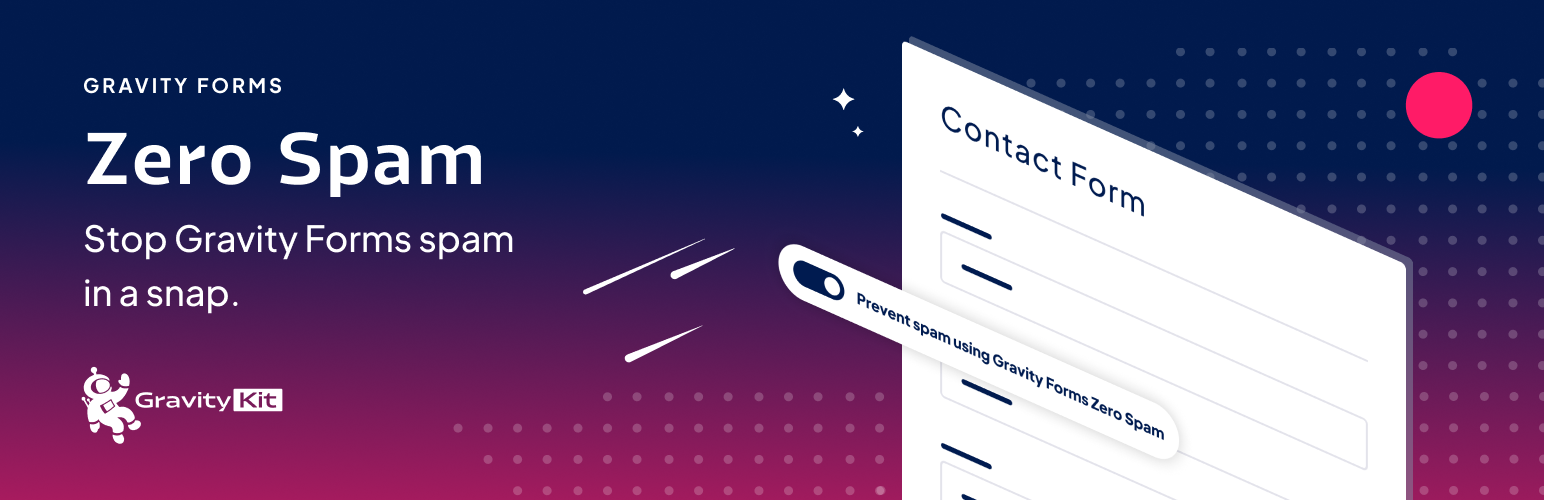
Gravity Forms Zero Spam 是一款專為 Gravity Forms 設計的外掛,透過非侵入式的防垃圾郵件措施來阻擋垃圾郵件,並可發送垃圾郵件報告摘要,提升表單的安全性與使用體驗。
【主要功能】
• 阻擋垃圾郵件,無需使用 reCaptcha
• 可針對特定表單啟用或禁用過濾功能
• 發送垃圾郵件報告摘要至電子郵件
• 自訂垃圾郵件通知的閾值或時間間隔
• 兼容 Gravity Forms 2.5 及更新版本
外掛標籤
開發者團隊
📦 歷史版本下載
原文外掛簡介
This Gravity Forms add-on blocks spam using a non-obtrusive anti-spam measure and can email a spam report summary.
Spam blocking for Gravity Forms
To get started, all you need to do is activate the plugin!
Is the Gravity Forms honeypot field not working for you? 🍯 🐝
Zero Spam is better than the Gravity Forms anti-spam honeypot field. If you’re getting spammed, try this plugin.
Use this plugin instead of reCaptcha
reCaptcha is user-hostile! Use this instead! Users don’t need to click stoplights, crosswalks, or bicycles when you use this plugin to stop spam.
Enable or disable filtering per form
If you only want the plugin for specific forms, that’s possible! The plugin adds a simple “Prevent spam using Gravity Forms Zero Spam” setting to each form (requires Gravity Forms 2.5 or newer).
Spam report emails
Spam summary report emails are disabled by default. Once enabled, a spam summary that includes the number of entries per-form will be sent via email.
Choose whether you want to be notified after the number of entries reaches a threshold (e.g. 10 spam entries) or after a certain number of days (e.g. every week). If there are no spam entries, no report will be sent.
Requires Gravity Forms.
Brought to you by GravityKit. We create essential Gravity Forms Add-Ons.