內容簡介
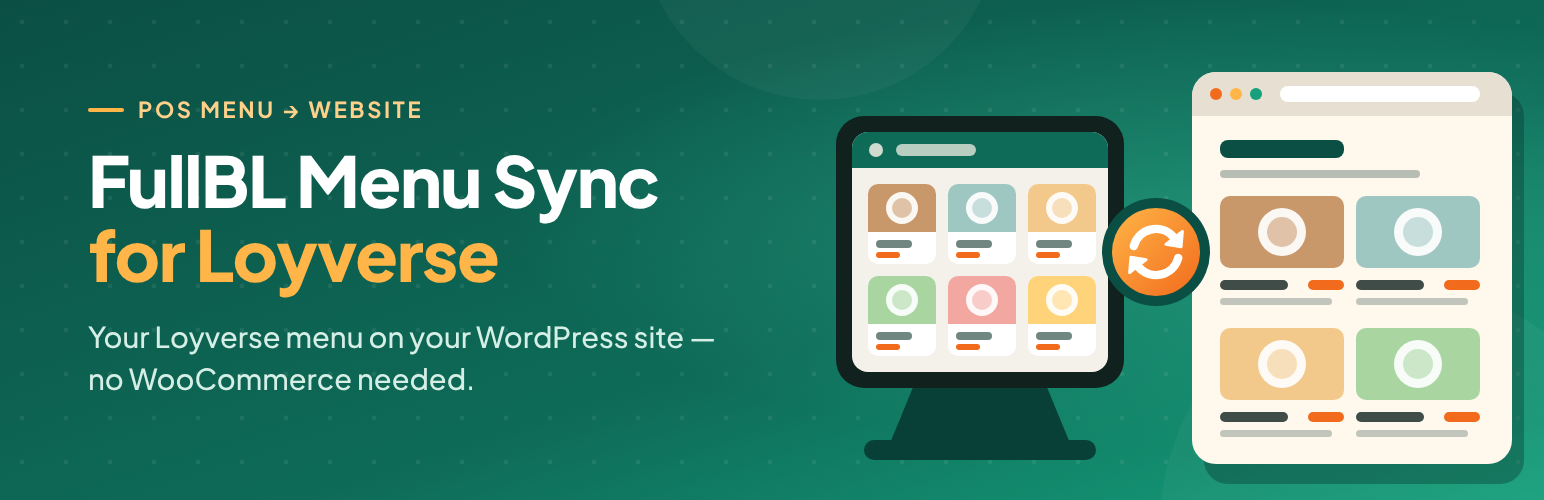
FullBL Menu Sync for Loyverse 外掛可直接將 WordPress 連接至 Loyverse API,無需中介服務。它可導入菜單類別、項目及其詳細資訊,並透過手動同步、WP-Cron 和選擇性的 webhook 來保持更新。
【主要功能】
• 直接連接 Loyverse API,支持令牌和商店選擇
• 自定義文章類型和類別的分類法
• 支持無重複的冪等同步
• 手動同步、WP-Cron 和 webhook 端點
• 短碼 [fbmsl_menu] 用於顯示菜單
• 響應式列表/網格佈局,支持貨幣顯示設置
外掛標籤
開發者團隊
② 後台搜尋「FullBL Menu Sync for Loyverse」→ 直接安裝(推薦)
原文外掛簡介
FullBL Menu Sync for Loyverse connects WordPress directly to the Loyverse API (no intermediary SaaS). It imports categories, items, descriptions, images, prices, availability, and variants into a custom post type and taxonomy, then keeps them updated via manual sync, WP-Cron, and optional webhooks.
Configure a currency symbol and whether it appears before or after the price. Accent color and spacing apply on the frontend via CSS custom properties.
This plugin is not affiliated with or endorsed by Loyverse.
Features
Direct Loyverse API connection with token and store selection
Custom post type for dishes and taxonomy for categories
Idempotent sync (no duplicates)
Manual sync, WP-Cron reconciliation, and webhook endpoint
Shortcode [fbmsl_menu]
Responsive list/grid layouts with accent, gap, and currency display settings
Editorial locks so sync does not overwrite locked title, content, or image
Translation-ready (works alongside WPML, Polylang, or TranslatePress)
Shortcode
[fbmsl_menu]
[fbmsl_menu category="antipasti" layout="list" columns="1"]
External services
This plugin communicates with Loyverse when you configure an API token and use sync, connection test, webhook registration, or scheduled sync.
What is sent: Your Loyverse personal access token (Bearer) in the Authorization header; store ID and webhook URL when registering webhooks; standard HTTP request metadata. Loyverse returns catalog data (categories, items, images, prices, inventory, store list).
When: On “Test connection”, “Sync now”, WP-Cron sync, webhook-triggered sync, and “Register webhook” in Settings → FullBL Menu Sync for Loyverse.
Where: https://api.loyverse.com/v1.0 (Loyverse REST API). Product images may be downloaded from URLs provided by Loyverse during sync.
Terms: Loyverse Terms of Use
Privacy: Loyverse Privacy Policy
No other third-party analytics or tracking services are used by this plugin.