內容簡介
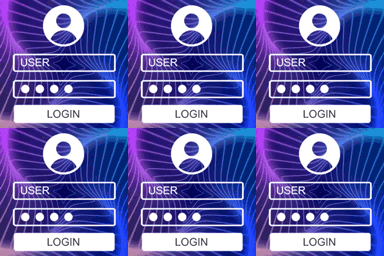
Login, Registration and Lost Password Blocks 外掛提供前端登入、註冊及找回密碼表單的區塊,讓網站管理者輕鬆整合用戶管理功能,提升使用者體驗。
【主要功能】
• 前端登入、註冊及找回密碼表單區塊
• 自訂表單顏色、字型及大小
• 用戶設定頁面及用戶啟用功能
• 限制登入嘗試次數
• 自訂表單欄位及驗證用戶名稱
外掛標籤
開發者團隊
② 後台搜尋「Login, Registration and Lost Password Blocks」→ 直接安裝(推薦)
原文外掛簡介
Login, Registration and Lost Password Blocks plugin provides blocks helps you to add login, register, lost password forms from front end.
Additionally, you can create user settings page, add limit login attempts and user activation functionality and more to your website…
Why Choose Frontend Login and Registration Forms
1. Easy to Use
You can add login, register, lost password or user settings with just a one click. They are all blocks!
2. Customization
Each block has color, font and size option in the right sidebar of block editor. You can easily customize your forms.
☑ Login Form Block
☑ Register Form Block
☑ Lost Password Form Block
☑ User Settings Form Block
☑ User Activation Form Block
☑ Welcome Card Block
☑ Menu Item Block (Login/Logout)
☑ Limit Login Attempts
☑ Limit Reset Request Attempts
☑ E-Mail Settings
☑ Strength Password
☑ Username Validation
☑ Customizable Form Fields
☑ Customizable Colors
Note: Please read the guide before using the plugin.
☑ Documentation
☑ Official Web Site
Compatibility
Block Editor
Site Editor