內容簡介
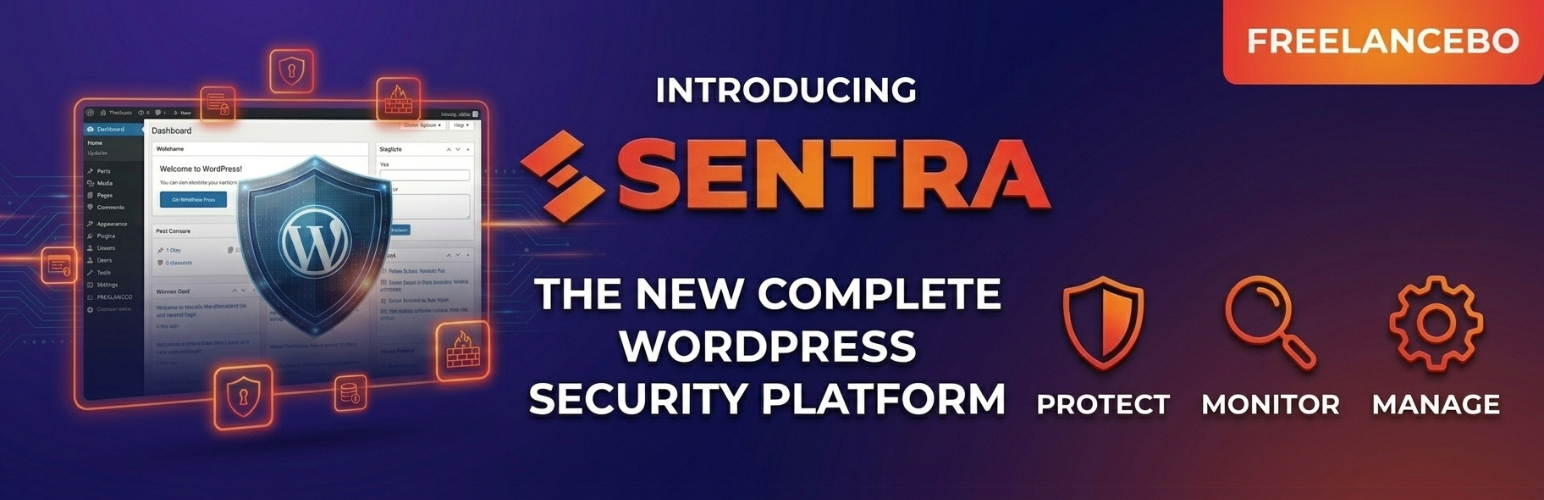
FreelanceBo Sentra Control 是一款全面的 WordPress 安全外掛,能將您的網站連接至 Sentra 中央控制台,提供企業級的保護,確保網站的安全性與穩定性。
【主要功能】
• 網頁應用防火牆 (WAF) - 阻擋惡意請求與常見攻擊
• 惡意程式掃描器 - 檢查核心檔案、佈景主題及外掛
• 漏洞掃描器 - 檢查已安裝外掛及佈景主題的漏洞
• 暴力破解保護 - 限制登入嘗試並自動封鎖攻擊者
• 檔案完整性監控 - 偵測未經授權的檔案變更
• IP 封鎖清單 - 手動或自動管理被封鎖的 IP
外掛標籤
開發者團隊
📦 歷史版本下載
原文外掛簡介
FreelanceBo Sentra Control is a comprehensive WordPress security plugin that connects your site to the Sentra central console, providing enterprise-grade protection.
Features
Web Application Firewall (WAF) – Block malicious requests, SQL injection, XSS, and other common attacks
Malware Scanner – Scan WordPress core files, themes, and plugins for known malware signatures
Vulnerability Scanner – Check installed plugins and themes against known vulnerability databases
Brute Force Protection – Limit login attempts and block attackers automatically
File Integrity Monitoring – Detect unauthorized changes to WordPress core files
IP Blocklist – Manage blocked IPs manually or automatically based on threat detection
Security Events Log – Track all security events with detailed logging
Central Console – Manage multiple WordPress sites from a single dashboard
How It Works
Install and activate the plugin on your WordPress site
Connect to your Sentra central console by entering the server URL and API key in Settings
The plugin automatically starts monitoring your site and reporting to the console
View scan results, manage firewall rules, and review security events from either the WordPress admin panel or the central console
Requirements
WordPress 5.8 or higher
PHP 7.4 or higher
A Sentra central console account (available at freelancebo.it)
External Services
This plugin relies on the following external services:
FreelanceBo Sentra Control Console
This plugin connects to a self-hosted FreelanceBo Sentra Control central console for centralized security monitoring and management. This connection is essential for the plugin to function.
What data is sent:
* Site URL, WordPress version, PHP version, and installed plugins/themes list (during heartbeat and scans)
* Security events (firewall blocks, failed login attempts, malware detections, file integrity changes)
* Scan results (malware scan, vulnerability scan, integrity scan findings)
When data is sent:
* On plugin activation and periodically via heartbeat (every 5 minutes)
* When security events occur (login attempts, firewall blocks)
* When scans are triggered (manually or via scheduled cron)
* When the admin manages firewall rules, blocklists, or settings
Service provider: FreelanceBo Group S.r.l.s., Bologna, Italy
* Service URL: https://sentra.freelancebo.it
* Terms of Service: https://sentra.freelancebo.it/terms
* Privacy Policy: https://sentra.freelancebo.it/privacy
The console server URL is configurable by the user in the plugin settings. All data is transmitted over HTTPS. Data is stored on EU-based servers in compliance with GDPR.
WordPress.org API
The vulnerability scanner module uses the official WordPress.org API to retrieve information about installed plugins, themes, and WordPress core version. This is necessary to check for known vulnerabilities and outdated software.
What data is sent:
* Plugin slugs, theme slugs, and WordPress core version
When data is sent:
* When a vulnerability scan is triggered (manually or via scheduled cron)
Service provider: WordPress.org
* API endpoint: https://api.wordpress.org
* Terms of Service: https://wordpress.org/about/privacy/
* Privacy Policy: https://wordpress.org/about/privacy/