內容簡介
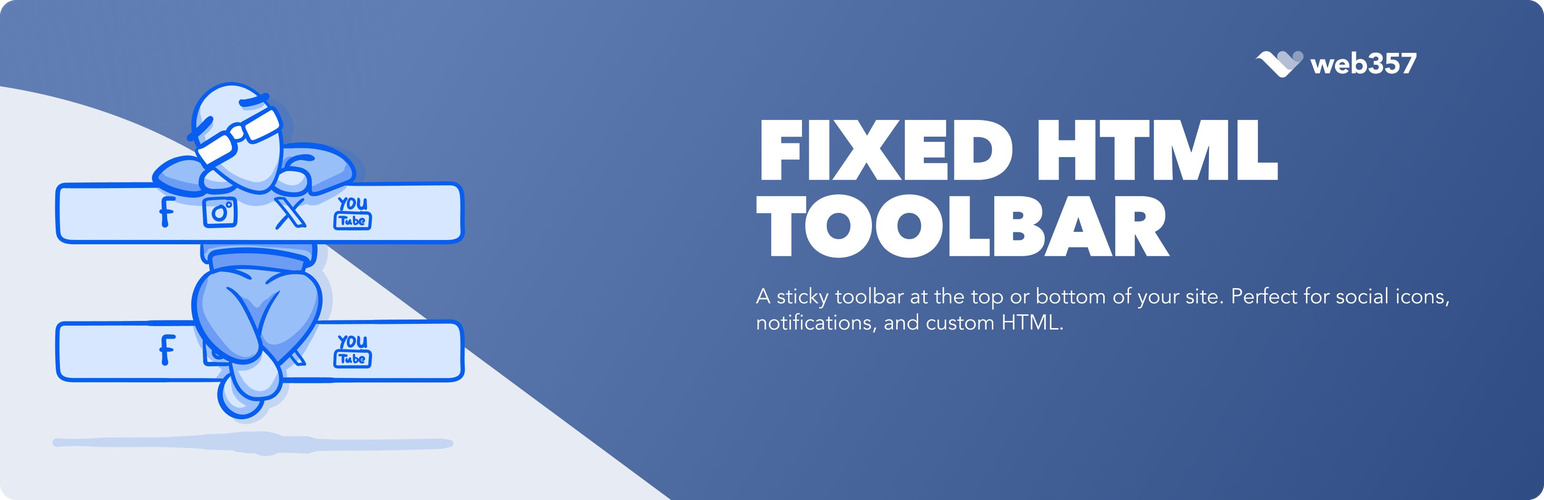
Fixed HTML Toolbar 外掛提供一個流線型且可自訂的工具列,能在 WordPress 網站的頂部或底部顯示,適合展示社交媒體圖示、重要通知或自訂 HTML 內容,確保關鍵訊息在使用者瀏覽時始終可見。
【主要功能】
• 靈活定位:可選擇在頁面頂部或底部顯示工具列
• 可自訂設計:調整背景、邊框顏色及厚度
• 豐富內容選項:最多可添加 5 個社交媒體圖示
• 進階目標設定:可針對特定頁面顯示工具列
• 使用者友好:簡易設定面板,方便配置
外掛標籤
開發者團隊
原文外掛簡介
The Fixed HTML Toolbar plugin provides a sleek and customizable toolbar that can be displayed either at the top or bottom of your WordPress site. Ideal for showcasing social media icons, important notifications, or custom HTML content, this plugin ensures your key messages stay visible to users as they scroll through your site.
Key Features
Flexible Positioning: Display the toolbar at the top or bottom of the page based on your preference.
Customizable Design:
Choose background and border colors to match your site’s branding.
Adjust the toolbar’s border thickness and vertical padding for a polished look.
Define margins between icons for precise spacing.
Rich Content Options:
Add up to 5 linked icons with custom images for social media or other platforms.
Include custom HTML content directly in the toolbar using an intuitive editor.
Advanced Targeting:
Display the toolbar only on specific sections of your site (e.g., homepage, posts, pages, categories, or search results).
User-Friendly:
Easy-to-use settings panel for seamless configuration.
Add custom CSS for advanced styling flexibility.
Use Cases
Social Media Links: Keep your social profiles accessible to boost engagement.
Notifications: Highlight promotional offers, updates, or other important information.
Custom HTML Content: Add forms, banners, or any other HTML-based elements.