內容簡介
**總結:**
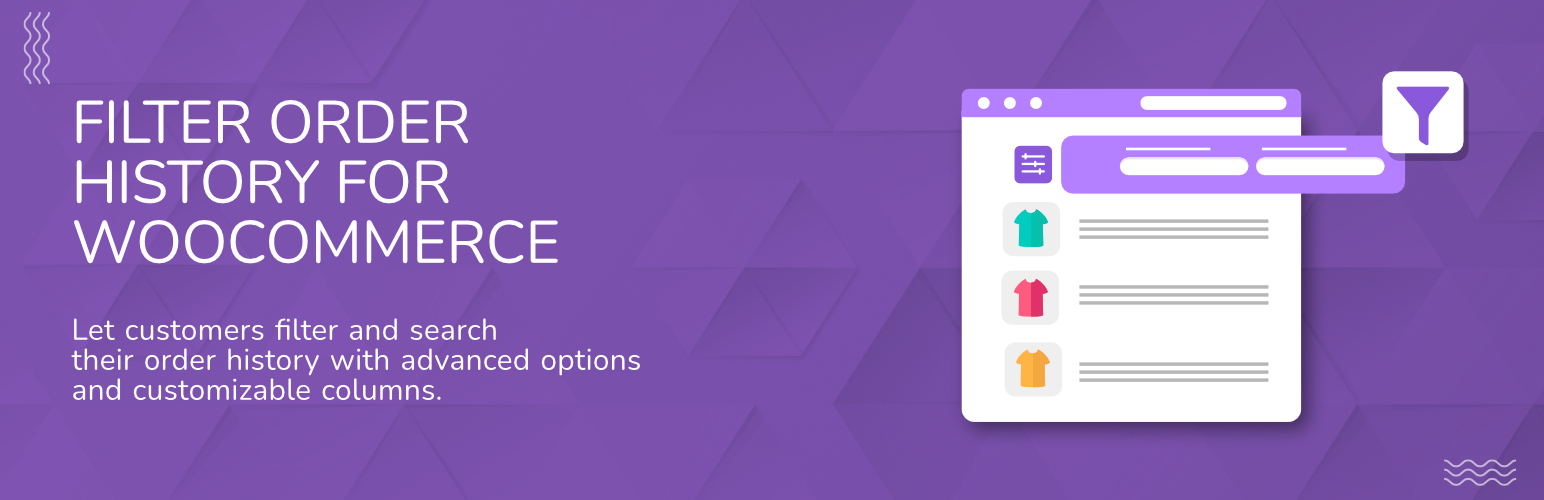
OrderFinder - Filter Order History for WooCommerce 通過允許客戶使用多個標準來過濾和搜索他們的訂單歷史,增強了您的 WooCommerce 商店。此外,該外掛還可以向標準的 WooCommerce「我的帳戶 > 訂單」頁面添加可自定義的列顯示和直觀的篩選界面。當與像 WooCommerce Address Book 這樣的外掛結合使用時,增強的過濾功能尤為有用。
**問題與答案:**
1. OrderFinder 外掛主要提供了哪些關鍵功能?
- 可自定義列選擇和排序
- 具有多字段支持的高級訂單過濾
- 具有直觀界面的日期範圍過濾
- 顯示已應用過濾條件的活動過濾器
2. 這個外掛需要哪些先決條件才能正常運作?
- 需要安裝和啟用 WooCommerce 外掛
- 支持通過不同訂單字段進行篩選,包括訂單信息、賬單信息、送貨信息及付款信息
3. 如何進行 OrderFinder 外掛的配置?
- 進入 WooCommerce > 設定 > Filter Order History 頁面
- 選擇客戶可以用來篩選訂單的訂單字段
- 在 WooCommerce > 設定 > Filter Order History > Columns Ordering 頁面,通過拖放列來重新排序它們,僅顯示主設置中選定的列
4. 安裝並配置完成後,客戶將如何看到增強功能?
- 在「我的帳戶 > 訂單」頁面上,會出現過濾界面,用於快速和方便地篩選訂單
- 提供下拉篩選器,便於選擇狀態和付款方式等類別字段
- 提供日期範圍篩選器,可根據訂單日期進行篩選
- 顯示應用過濾條件的活動過濾器以及移除選項
- 根據管理員配置的設定,提供額外的訂單信息列
5. 這個外掛是開源的嗎?可以在哪裡找到其源代碼?
- 這個外掛是完全開源的,可以找到其源代碼在 GitHub 上。
6. 如果想瞭解更多有關這個外掛以及其他 WordPress 和 WooCommerce 外掛,可以去哪裡參考?
- 想瞭解更多有關此外掛的信息,可以訪問該外掛頁面。
- 想探索更多 WordPress 和 WooCommerce 外掛,可以去 Wijnberg Developments 官網。
外掛標籤
開發者團隊
② 後台搜尋「OrderFinder – Filter Order History for WooCommerce」→ 直接安裝(推薦)
原文外掛簡介
OrderFinder – Filter Order History for WooCommerce enhances your WooCommerce store by allowing customers to filter and search their order history using multiple criteria. This plugin adds customizable column displays and an intuitive filtering interface to the standard WooCommerce “My Account > Orders” page. The enhanced filtering capabilities are particularly useful when combined with plugins like WooCommerce Address Book.
Key features
Customizable column selection and ordering
Advanced order filtering with multiple field support
Date range filtering with intuitive interface
Active filter display with clear removal options
Drag-and-drop admin interface for column management
For more information about this plugin, please visit the plugin page.
Requirements
WooCommerce plugin installed and activated
Filterable order fields
The plugin supports filtering by different order fields:
Order information such as status, order number, currency, and key dates (created, modified, completed, paid)
Billing information such as customer name, company, contact details, and complete address information
Shipping information such as recipient name, company, phone number, and delivery address
Payment information including payment method details
Configuration
Configure the plugin settings below for proper functionality.
Plugin settings
Configure these plugin-specific settings:
Column Selection
Go to: WooCommerce > Settings > Filter Order History
Select which order fields customers can use to filter their orders
Choose from 25+ available order fields
Column Ordering
Go to: WooCommerce > Settings > Filter Order History > Columns Ordering
Drag and drop columns to reorder them as they will appear in the customer’s order history table
Only selected columns from the main settings will be shown
Usage
After installation and configuration, customers will see enhanced functionality on the My Account > Orders page:
Filtering interface: A filtering form appears above the orders table
Dropdown filters: Easy selection for categorical fields like status and payment method
Date range filters: Date pickers for filtering by order dates
Active filters: Clear display of applied filters with removal options
Custom columns: Additional order information columns as configured by admin
Additional Information
This plugin is fully open source. You can find the source code on GitHub
For more WordPress and WooCommerce plugins, visit Wijnberg Developments.