內容簡介
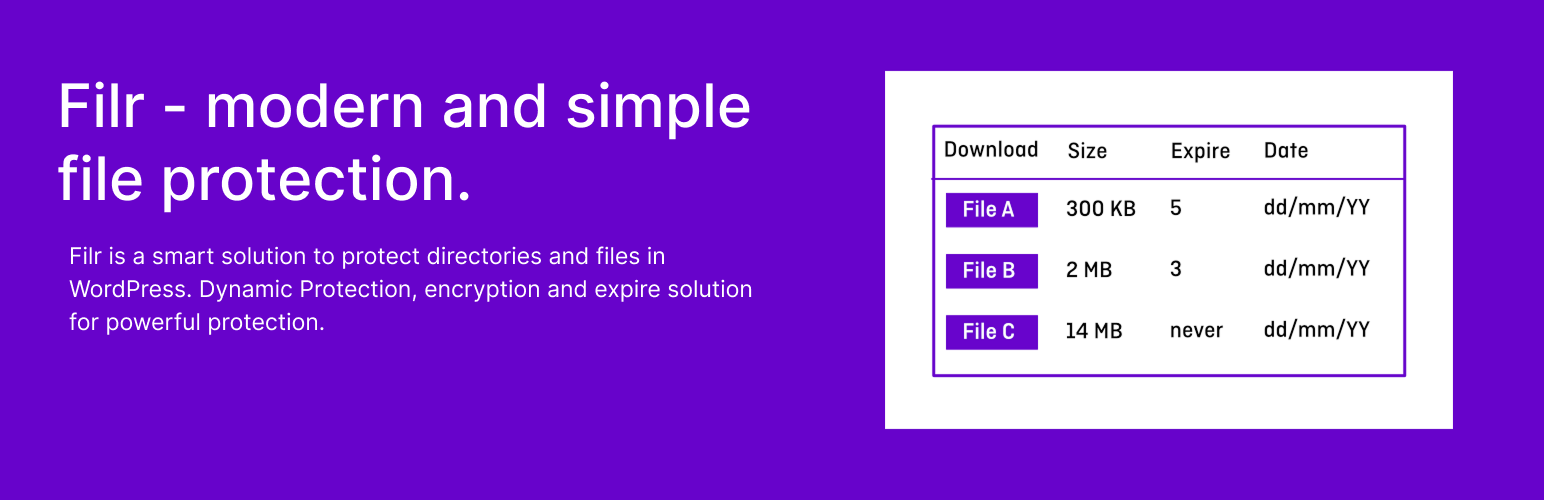
Filr 是一款安全的文件庫外掛,幫助用戶輕鬆上傳、組織和分享文件。無論是使用直接連結還是顯示所有文件,Filr 都能提供便捷的訪問方式,確保文件安全性。
【主要功能】
• 支援外部文件上傳
• 根據用戶電子郵件或角色限制訪問
• 文件加密以增強隱私
• 設定文件過期自動移除
• 多文件同時上傳並自動壓縮
• 短碼自訂化選項增強
外掛標籤
開發者團隊
② 後台搜尋「Filr – Secure document library」→ 直接安裝(推薦)
原文外掛簡介
Easily Create a Secure Document Library with Filr
Filr helps you safely upload, organize, and share documents on your site. Use direct links or show all files in a library for easy access.
Filr Pro – advanced features available after making a purchase
Enhanced File Security & Access Control
– Support for external files.
– Restrict file access by user email or user role.
– Encrypt filenames for extra privacy.
– Password-protected ZIP files.
Flexible File Expiry Options
– Expire uploads after a set number of downloads.
– Set an expiration date for files to auto-remove access.
Advanced Upload & Storage Management
– Upload multiple files at once and automatically zip them.
– Store files in custom directories for better organization.
– Manage folders efficiently with built-in folder management.
Extended Shortcode Customization
– More options to configure, style, and customize document library shortcodes.
Get it now on wpdocumentlibrary.com
Documentation
Learn more about this plugin [in our official documentation]](https://wpdocumentlibrary.com/kb/)
Support
Free users: Ask in our forum
Pro users: Get priority help