
外掛標籤
開發者團隊
② 後台搜尋「FD3 Calendar Display for Google Calendar」→ 直接安裝(推薦)
原文外掛簡介
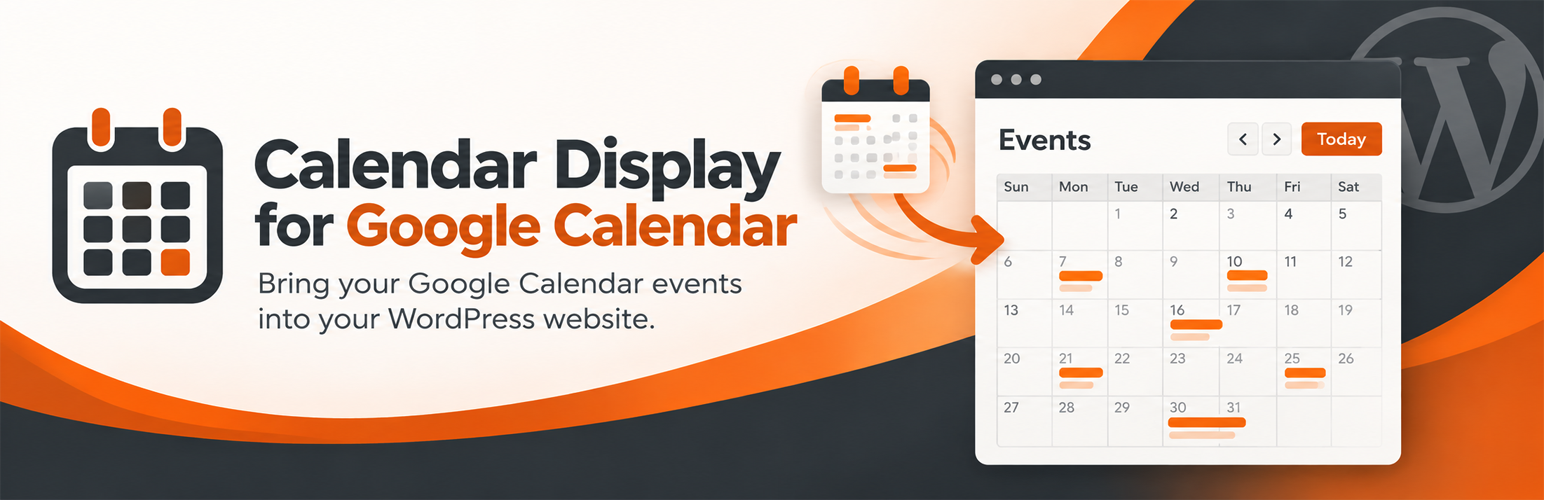
FD3 Calendar Display for Google Calendar shows the events from any public Google Calendar (or any public iCal feed) on your WordPress site with a single shortcode.
Month, Week, and List views your visitors can switch between.
Event details pop-up with date, time, location (with a map link), and description.
“Add to Google Calendar” and .ics download buttons on each event, plus optional subscribe links for the whole calendar.
Recurring events done right: weekly, monthly (“second Tuesday”, “last Friday”), yearly, exceptions, and individually moved or cancelled occurrences.
Times shown in your site’s timezone, so every visitor sees the same schedule.
Fast: events are cached, assets only load on pages with a calendar, and if Google is briefly unreachable the last good copy is shown.
Your colors: set accent, background, event, and text colors and corner radius, site-wide or per shortcode.
No API key and no Google account connection. It reads the calendar’s public iCal feed.
Translation-ready and keyboard accessible.
Usage
Make your calendar public in Google Calendar: Settings and sharing → Access permissions → Make available to public.
Copy the Calendar ID from Settings and sharing → Integrate calendar.
Paste it into Settings → Calendar Display in WordPress.
Add [cdgc_calendar] to any page, post, or widget.
Shortcode options:
url – a different calendar ID or URL than the one in Settings
view – month, week, or list
primary_color, bg_color, event_color, text_color – hex colors
border_radius – corner radius in pixels
show_event_exports, show_calendar_subscribe – 1 or 0
Example: [cdgc_calendar view="list" primary_color="#c2410c"]
External services
This plugin connects to Google Calendar to load the events it displays.
What is sent and when: when a page containing the calendar is viewed and the cached copy has expired (every 12 hours by default), your server requests the calendar’s iCal feed from calendar.google.com. The request contains the calendar ID or feed URL you entered and your site’s address in the user-agent header. No visitor data is sent. If you enter a non-Google .ics URL, that server is contacted instead.
Links visitors may choose to follow: the “Add to Google Calendar” and “Subscribe” links open Google Calendar, and location links open Google Maps. Nothing is sent to Google unless a visitor clicks one of these links.
Google Calendar and Google Maps are provided by Google LLC: Terms of Service, Privacy Policy.
This plugin is not affiliated with or endorsed by Google. Google Calendar is a trademark of Google LLC.











