
內容簡介
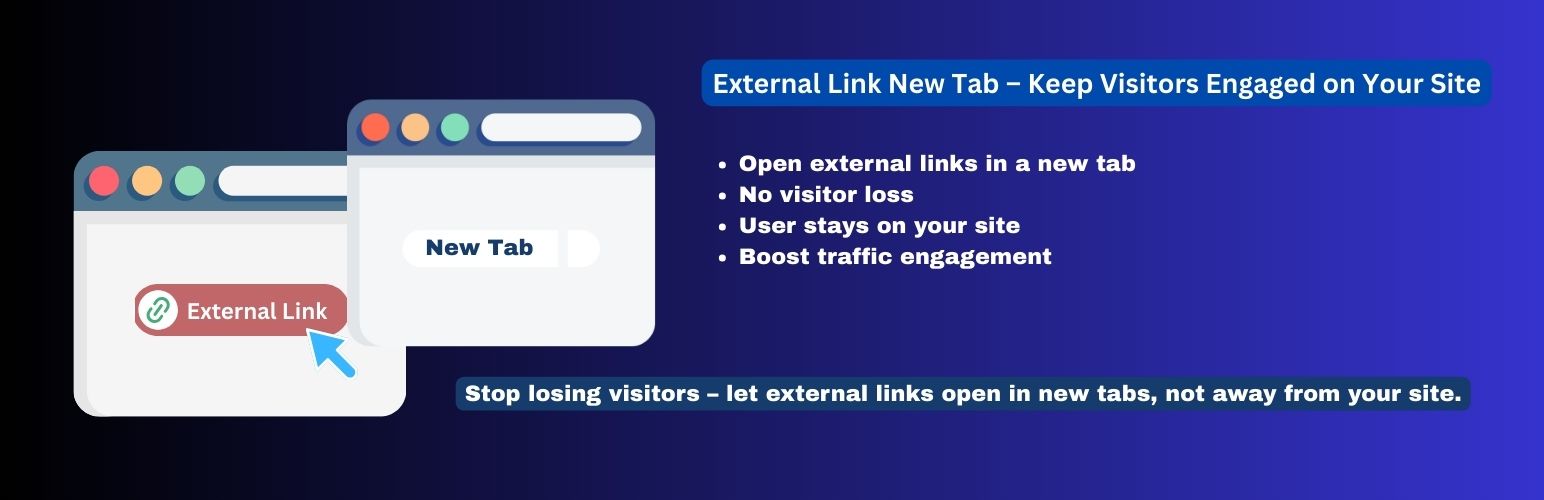
總結:「External Links New Tab」是一款簡單、輕巧、且功能強大的外掛程式,透過一個點擊可提升您的網站使用者體驗和安全性。啟用後,它智能掃描內容,自動將所有指向外部網站的連結修改為在新瀏覽器分頁中開啟。
問題與答案:
1. 外掛程式「External Links New Tab」能如何提升網站使用者參與度?
- 回答:透過在新分頁中開啟外部連結,保持造訪者留在您的網站上。他們可以探索相關內容,而不會失去原本的位置,提高繼續瀏覽您的網站的可能性。
2. 這款外掛程式如何增進網站的安全性?
- 回答:該外掛程式會自動為所有外部連結添加「rel=”noopener noreferrer”」。這是一個關鍵的安全措施,可防止一種名為「tabnabbing」的漏洞。
3. 如何啟用這款外掛程式,並確保其運作?
- 回答:無需進行任何設定。只需安裝外掛程式,啟用它,即可立即運作。
4. 「External Links New Tab」這款外掛程式適合哪些人使用?
- 回答:這款外掛程式非常適合部落客、企業所有者,以及任何想要為他們的受眾提供更好、更安全的瀏覽體驗,而又不想花費太多技術支援的人。
外掛標籤
開發者團隊
原文外掛簡介
External Links New Tab is a simple, lightweight, and powerful plugin that enhances your website’s user experience and security with a single click. Once activated, it intelligently scans your content and automatically modifies all links pointing to external websites to open in a new browser tab.
Why is this important?
Boosts User Engagement: By opening external links in a new tab, you keep visitors on your site. They can explore the linked content without losing their place, making them more likely to continue browsing your website afterward.
Improves Security: The plugin automatically adds rel=”noopener noreferrer” to all external links. This is a critical security measure that prevents a vulnerability known as “tabnabbing.”
Set It and Forget It: There are absolutely no settings to configure. Simply install the plugin, activate it, and it works instantly.
This plugin is perfect for bloggers, business owners, and anyone who wants to provide a better, safer browsing experience for their audience without any technical hassle.














