內容簡介
總結:這個輕量的外掛可讓您在 WooCommerce 中新增「優惠券到期時間」的欄位,使得優惠券在指定日期和時間到期。
1. 什麼是 WooCommerce 的優惠券到期時間外掛功能?
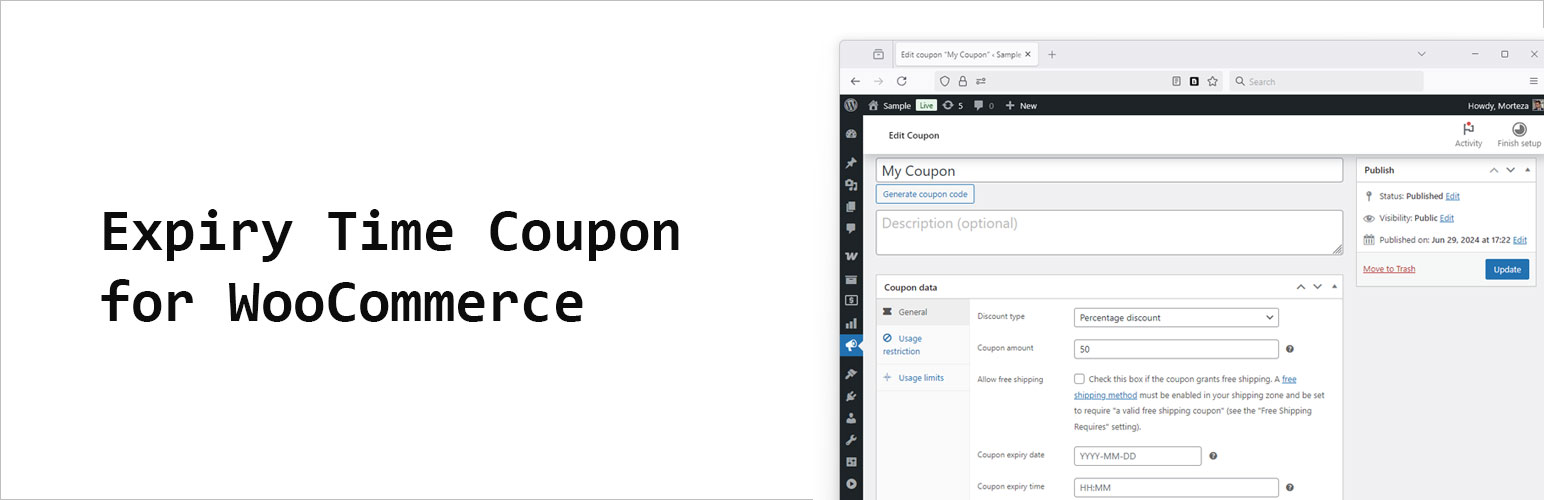
- 這個外掛功能讓您可以在優惠券編輯頁面上添加一個「優惠券到期時間」欄位,以24小時制的 HH:MM 格式輸入時間。
2. 如果同時設定日期和時間會發生什麼事情?
- 當您設定了日期和時間,優惠券將在該日期的指定時間到期。
3. 這個外掛的主要特點是什麼?
- 它與 WooCommerce 內建的優惠券到期日期相容。
- 時間內部以從午夜以來的秒數存儲,並與日期結合。
- 不需要修改您的主題或結帳模板。
4. 如何使用這個外掛?
- 在 WooCommerce 中像平常一樣設定到期日期。
- 以 HH:MM(24小時制)格式設定優惠券到期時間,例如17:30。
- 優惠券將在結合的時間戳之前有效;之後將被視為過期。
外掛標籤
開發者團隊
② 後台搜尋「Expiry Time Coupon for WooCommerce」→ 直接安裝(推薦)
原文外掛簡介
WooCommerce lets you set a coupon “Expiry date” but not an exact time.
This lightweight plugin adds a “Coupon expiry time” field (HH:MM, 24h) to the coupon edit screen.
When both date and time are set, the coupon will expire on that date at the time you specify.
Key points
* Works alongside WooCommerce’s native coupon expiry date.
* Time is stored internally as seconds since midnight and combined with the date.
* No changes to your theme or checkout templates required.
Usage
Set Expiry date as usual in WooCommerce.
Set Coupon expiry time in HH:MM (24-hour) format, for example 17:30.
The coupon will be valid until the combined timestamp; after that, it will be treated as expired.