內容簡介
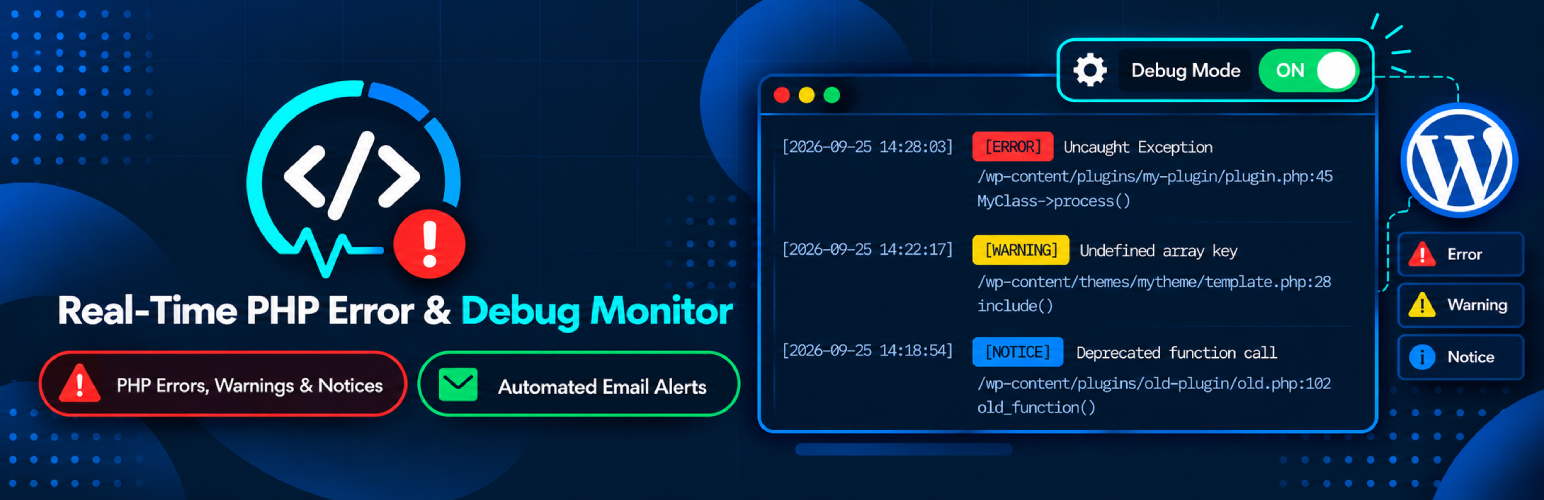
ErrorWatcher 提供即時監控 PHP 錯誤、警告、通知及已淘汰函數呼叫,並透過乾淨的原生控制台進行檢查與故障排除,避免資料庫膨脹。此外掛確保前端不顯示任何錯誤,所有問題僅在後端的專用儀表板中列出。
【主要功能】
• 實時監控 PHP 錯誤與警告
• 不在前端顯示錯誤
• 自動發送每日兩次的電子郵件報告
• 詳細的診斷信息與堆疊追蹤
• 智能文件聚類以簡化除錯
• 匯出過濾後的錯誤日誌
外掛標籤
開發者團隊
原文外掛簡介
ErrorWatcher provides real-time monitoring of PHP errors, warnings, notices, and deprecated function calls with a clean, native dashboard to inspect and troubleshoot them without creating database bloat.
Unlike manually inspecting large debug.log files on your server or modifying wp-config.php, ErrorWatcher captures runtime errors safely, stores them in a lightweight runtime file, and sends twice-daily summary email digests with .txt log attachments.
Zero Front-End Error Exposure: ErrorWatcher will not show any errors on the front side to site visitors. All errors, warnings, notices, and deprecations are intercepted silently in the background and listed exclusively in the WordPress back-end on a separate dashboard page.
Key Features
WordPress-Native Admin Interface: View summary metric cards (Total, Fatal, Errors, Warnings, Notices, Deprecated) and real-time logs table.
No Front-End Errors Displayed: Does not show any errors on the front side. All issues are securely captured in the background and listed exclusively in the back-end on a separate dashboard page.
Admin Bar Quick-Status Badge: Real-time color-coded health badge and diagnostics dropdown in the WordPress admin bar for administrators.
Granular Error Capturing: Captures PHP Fatal Errors, Catchable Errors, Warnings, Notices, Deprecated warnings, User Errors, and Uncaught Exceptions.
Detailed Diagnostics Drawer: Inspect full error messages, stack traces, HTTP request method/URL, user account context, client IP, and grouped sibling issues.
Source Code Preview in Drawer: Displays a syntax-formatted 7–10 line code preview surrounding the exact error line with visual highlighting and one-click copy.
Smart File Clustering: Automatically groups multiple issues originating from the same file to prevent table clutter and streamline debugging.
Advanced Filtering & Search: Filter by error severity/type, search messages/files/URLs, or filter by custom date ranges (Today, 7 days, 30 days, or custom calendar dates).
Twice-Daily Email Reports: Automatically dispatches scheduled digests at custom morning and evening hours using WP-Cron with formatted HTML summary and attached .txt log file.
Automated Retention & Pruning: Automatically prunes resolved errors when source files are modified and clears inactive logs older than 30 days via daily WP-Cron.
Export Capability: Export filtered error logs directly to CSV or formatted Text (.txt) files.
Minimal Overhead & Performance-First: Uses server-side pagination, request-level error deduplication to prevent floods in loops, and zero frontend performance penalty.
Safe & Non-Intrusive: Does not modify wp-config.php and does not turn on frontend error display.
Technical & PHP Limitations Notice
Runtime Error Handling: Captures runtime errors, warnings, notices, deprecations, and fatal shutdown errors during WordPress request execution.
Pre-Boot Compile/Parse Errors: Fatal compile-time or syntax errors that occur before WordPress or the plugin loads (such as syntax errors inside wp-config.php or early mu-plugins) cannot be intercepted by PHP runtime error handlers.
Memory Limits: An emergency memory buffer is pre-allocated and released on shutdown to capture Out-of-Memory fatals when possible.