內容簡介
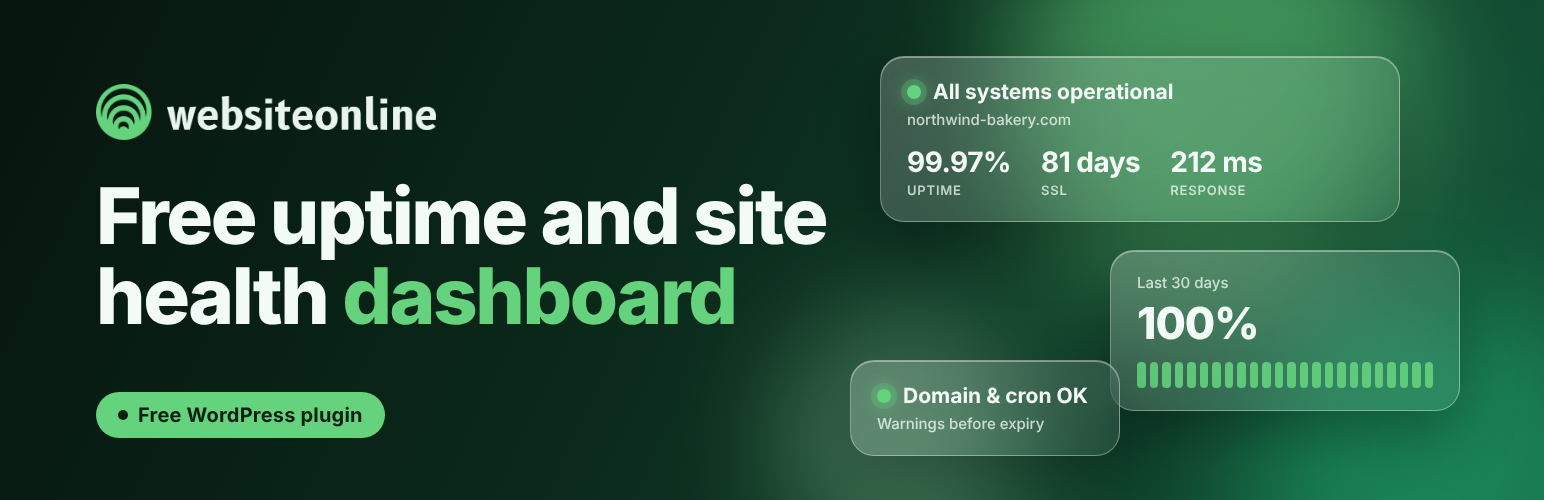
Uptime Monitoring for WordPress 是一款專為監控網站運行狀態而設計的外掛,能夠提醒使用者 SSL 證書、域名註冊到期及 WordPress 排程任務的運行狀況,確保網站穩定運行。
【主要功能】
• 監控 SSL 證書到期日及發行者
• 提供域名註冊到期日提醒
• 顯示排程任務的運行狀態
• 每 5 分鐘檢查網站是否在線
• 提供網站的響應時間與正常運行時間統計
• 14 天免費試用所有付費功能
外掛標籤
開發者團隊
② 後台搜尋「Uptime Monitoring for WordPress – My Website is Online」→ 直接安裝(推薦)
原文外掛簡介
Monitor SSL certificate expiry, domain expiry and WordPress cron health from your dashboard. All three monitors are free and ready when you activate the plugin. No account or configuration required.
For alerts when your site goes offline, activate free external monitoring from the plugin page. Create an account in about 1 minute with your email and a password, or connect an existing one. Your site is then checked independently of WordPress every 5 minutes, with an email alert if a check detects an outage.
Three free monitors in your WordPress dashboard
SSL certificate: See how many days remain before your certificate expires and who issued it. Get advance warning before visitors encounter certificate errors.
Domain expiry: See the expiry date published by your domain registry and how many days remain before renewal.
WordPress cron: Check whether scheduled tasks are running, waiting for a visitor or failing to run. Spot problems that can delay scheduled posts, backups and other automated tasks.
SSL and domain expiry warnings appear on your dashboard at 14, 7 and 3 days remaining. The plugin also sends expiry emails to your WordPress administration address. You can turn these emails off on the plugin page.
All three monitors are free and available without an account. SSL and domain information is retrieved through the My Website is Online service; cron health is checked in WordPress.
Get an email when your site goes down
If WordPress stops working, these dashboard checks can’t alert you. Your site could be offline without you knowing.
External uptime monitoring keeps checking independently of WordPress. Setup takes about 1 minute: open the plugin page, enter your email, choose and confirm a password, and click “Connect this site”. Your account is created and the site is added. Already have an account? Use its credentials to connect this site.
Free for one site. Checks every 5 minutes. Email alerts. No credit card required.
Once connected, your dashboard also shows:
Current monitoring status and response time.
Uptime over the last 24 hours, 7 days and 30 days.
Recent incidents.
New accounts include a 14-day trial of paid features, then continue on the free plan for one site. The plugin’s SSL, domain and cron monitors remain free, whether or not you connect an account.
Learn more: https://mywebsiteisonline.com/
External services
This plugin uses My Website is Online to retrieve public SSL certificate and domain registration information. These requests start when you activate the plugin, even if you do not create an account. External uptime monitoring is optional and requires you to connect the site to an account.
Information sent without an account
The public site address and the WordPress, PHP and plugin versions, when registering the plugin installation with the service.
The WordPress, PHP and plugin versions, cron health status, and timestamps for the last cron runner start and plugin heartbeat, in periodic status updates.
An installation token used to authenticate subsequent requests.
The plugin retrieves SSL and domain reports on activation, on the first administrator visit to the dashboard or plugin page when needed, and approximately once a day afterward. It also retrieves a report when you use the manual check button. Pending or failed requests may be retried.
Cron status updates are sent approximately once an hour while WordPress scheduled tasks are running. An administrator visit can also trigger an update when cron appears unhealthy. These timings depend on WordPress being able to run scheduled tasks and reach the service.
The service returns the SSL certificate expiry date and issuer, and the domain registration expiry date when the registry publishes it. No user account is created until you choose to connect the site.
Information sent when you connect an account
When an administrator submits the “Connect this site” form, the plugin sends the entered email, password and password confirmation, or a connect code, to the service. It also sends the plugin administration page URL, a one-time verification URL and nonce, software versions, and acceptance of the service terms.
The service uses this information to create an account or connect an existing one and add the site. During connection, it requests /wp-json/mwio/v1/challenge on your site to verify the connection request. Passwords and connect codes are not saved by the plugin in the WordPress database. The connected account email and monitoring details are stored so they can be displayed in WordPress.
Once connected, the plugin retrieves monitoring status approximately every 15 minutes through WordPress scheduled tasks. Returned information includes the account email, monitoring state, uptime statistics and recent incidents.
The external service checks your public site independently of WordPress, every 5 minutes on the free plan. Disconnecting the site or deleting the plugin removes the WordPress connection; external monitoring continues in your account until you remove the site there.
Service: https://mywebsiteisonline.com/
Privacy policy: https://mywebsiteisonline.com/privacy-policy/
Terms and conditions: https://mywebsiteisonline.com/terms-and-conditions/