內容簡介
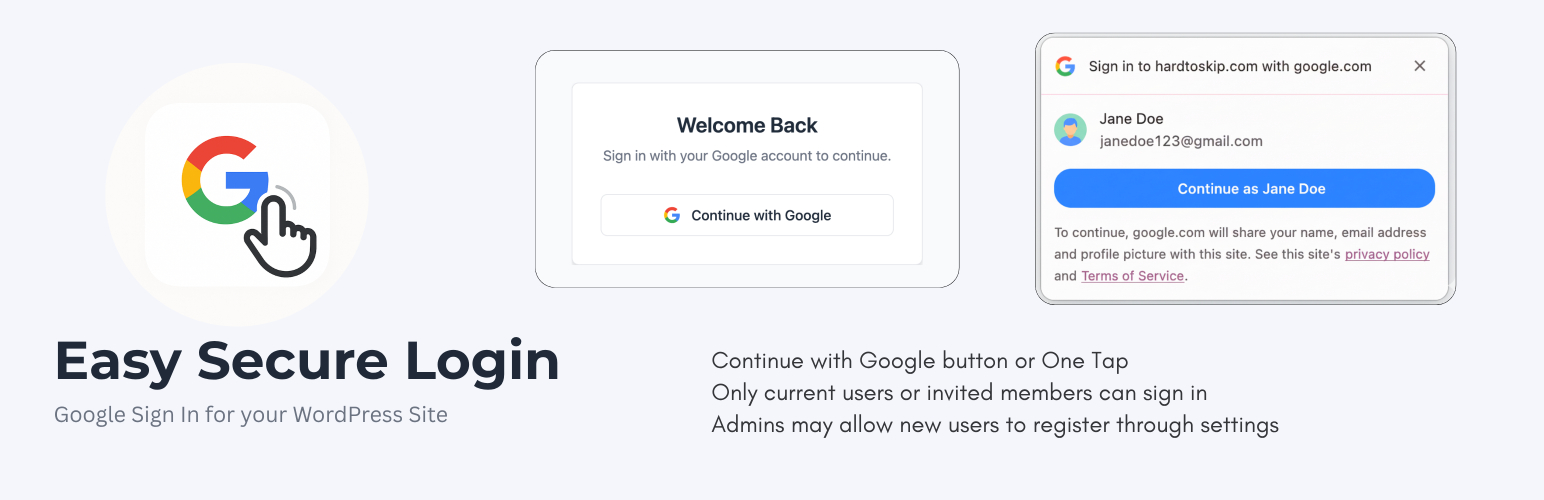
Easy Secure Login 外掛透過整合 Google 的兩種強大身份驗證方法(Google Sign-In 和 Google One Tap),提升網站安全性,並提供現代化的無密碼登入體驗。此外掛可選擇完全取代標準的 WordPress 密碼系統,確保只有經過驗證的 Google 帳號能夠訪問網站。
【主要功能】
• 可選擇無密碼安全性
• 角色基礎重定向
• Google Sign-In 按鈕
• Google One Tap 一鍵登入
• 完整的用戶管理
• Google 頭像自動同步
外掛標籤
開發者團隊
② 後台搜尋「Easy Secure Login – Google One Tap & Sign-In」→ 直接安裝(推薦)
原文外掛簡介
Easy Secure Login enhances your site’s security by integrating two powerful Google authentication methods: Google Sign-In and Google One Tap. It can optionally replace the standard WordPress password system entirely, offering a modern, passwordless login experience.
Born out of necessity after a real-world brute-force attack, this plugin was designed with the option to enforce a Google-only login policy, ensuring that only verified Google accounts can access your site. It combines robust, Google-powered security with a beautiful user interface, automatic user management, and a step-by-step setup wizard.
Key Features
Optional Passwordless Security: Ability to completely disable standard password logins, forcing all users to authenticate via Google’s secure OAuth 2.0.
Role-Based Redirects: Define custom landing pages for different user roles. Redirect subscribers to your homepage or a custom dashboard while keeping admins in wp-admin.
Google Sign-In Button: A clean, modern “Continue with Google” button on your login page.
Google One Tap: Allows logged-in Google users to sign in instantly with a single click via a non-intrusive pop-up.
Complete User Management: Whitelist specific Google accounts and assign roles, or allow open registration for any Google user.
Google Profile Picture Sync: Automatically syncs and displays Google profile pictures as user avatars in WordPress.
Built-in Security Hardening:
Disable XML-RPC to prevent common attacks.
Disable the plugin and theme file editor.
Hide your WordPress version number.
Restrict REST API access to logged-in users.
Block direct access to sensitive core files.
User-Friendly Setup Wizard: A clean, multi-step guide to get your Google Cloud credentials configured in minutes.
Actively Maintained for the latest WordPress versions.
This plugin provides maximum login security while dramatically improving the user experience.
External services
This plugin uses Google’s Identity Services to provide a secure authentication method (Google Sign-In and Google One Tap). To function, it connects to several Google APIs.
Service: Google Identity Services (accounts.google.com)
Purpose: This service is used to display the “Sign in with Google” button and the Google One Tap prompt. It handles the user authentication process directly in the user’s browser.
Data Sent: This plugin initiates the authentication flow, but user data (like email and password) is entered directly on Google’s domain, not through this plugin. The plugin only receives a secure authentication token from Google after a successful login.
Terms and Policies:
Google Terms of Service: https://policies.google.com/terms
Google Privacy Policy: https://policies.google.com/privacy
Service: Google OAuth & People APIs (oauth2.googleapis.com, www.googleapis.com)
Purpose: After a user authenticates, the plugin’s server sends the received authentication token/code to these Google APIs to verify its authenticity and retrieve basic user profile information (email, name, profile picture).
Data Sent: An authentication token/code provided by Google is sent from your server to Google’s servers for validation.
Terms and Policies:
Google APIs Terms of Service: https://developers.google.com/terms