內容簡介
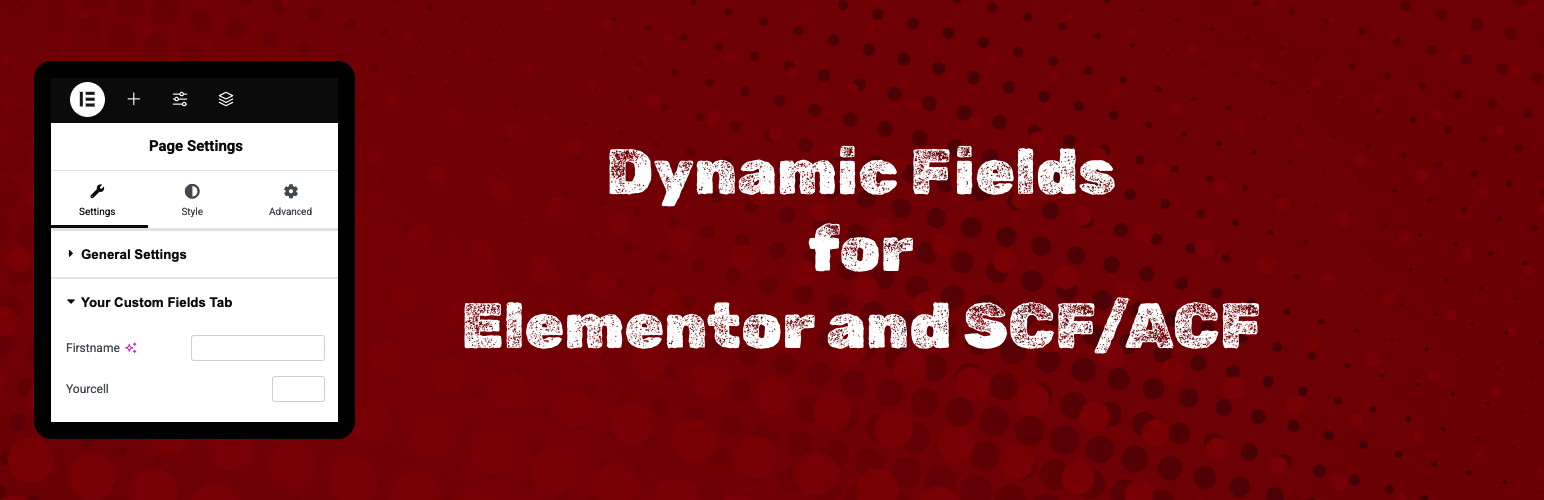
此外掛讓您在 Elementor 頁面設定中動態管理安全自訂欄位(SCF)或進階自訂欄位(ACF),無需修改佈景主題檔案或撰寫自訂程式碼,提升了網站的靈活性與可管理性。
【主要功能】
• 新的控制台介面
• 直接在 Elementor 頁面設定中新增 SCF/ACF 欄位
• 方便參考的可用 SCF/ACF 欄位顯示
• 支援多種欄位類型:文字、文字區域、數字、網址、WYSIWYG
• 拖放欄位重新排序
• 使用者友好的動態欄位管理介面
外掛標籤
開發者團隊
② 後台搜尋「Dynamic Fields for Elementor and SCF/ACF」→ 直接安裝(推薦)
原文外掛簡介
This plugin allows you to dynamically manage Secure Custom Fields (SCF) or Advanced Custom Fields (ACF) inside Elementor Page Settings.
You can organize different field types without modifying theme files or writing custom code.
Features:
– New dashboard
– Add custom SCF/ACF fields directly in Elementor Page Settings.
– Available SCF/ACF fields displayed for easy reference.
– Supports multiple field types: text, textarea, number, url, wysiwyg.
– Drag-and-drop field reordering.
– User-friendly interface for managing fields dynamically.