內容簡介
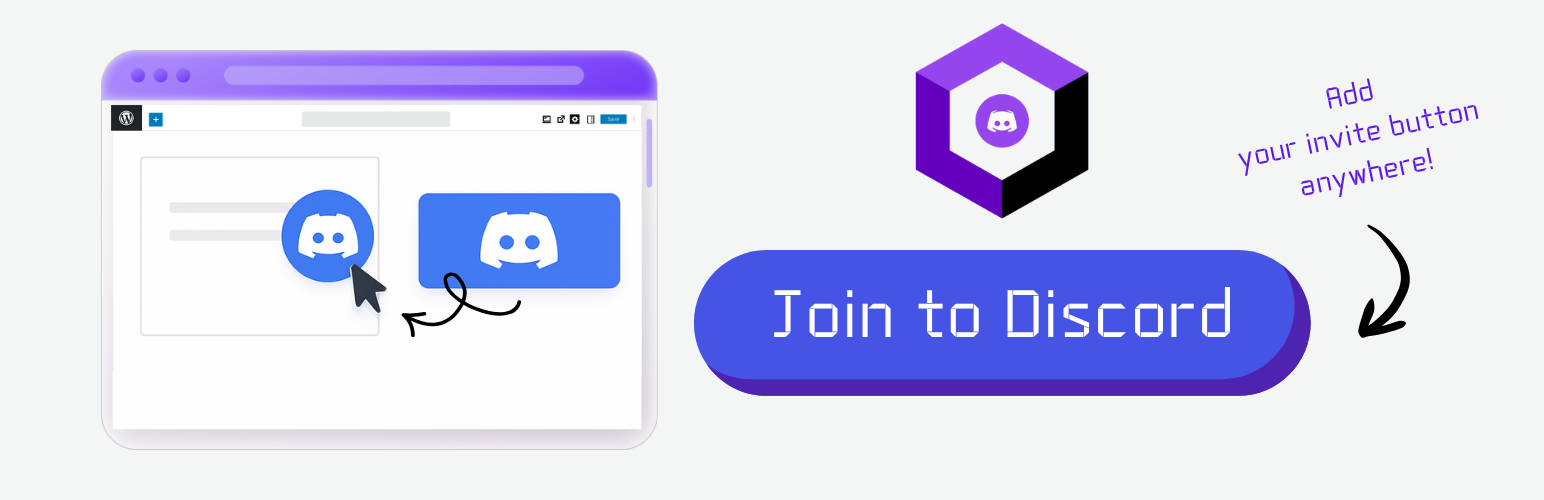
該外掛可在WordPress上添加一個連結至Discord伺服器的簡單按鈕。您可以在設定頁面一次設定您的Discord邀請URL,並在文章、頁面或區塊中使用短碼。
以下是相關問題與答案:
1. 這個WordPress外掛可以添加什麼功能?
- 添加一個連結至您的Discord伺服器的簡單按鈕。
2. 我們該如何設定Discord邀請URL?
- 您可以在設定頁面一次性設定您的Discord邀請URL。
3. 在哪裡可以使用此外掛提供的短碼?
- 您可以在文章、頁面或區塊中使用短碼[digitalme_discord_button]來放置按鈕。
4. 有沒有全域設定頁面可以設定Discord URL?
- 是的,您可以在「設定→Discord按鈕」下找到全域設定頁面。
5. 這個外掛具有哪些特點?
- 提供了固定文本("Join our Discord!")和樣式,以及經過輕量化處理,完全符合WP.org標準。
外掛標籤
開發者團隊
② 後台搜尋「DigitalME Join Button for Discord」→ 直接安裝(推薦)
原文外掛簡介
This plugin adds a simple WordPress button linking to your Discord server.
You can set your Discord invite URL once in the Settings page, and use the shortcode anywhere in posts, pages, or blocks.
Features:
* Shortcode [digitalme_discord_button] to place the button anywhere
* Global settings page for Discord URL under Settings → Discord Button
* Fixed text (“Join our Discord!”) and styling
* Lightweight and fully WP.org compliant