內容簡介
DearTimeline 是一款讓您輕鬆創建美觀、響應式的垂直時間軸的外掛,具備專業的鋸齒型佈局。它提供簡化的工作空間,讓事件管理變得快速且清晰,適合需要高端時間軸的使用者。
【主要功能】
• 集中式工作空間,簡化管理介面
• 即時預覽功能,快速查看變更
• 前端批次創建事件,方便一次新增多個
• 精準的圖片控制,確保專業裁剪
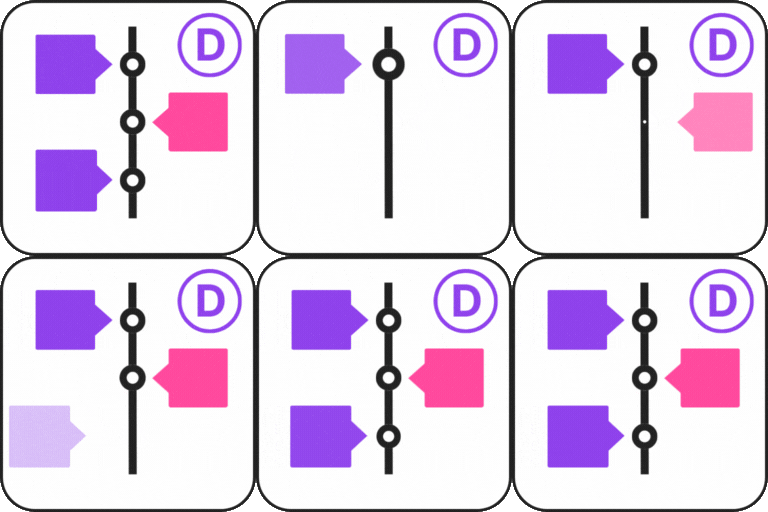
• 自動鋸齒型佈局,保持中心對齊
• 兩種佈局選擇,滿足不同需求
外掛標籤
開發者團隊
原文外掛簡介
DearTimeline allows you to create beautiful, responsive vertical timelines with professional zigzag layouts. Unlike other timeline plugins that clutter your page with complex blocks, DearTimeline provides a simplified, centralized workspace designed for speed and clarity.
Why DearTimeline Plugin for WordPress?
Most timeline plugins rely on the complex Block Editor, which can be overwhelming for simple event management. DearTimeline removes the noise and gives you a dedicated “Event Styling” dashboard. It’s built for users who want a professional, high-end timeline without the configuration headache.
Core Features (Explained)
Centralized Workspace: Say goodbye to the Block Editor. Manage titles, dates, descriptions, and images from a single, high-priority dashboard in your admin screen.
Integrated Live Preview: An embedded “Live Desktop Preview” appears directly below your editor, showing your changes instantly as you save.
Frontend Batch Creation: Use the unique “Add New Event” popup on your website to add multiple events at once using a repeater-style form.
Precision Image Controls: Every event image can have its own custom width and height, rendered with object-fit: cover to ensure professional cropping without distortion.
Zigzag Layout Intelligence: The plugin automatically alternates your events left and right, maintaining a perfectly straight center spine.
Dual Layout Options: Choose between the “Classic” (calendar-box style) and “Flat” (minimalist modern) layouts.
Best Use Cases
Company History: showcase your brand’s journey from day one to today.
Product Roadmaps: Keep your customers informed about upcoming features and past milestones.
Personal Portfolios: Display your career progression or life story in a visually engaging way.
Event Schedules: Perfect for conferences or multi-day workshops.
Usage
Basic Shortcode
[deartimeline]
Switching Layouts
Classic Layout: [deartimeline layout="classic"] (Best for detailed history)
Flat Layout: [deartimeline layout="flat"] (Best for modern roadmaps)
Animations
Choose from professional entrance effects:
– [deartimeline animation="fade-in"] (Default)
– [deartimeline animation="flip-up"]
– [deartimeline animation="zoom"]