內容簡介
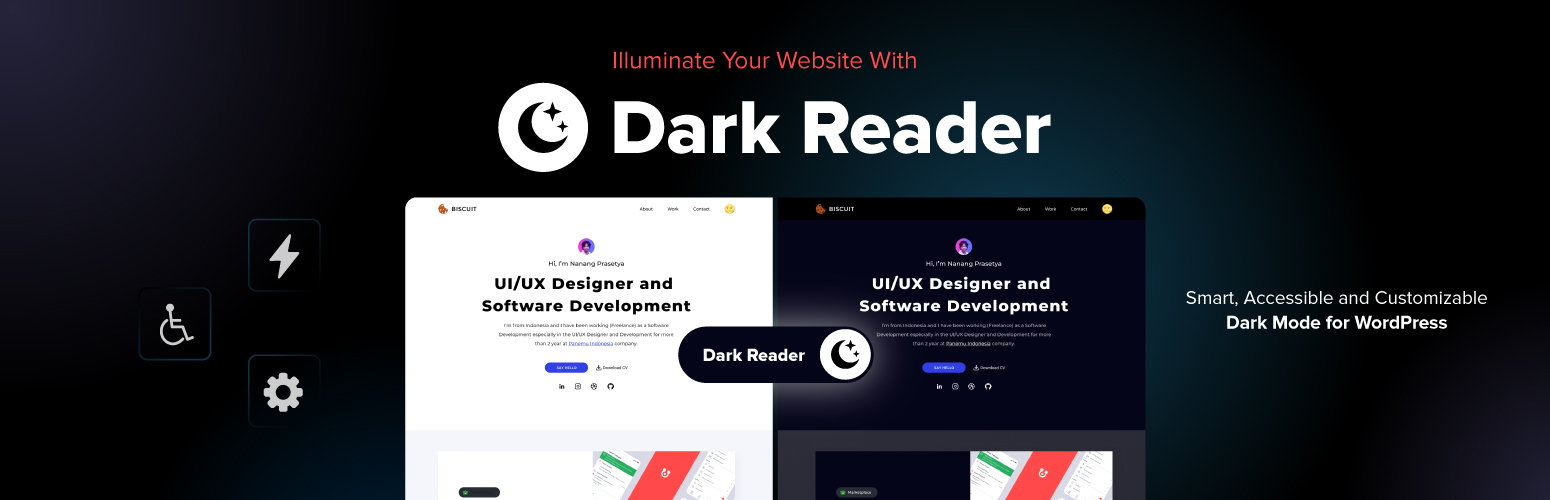
Dark Reader 是一款完整的 WordPress 黑暗模式外掛,能為您的網站增添現代設計、可及性及靈活性。只需一鍵即可將網站轉換為舒適的黑暗模式,提升訪客的瀏覽體驗。
【主要功能】
• 啟用黑暗模式
• 自動適應所有頁面與文章
• 提升可及性與可讀性
外掛標籤
開發者團隊
② 後台搜尋「Dark Reader – Beautiful Dark Mode for any Website」→ 直接安裝(推薦)
原文外掛簡介
Dark Reader is a complete WordPress dark mode plugin that adds modern design, accessibility, and flexibility to your website. With one click, you can transform your site into a comfortable dark mode experience that visitors will love.
Many users today expect websites to support dark mode because it reduces eye strain, improves readability, and looks professional. By adding Dark Reader, you give visitors a modern option while keeping your site easy to use and visually appealing.
Trusted by 100,000+ websites, it’s the easiest way to design your stunning websites without coding.
Plugins List – 12
Element Pack
Prime Slider
Ultimate Post Kit
Ultimate Store Kit
Pixel Gallery
Spin Wheel
ZoloBlocks
Smart Admin Assistant
One Accessibility
Sigma Forms
Dark Reader
Launch Guard
Why Add Dark Reader to Your WordPress Website?
Dark mode is now standard across devices, apps, and operating systems. People use it daily on their phones, computers, and browsers. When your website supports dark mode, you match their preferences and provide a familiar browsing environment.
Adding Dark Reader improves accessibility for users with light sensitivity or those browsing at night. It creates a professional look, increases engagement, and makes your site stand out. This simple feature has a big impact on both usability and visitor satisfaction.
Try Live Demo | Get Dark Reader Dark Mode | Read Documentation
Key Features of Dark Reader Dark Mode Plugin
Enable Dark Mode
Enable dark mode is the main feature of Dark Reader. When you turn this on, your entire website will automatically switch to a dark color scheme. Visitors will see a modern design that feels comfortable on the eyes. It works on all pages, posts, and even your WordPress admin dashboard if you want.
This feature helps reduce eye strain, especially for people browsing at night or in low-light conditions. It also makes your website look more professional and up to date since most apps and systems now support dark mode. Adding this option improves user experience and keeps visitors engaged longer.
Brightness Control
Brightness Control gives you the ability to fine-tune how light or dark your website appears when dark mode is enabled. Some users prefer a very deep black, while others like a softer gray background. With this setting, you can adjust brightness to create the perfect balance for your audience.
This makes your dark mode more inclusive because not all visitors have the same preferences. By customizing brightness, you can reduce glare without making the site too dark. It ensures your design stays readable and pleasant for everyone.
Contrast Control
Contrast Control lets you adjust the difference between text and background in dark mode. High contrast improves readability, while lower contrast gives a softer look. You can choose the level that works best for your content style.
This feature is especially important for accessibility. Visitors with vision difficulties need enough contrast to read comfortably. By offering adjustable contrast, Dark Reader dark mode plugin makes your site more user-friendly and compliant with modern accessibility practices.
Sepia Filter
The Sepia Filter adds a warm, brownish tone to your site in dark mode. This reduces the amount of blue light, which is often linked to eye strain and sleep problems. Many users prefer sepia for reading long articles or browsing at night.
Using a sepia effect gives your website a unique look while still keeping it easy on the eyes. It is especially helpful for blogs, magazines, and content-heavy sites where visitors spend a lot of time reading.
Grayscale Filter
The Grayscale Filter turns your site’s colors into shades of gray in dark mode. This creates a clean and minimal style. It also reduces distractions from bright images or colorful elements that might not fit well with dark mode.
Grayscale can also help content stand out more clearly. For example, text becomes the main focus because background visuals are softened. This is a great option for professional websites, portfolios, or any site that wants a modern, elegant look.
Toggle Button Position
The Toggle Button Position setting lets you choose where the dark mode switch appears. You can place it in the top-left, top-right, bottom-left, or bottom-right corner of the screen. This makes it easy for visitors to find and use.
Flexibility in position is useful because different websites have different layouts. For example, if you already have widgets or floating buttons on one side, you can move the toggle elsewhere to avoid overlapping. It gives you full control over user experience.
5+ Toggle Button Styles
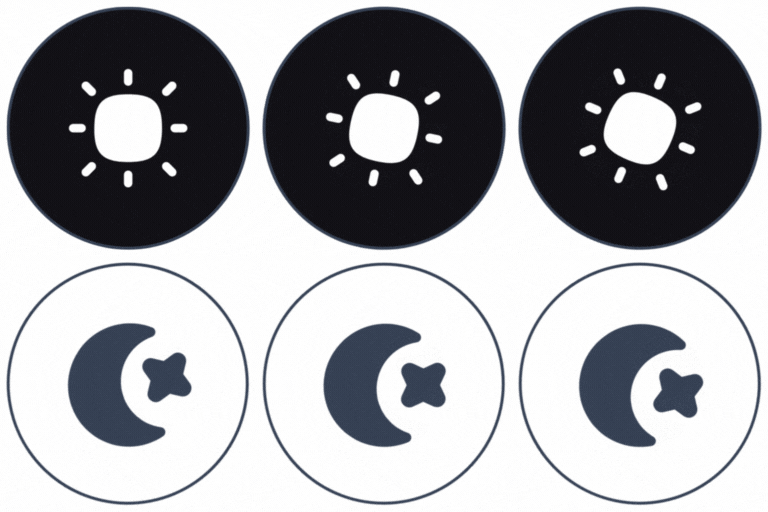
Dark Reader comes with five different toggle button styles: Default, Round, Switch, Toggle, and Minimal. Each style has its own look and feel, so you can choose one that matches your site’s design.
Having multiple styles ensures the dark mode toggle blends naturally with your theme. Whether you want a bold button or a subtle switch, you can pick the option that feels right. This customization helps maintain your brand identity while offering dark mode.
Custom Toggle Button Style
Dark Reader Pro comes with custom emoji set toggle button with the Background Colors, Border Colors, Border Size & Shape and Icon Size.
Use System Color Scheme
This option matches your website with the visitor’s device preference. If their computer or phone is set to dark mode, your site will automatically load in dark mode. If not, it will stay in light mode.
This feature creates a seamless browsing experience because users do not need to switch modes manually. It makes your site feel more modern and adaptive to user habits, just like mobile apps and operating systems.
Enable for PDFs
With this feature, dark mode also applies to embedded PDF files on your site. Normally, PDFs remain bright and may clash with a dark layout. Enabling this keeps the viewing experience consistent.
It is especially helpful for websites that share eBooks, reports, or documents. Visitors can read PDFs without straining their eyes, and the design stays professional across all content types.
Apply Immediately
This setting makes sure dark mode applies instantly to all dynamic content on your website. Without it, some elements might load in light mode before switching, which can feel distracting.
Apply Immediately creates a smoother experience. It prevents flashing effects and ensures that every page, post, and element appears in dark mode right from the start.
Filter Mode
Filter Mode allows you to choose between two types of dark styles: Dimmed Mode and Dark Mode. Dimmed Mode is softer with less contrast, while Dark Mode is stronger with deeper blacks.
This flexibility helps you match dark mode to your brand style and visitor preferences. Some users may prefer a gentle look, while others want a bold, high-contrast design. Dark Reader lets you offer both.
Text Stroke
The Text Stroke option adds a thin outline to your text. This makes words stand out more clearly on dark backgrounds. It is especially useful if your design includes colored text or decorative fonts.
Adding text stroke improves readability without changing your site’s style. It keeps your content easy to read for everyone, even in low-light conditions or on smaller screens.
Dark Mode Toggle Shortcode
Dark Reader includes a shortcode [dark_reader_toggle] that you can place anywhere on your website. You can add it inside posts, pages, or widgets. This gives you full control over where visitors can access the dark mode switch.
Shortcode support is helpful if you want to put the toggle in specific areas, like a menu, header, or footer. It makes your site more flexible and ensures the dark mode feature is always easy to find.
Exclusive Pro Features of Dark Reader Dark Mode Plugin
Time-Based Dark Mode
Schedule dark mode to activate at night and switch back in the day. This happens automatically based on your chosen hours.
It improves comfort by matching natural usage habits. Visitors get dark mode when they need it most without any action required.
Admin Dashboard Dark Mode (Pro)
Dark Reader adds dark mode to the WordPress admin dashboard. This makes the backend easier on the eyes for long working sessions.
This feature is perfect for professionals and teams. It improves comfort while managing content or settings.
Low Brightness Images (Pro)
Dark Reader can lower image brightness when dark mode is active. This prevents images from being too sharp or distracting on dark backgrounds.
It creates balance across your website. Visitors enjoy smoother visuals and better readability.
Grayscale Images (Pro)
Images can be displayed in grayscale during dark mode. This gives a softer, professional look.
This option is useful for blogs, portfolios, or business sites that want a minimal design. It also reduces strain from bright images.
Image Replacement in Dark Mode (Pro)
Image replacement helps you maintain visual harmony and readability by replacing image on the basis of a light background and dark background.
Invert Images (Pro)
Invert image colors intelligently when dark mode is active. This keeps visuals visible while matching dark backgrounds.
The benefit is better design consistency. Images do not clash with the dark interface, keeping your site polished.
Dark Mode Based Image Support (Pro)
Dark Reader ensures images adapt perfectly in dark mode. It adjusts their colors and appearance without damaging quality.
Widget Support (Pro)
This feature allows you to add styles to toogle button and set functionalies. You can use this features on Gutenberg and Elementor in your drag-and-drop ways.
Dark Mode Based Video Support (Pro)
Videos can also adapt to dark mode. They adjust smoothly to match the dark interface of your website.
This makes multimedia content look natural in both modes. Visitors get a complete, balanced experience.
Custom CSS Support (Pro)
You can write custom CSS rules for dark mode. This allows you to fine-tune appearance at a detailed level.
This feature is ideal for developers and designers. You can create a dark mode that matches your exact vision.
Exclude Elements (Pro)
Choose specific elements that should not be affected by dark mode. For example, logos or banners can stay in their original colors.
This improves control and avoids problems. Important visuals remain clear while the rest of the site uses dark mode.
Exclude Pages & Posts (Pro)
You can exclude certain pages or posts from dark mode. This is useful for landing pages, special designs, or content that looks better in light mode.
It ensures maximum flexibility. You decide exactly where dark mode should apply.
Responsive and Accessible
Dark Reader is fully responsive, lightweight, and accessibility-focused. It works on all devices and improves readability for every visitor. Whether you are a blogger, business owner, or developer, Dark Reader makes it easy to add dark mode to your site without code. It is professional, flexible, and user-friendly.
Popular Page Builder Support
Dark Reader works with major page builders like Elementor, WPBakery, Divi and Break Builder. The layouts remain consistent while dark mode is applied using Dark Reader.
This ensures compatibility with advanced WordPress designs. You don’t have to worry about broken layouts when enabling dark mode.
Who Is Dark Reader Dark Mode For
WordPress beginners who want an easy way to add dark mode without coding.
Bloggers, business owners, and e-commerce stores aiming to improve user experience.
Designers and developers who need advanced control and customization.
Agencies and teams managing multiple sites or client needs.
Sites that prioritize accessibility, readability, and modern design.
Checkout our other Plugins 👑
Explore the best free addons for Elementor and Gutenberg to boost your site with advanced blocks, sliders and eCommerce tools.
Element Pack – Build responsive websites from scratch with an all-rounder package of 300+ widgets and 2700+ ready-to-use assets for Elementor.
Prime Slider – The revolutionary slider builder addon for Elementor with a next-gen superb interface and 50+ unique slider designs.
Ultimate Post Kit – Best blogging addon for building a quality blogging website with fine-tuned post layouts, carousels, sliders and lists.
Ultimate Store Kit – The only eCommerce addon for answering all your online store design problems in one package for WooCommerce and EDD.
Pixel Gallery – The first Elementor-based WordPress gallery addon offering 60+ flexible and customizable gallery builder widgets.
ZoloBlocks – Mind-blowing dynamic block plugin for Gutenberg with powerful and advanced features offering a greater web design experience.
Augmented Reality Viewer – Bring your products to life with immersive 3D and AR experiences directly inside your WordPress website.
Dark Reader – Instantly transform your website into a sleek, eye-friendly dark mode experience with smooth and elegant styling.
Instant Image Generator – Generate AI-powered images or import visuals instantly from popular platforms like Unsplash, Openverse, Pixabay, Pexels and Giphy — all from one place.
Live Copy Paste – Seamlessly copy and paste sections, widgets and entire pages across domains with zero hassle.
One Accessibility – Make your website inclusive and accessible to everyone with essential accessibility enhancements and compliance-ready tools.
QR Code Generator & Scanner – Create and manage dynamic QR codes directly from your WordPress dashboard for smarter engagement and tracking.
Smart Admin Assistant – Enhance your WordPress dashboard with productivity-focused tools and smart site management features.
Spin Wheel – Engage visitors with an interactive spinning wheel that offers discounts, coupons and promotional rewards.
Swift Checkout for WooCommerce – Simplify the WooCommerce checkout process to improve user experience and boost conversion rates.
Visit BdThemes to learn about our services, Elementor page builder-based products, informative blogs and documentation.
1.1.5 [17th March 2026]
Added: Dashboard feed widget with styled RSS posts, banner image, badges, and footer links on the WordPress dashboard
1.1.4 [3rd March 2026]
Fixed: Admin API notification system with countdown timers
1.1.3 [9th February 2026]
Updated: Minor updates to URL links
1.1.2 [12th January 2026]
Fixed: Admin Notice
1.1.1 [30th December 2025]
Added: Accessibility Options in Advance Features Badge
1.1.0 [7th December 2025]
Updated: General code cleanup and refactoring for better performance
1.0.9 [2nd December 2025]
Updated: Made compatible with WordPress version 6.9
Fixed: Support Button Focus Issue
1.0.8 [23rd November 2025]
Removed: Slider Toggle Button for Design Compatibility
Updated: Admin Notice
1.0.7 [19th November 2025]
Fixed: Use System Color Scheme
Updated: Plugin Update Check
Added: Slider Toggle Button
Added: Custom Style Toggle Button in Pro
1.0.6 [11th November 2025]
Fixed: Admin Notice for Black Friday
Added: Liquid Glass in Pro Version
1.0.5 [10th November 2025]
Added: Admin Notice for Black Friday
Fixed: UI of Admin Dashboard
1.0.4 [9th September 2025]
Added: Admin Notice
1.0.3 [25th September 2025]
Added: Widget Support (Gutenberg & Elementor)
Updated: Image Replacement in Dark Mode in Elementor
Fixed: Shortcode usage on toggle …