10+
安裝啟用
★☆☆☆☆
1/5 分(1 則評價)
1532 天前
最後更新
—
問題解決
WordPress 5.0+ PHP 7.0+ v1.0 上架:2022-01-07
內容簡介
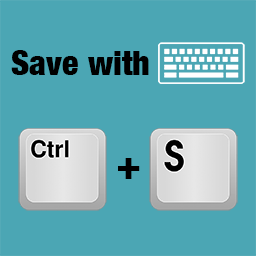
按下 Ctrl + S 即可儲存檔案。
如果尚未發佈,將以草稿形式儲存。
如果要發佈,請使用 Ctrl + Shift + S。
外掛標籤
開發者團隊
📦 歷史版本下載
原文外掛簡介
You can save the file by pressing ctrl + s.
If it is not published yet, it will be saved as a draft.
If you want to publish it, use ctrl + shift + s to do so.