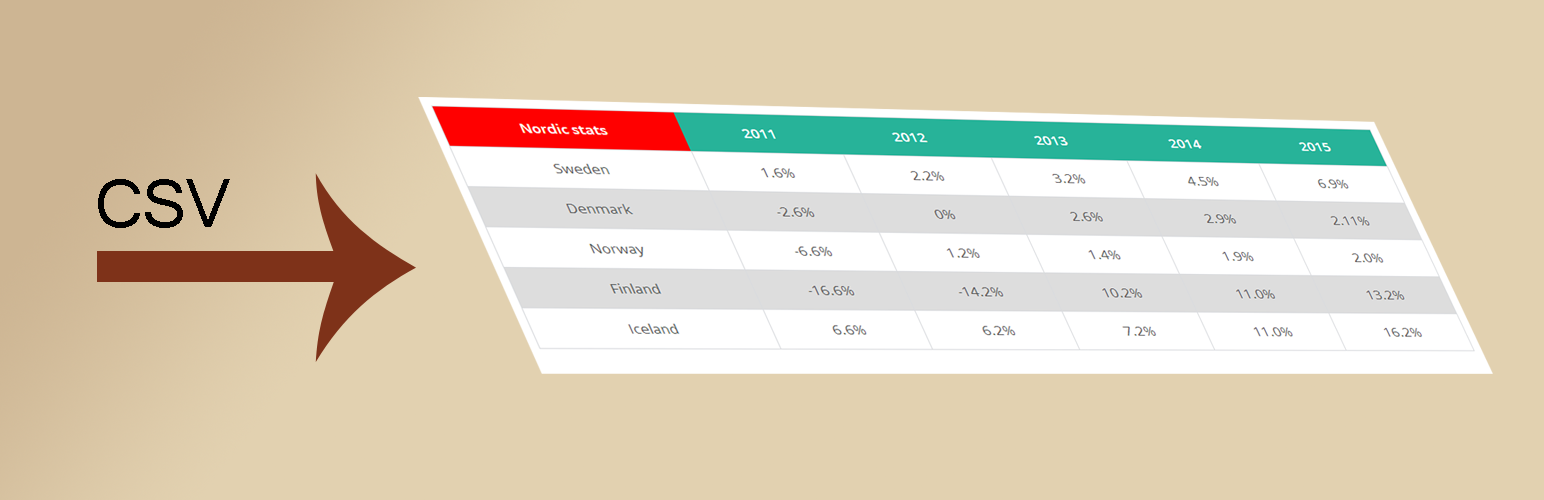
內容簡介
CSV to HTML 是一款高度可配置的外掛,能輕鬆從檔案(.csv、.xlsx、.json 和 .ods)中提取內容,並使用單一短碼在頁面上顯示 HTML 表格。無需手動匯入/匯出檔案,檔案的任何變更都會即時更新。
【主要功能】
• 支援多種檔案格式(.csv、.xlsx、.json、.ods)
• 自動更新顯示檔案內容
• 單一短碼生成 HTML 表格
• 支援本地及外部檔案
• 可將多個檔案內容合併為一個表格
外掛標籤
開發者團隊
📦 歷史版本下載
原文外掛簡介
CSV to HTML is a highly configurable plugin that makes it easy to fetch content from file(s) (.csv,.xlsx, .json and .ods) and put content from that file/those files and display the html(table) on a page with a single shortcode. If using more than one file, content from all files are mixed into one single table instead of creating two tables.
The plugin fetches the actual content directly from the file(s) without having to import/export any file(s) manually. So any changes in the file(s) will be updated when you view your table(s). CSV to HTML is able to fetch both local and external files.
Get started with the plugin by moving on to the Installation tab. There’s a 4 step guide how you could start using the plugin. Good luck!