外掛標籤
開發者團隊
原文外掛簡介
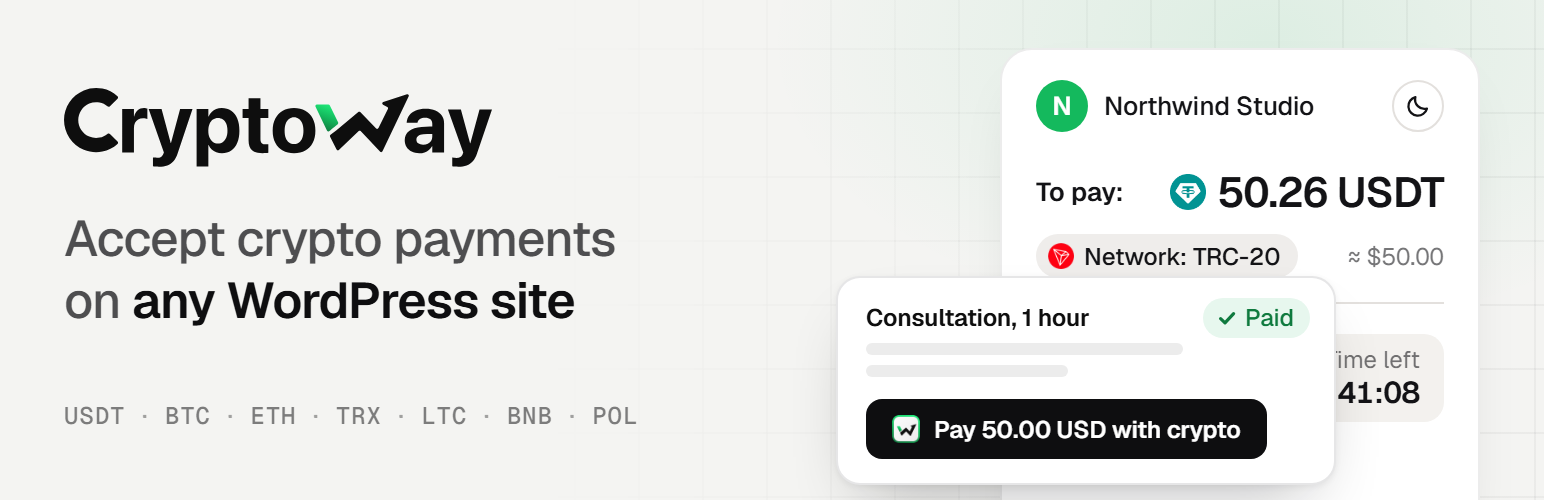
Let people pay you in crypto from any page of your WordPress site: a consultation, a donation, a tip or an article.
Put one button on a page, set a price or let the visitor choose, and get paid in USDT, USDC, Bitcoin, Ethereum, Solana and other coins. Handy when your clients live abroad: no card or bank transfer needed.
Who it is for
Consultants and coaches: a “Pay 50.00 USD with crypto” button under your session details.
Freelancers: a deposit or a finished job, at the price you agreed.
Writers and creators: an article, a video or a download link that opens after payment.
Bloggers and streamers: tips, with your suggested amounts or any amount.
Charities and communities: donations, with amounts in USD, EUR or 13 other currencies.
Small online services: a one-off fee, or an invite link to a private group.
How your visitor pays
They pick or type the amount, if you let them, and press the button.
They choose a coin and pay from their wallet: right on your page, with a QR code, Copy buttons and a timer, or on the Cryptoway payment page, which can show your logo. You decide which.
When Cryptoway confirms the payment, they see your thank-you message, your thank-you page or the content they paid for.
Peace of mind for you
Paid means the money has arrived. A payment is marked paid only after Cryptoway confirms the full amount. One that is too small or too late waits for your review.
Where the money goes. Payments go to your Cryptoway account, and you withdraw them to your own wallet.
All payments in one place. Your WordPress admin shows what each payment was for, what was asked, what arrived and where it stands.
You hear about it. Optional e-mails when a payment comes through or needs your attention.
Paid content without memberships. No accounts or passwords: buyers get an e-mail link that opens it on any device, and “Already paid?” sends it again.
Fits your site. The button follows your theme or your colours, and you can change its texts and the payment status messages.
What it costs
The plugin is free, with no ads.
Cryptoway takes a fee only on successful payments, with no setup fee and no monthly minimum. Rates are on the pricing page.
You decide who pays that fee: you, your visitor, or both.
The visitor’s wallet adds the usual network fee; withdrawing from Cryptoway costs a fixed network fee.
Start in 3 steps
Create a Cryptoway account and add your site as a project. Cryptoway reviews new projects; payments work once yours is approved. Your site must be live on the internet.
Install the plugin and paste your Project ID and Secret key into Cryptoway Payment → Settings.
Add the Cryptoway Payment block to a page and publish. There is no test mode, so make one small real payment yourself and watch it turn Paid.
Made and supported by Cryptoway: [email protected], the chat on cryptoway.com and the documentation.