
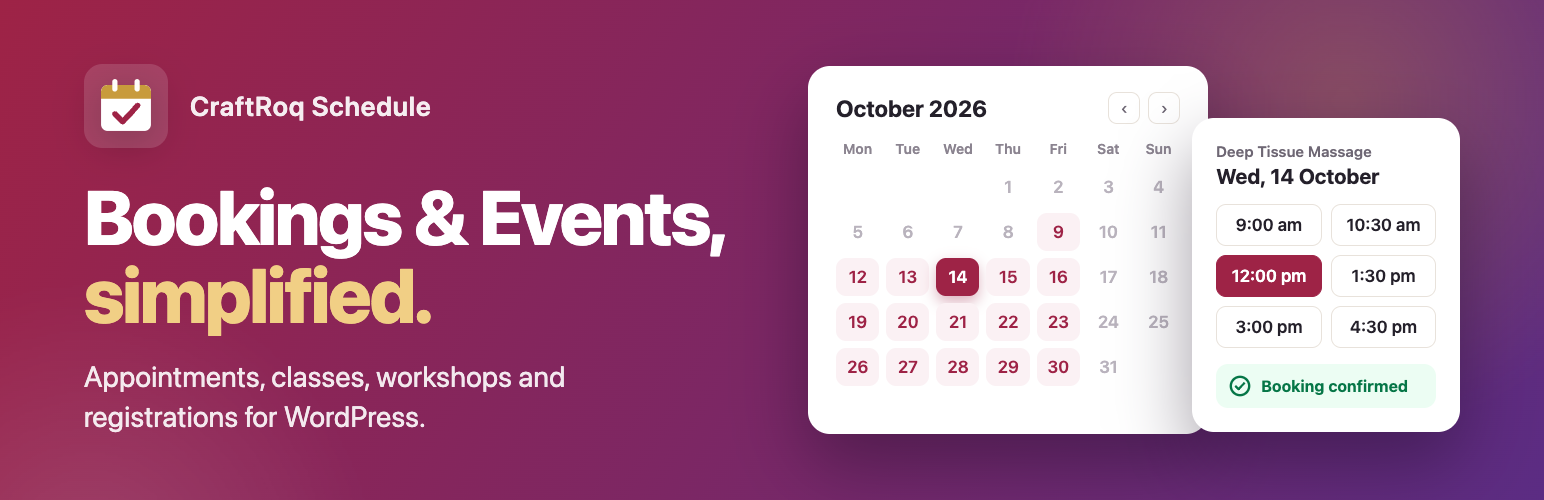
內容簡介
CraftRoq Schedule 是一款靈活的預約與活動管理外掛,適用於約會、活動、課程、工作坊及報名。它提供完整的預約日曆、事件管理及客戶通知功能,幫助使用者輕鬆管理各類型的預約和活動。
【主要功能】
• 預約日曆顯示可用日期與時間
• 事件註冊自動處理售罄情況
• 員工工作時間與休假管理
• 自訂預約與事件表單欄位
• 多種通知電子郵件模板
• 支援 REST API 與開發者文檔
外掛標籤
開發者團隊
原文外掛簡介
CraftRoq Schedule is a flexible booking and event management plugin for appointments, events, classes, workshops and registrations.
Bookings
Booking calendar with available dates and time slots
Services with duration, buffer time and a display price (e.g. “₹500”)
Booking form with guest booking or optional account creation
Booking statuses: Pending, Confirmed, Cancelled, Completed, No-show
Customers can reschedule or cancel from a secure link (with a cut-off you control)
Optional auto-cancel of bookings not approved within X hours; pending count on the admin menu
Booking notes and private internal notes
Basic customer management
Events
Events with image, date/time, location, online URL and capacity
Event registration with automatic sold-out handling
Upcoming / past events, event archive
Attendee list with CSV export
Choose your events URL (e.g. /events/ or /workshops/), with a warning if a page already uses it
Staff
Staff members with weekly working hours and days off
Assign staff to services; “any available” staff option
Private iCal feed per staff member for Google Calendar, Apple Calendar or Outlook
Notifications
New booking, confirmed, cancelled, rescheduled, reminder, event registration and event reminder emails
Admin and staff are told when a customer cancels or reschedules
“Add to calendar” (.ics) links for customers and attendees
Editable templates with placeholders
Privacy
Works with WordPress’s Export / Erase Personal Data tools
Optional consent checkbox linked to your privacy policy; consent time is stored
Suggested privacy policy text
Accessibility
Calendar and time slots announce full dates and selections to screen readers; keyboard focus follows each step
Design & customization
Settings → Appearance: accent colour (or your theme’s colours), corner style and font, with a live preview; emails follow the same colour
Per-form colour in the block sidebar, the Elementor Style tab (colours, radius, typography) or accent="#hex" on shortcodes
Every colour, corner and font is a CSS variable (--crs-accent, --crs-radius, …)
Theme-overridable templates with version tracking; outdated copies are flagged in Settings → Developers and Site Health
Custom form fields: add your own questions (text, number, date, dropdown, checkbox) to the booking and event forms, with answers in the admin, emails, CSV exports and privacy tools
90 documented actions and filters; a JavaScript API to change the booking widget’s cards, days and times or replace whole steps; events for analytics; and a REST API
Developer documentation built in (Settings → Developers) and in the docs/ folder
WordPress integration
Gutenberg blocks: Booking Form, Events List, Event Registration
Shortcodes: [craftroq_booking], [craftroq_events], [craftroq_event_registration], [craftroq_manage_booking]
Elementor widgets
REST API (craftroq-schedule/v1)
Translation ready, responsive, theme overridable templates














