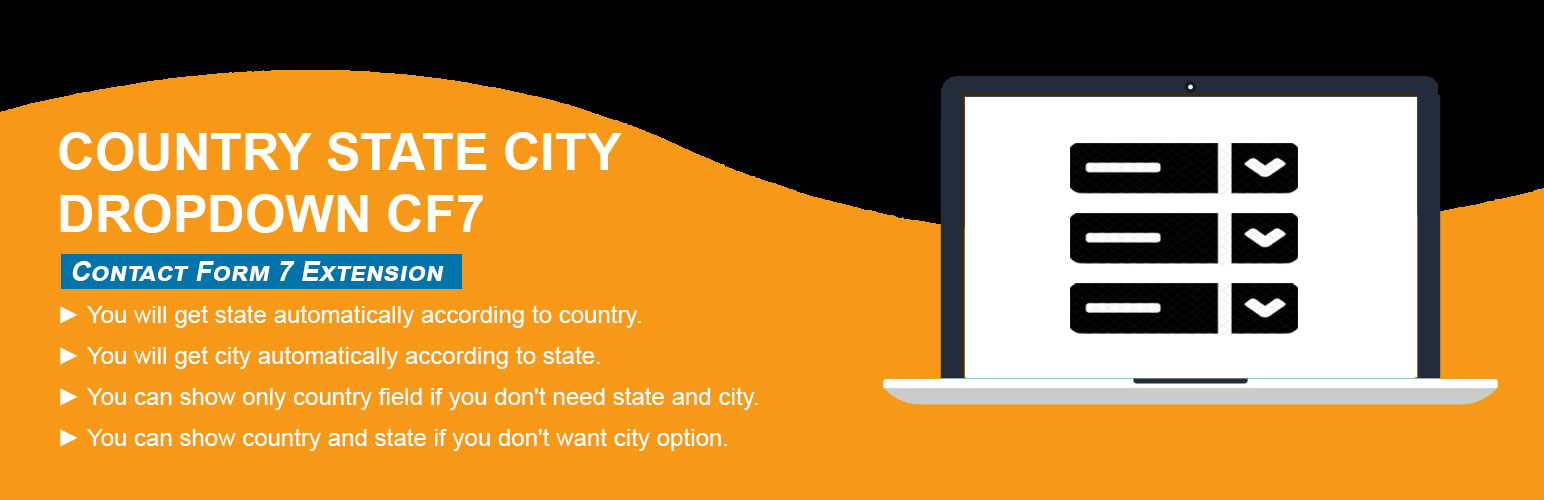
[WordPress] 外掛分享: Country State City Dropdown CF7

WordPress 外掛 Country State City Dropdown CF7 的封面圖片。

前言介紹

  • 這款 WordPress 外掛「Country State City Dropdown CF7」是 2020-03-31 上架。
  • 目前有 5000 個安裝啟用數。
  • 上一次更新是 2025-06-30,距離現在已有 241 天。
  • 外掛最低要求 WordPress 4.8 以上版本才可以安裝。
  • 外掛要求網站主機運作至少需要 PHP 版本 5.6 以上。
  • 有 30 人給過評分。
  • 還沒有人在論壇上發問,可能目前使用數不多,還沒有什麼大問題。

外掛協作開發者

trustyplugins |

外掛標籤

forms | cities | states | contact form 7 | country dropdown |

內容簡介

這個 Country State City Dropdown CF7 外掛可加入 Contact Form 7 表單中的國家、州/省、城市下拉選單,並支援動態更新資料。此外掛會新增三個表單標籤欄位 (form-tag: country drop-down)、(form-tag: state dropdown) 以及 (form-tag: city dropdown) 至 Contact Form 7 外掛。

購買 PRO 版   查看 PRO 版的實際範例

Country State City dynamic dropdown PRO 可用於任何種類的表單。

購買 PRO 版

PRO 版特點

1. 支援各種種類的表單 (如:WP Forms、Ninja、Divi 聯絡表單、Elementor 聯絡表單等)。

2. 根據用戶的 IP 綁定預設國家。

3. 從完整國家清單中選擇單一預設國家。

4. 可指定一個以上的國家以顯示在下拉選單中。

5. 如有未列出的州/省/市則使用手動輸入欄位。

6. 可新增未列出的州/省/市。

7. 同一頁面可包含多個表單。

8. 同一表單可包含多選國家、州/省、城市欄位。

9. 可從國家下拉選單中僅顯示城市。

10. 更多資訊請參閱官方網站 Trusty Plugins

此外掛可協助您建立有州/省、城市的國家下拉選單。標籤欄位會自動在 Contact Form 7 的標準下拉選單中加入國家名稱,並根據使用者選擇的國家自動填入對應的州/省、城市。

如何在 Contact Form 7 中新增欄位?
1)安裝並啟用 Country State City Auto Dropdown 外掛。
2)在表單中加入標籤欄位 "country drop-down"、 "state dropdown" 以及 "city dropdown" ,並儲存修改。

需求:
* 必須啟用 Contact Form 7 外掛。

推薦外掛

以下是推薦使用的外掛:
* Contact form 7 by takayukister – 使用此外掛即可使用本外掛。若未安裝 Contact form 7 外掛則無法使用。

原文外掛簡介

Country dropdown for contact form 7 with dynamic states and cities. Country State City Dropdown CF7 plugin is an add-on of Contact Form 7 plugin to show country, state and city dropdown. This plugin add three new form tag fields that is (form-tag: country drop-down) and (form-tag: state dropdown) and (form-tag: city dropdown) in Contact form 7.
Buy PRO    See Live Demo(PRO)
Country State City dynamic dropdown PRO supports to any form.
Buy PRO
Features Of PRO Plugin

1. Supports to any type of Form (WP Forms, Ninja, Divi Contact Module, Elementor Module, Custom PHP Form etc).
2. Select Default Country with User’s IP.
3. Select Default Specific Country from list of All Countries.
4. Select Specific one or more Countries to display in the dropdown.
5. If State/City is missing then shows input text field to enter manually.
6. Have feature to add missing states/cities manually.
7. Multiple forms on same page.
8. Multiple country/state/city fields in same form.
9. Append only Cities from Country Dropdown.

10. See more at Official Website Trusty Plugins

This helps you in creating a country drop-down list with state and city. The tag field will automatically add countries name in standard drop-down field of contact form 7. State and city auto populate according to selected country from country dropdown field.
How to add the fields in the contact form 7
1.) Once you have installed, activated the Country State City Auto Dropdown plugin.
2.) Add the form-tag “country drop-down” and “state dropdown” and “city dropdown” to your form and save the changes.
Requirments:
* Contact form 7 must be active plugin.
Recommended Plugins
The following plugin is recommended :
* Contact form 7 by takayukister – With Conact form 7, you can use this plugin. Without contact form 7 this plugin have no needs.


各版本下載點

  • 方法一:點下方版本號的連結下載 ZIP 檔案後,登入網站後台左側選單「外掛」的「安裝外掛」,然後選擇上方的「上傳外掛」,把下載回去的 ZIP 外掛打包檔案上傳上去安裝與啟用。
  • 方法二:透過「安裝外掛」的畫面右方搜尋功能,搜尋外掛名稱「Country State City Dropdown CF7」來進行安裝。

(建議使用方法二,確保安裝的版本符合當前運作的 WordPress 環境。


1.0 | 2.0 | 2.1 | 2.2 | 2.3 | 2.4 | 2.5 | 2.6 | 2.7 | 2.7.1 | 2.7.2 | 2.7.3 | 2.7.4 | 2.7.5 | 2.7.6 | trunk |

延伸相關外掛(你可能也想知道)

  • Database Addon for Contact Form 7 – CFDB7 》「CFDB7」外掛可將「聯絡表單7」的提交內容保存在WordPress資料庫中,並可匯出CSV檔案。, 只要安裝此外掛,它便會自動開始捕捉來自聯絡表單7的表單提交。, CF...。
  • ReCaptcha v2 for Contact Form 7 》Contact Form 7 v5.1 於 2018 年 12 月停止支援 reCaptcha v2,以及 [recaptcha] 標籤。此外掛從 Contact Form 7 5.0.5 重新帶回了這項功能,同時重新加入了 ...。
  • Contact Form 7 Captcha 》使用這個外掛,您需要透過 Google 網站註冊 API 金鑰:https://www.google.com/recaptcha/admin, 此外掛實現了「我不是機器人」複選框。在生成金鑰時,請選擇...。
  • Contact Form 7 – Dynamic Text Extension 》Contact Form 7 是一個出色的 WordPress 外掛,也是免費 WordPress 聯絡表單外掛的首選之一。 Contact Form 7 - Dynamic Text Extension (DTX) 通過添加動態...。
  • Conditional Fields for Contact Form 7 》此外掛可以讓您的 Contact Form 7 表單加入條件式邏輯。, 當您編輯您的 CF7 表單時,您會看到一個額外的標籤,名為「條件式欄位群組」。您放置在起始標籤和結...。
  • Contact Form 7 Extension For Mailchimp 》WordPress Extension for Mailchimp (Chimpmatic Lite)可將Contact Form 7與Mailchimp Audience集成。使用Mailchimp的最新API自動將Contact Form 7提交的信息...。
  • Image CAPTCHA for Contact Form 7 and WPForms by HookAndHook (DSGVO/GDPR) 》在你的Contact Form 7表單中添加一個SVG圖像驗證和蜜罐。這個驗證符合GDPR要求,因為圖像是內嵌的SVG格式,所以這個外掛程序不會像Google的ReCAPTCHA那樣通過...。
  • Advanced Contact form 7 DB 》p>這是一個簡單易用的外掛程式,可儲存透過 Contact Form 7 表單收到的所有查詢詳細資料。只需安裝並啟用此外掛程式,就可以在 wp-admin 中存儲所有詢問。, ...。
  • Ultra Addons for Contact Form 7 》ate a grid or column layout with Contact Form 7 using the Columns / Grid Layout Addon in Ultimate Addons For Contact Form 7. This allows you to dis...。
  • Drag and Drop Multiple File Upload for Contact Form 7 》拖放多檔案上傳器是一個簡單、直接的 WordPress 外掛擴充套件,可與 Contact Form7 一起使用,讓用戶可以使用拖放功能或網頁表單的常見瀏覽檔案來上傳多個檔...。
  • Database for Contact Form 7, WPforms, Elementor forms 》Contact Form 7 Entries 外掛程式會自動將使用者在 Contact Form 7、WPforms、CRM Perks Forms 及其他流行聯絡表單外掛程式提交的表單儲存到 WordPress 資料...。
  • Contact Form 7 Multi-Step Forms 》我需要一個可以跨越多個頁面的聯繫表單,並且最終會發送一封帶有所有收集信息的電子郵件。這個外掛通過擴展熱門的 Contact Form 7 外掛來實現這一點。, 這個...。
  • Country & Phone Field Contact Form 7 》「Country & Phone Field Contact Form 7」外掛是一個 Contact Form 7 的附加功能。這個外掛會在 Contact form 7 中添加兩個新的表單欄位:國家清單(表...。
  • GSheetConnector for CF7 – Connect Contact Form 7 to Google Sheets and Send Form Submissions in Real Time 》CF7 Google Sheet Connector是一個外掛插件,可在您的WordPress基於Contact Form 7表單和Google Sheets之間建立一個橋樑。 ** 🚀 是一個最受歡迎的WordPress...。
  • Date Time Picker for Contact Form 7 》此插件可以透過 CSS 類別將 Contact Form 7 文字欄位轉換為日期選擇器、時間選擇器或日期時間選擇器。安裝完插件後,您只需要在 Contact Form 7 CSS 類別編輯...。

文章
Filter
Mastodon